Slide 1 of 2 from 5-Item Horizontal Infographic PowerPoint Template
5-Item Horizontal Infographic Presentation Slide Template
5-Item Infographic PowerPoint Template
- Diagram
- Comparison Split
- Process Slide
- 16:9
- 100% Editable
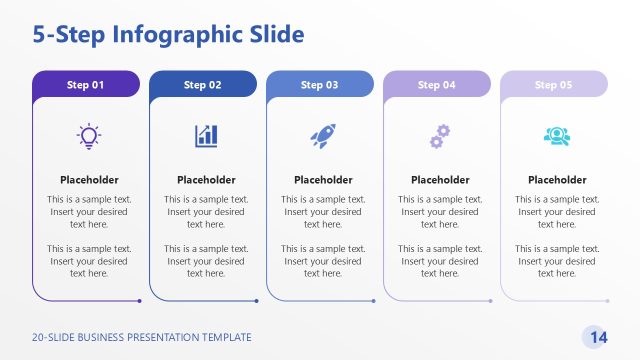
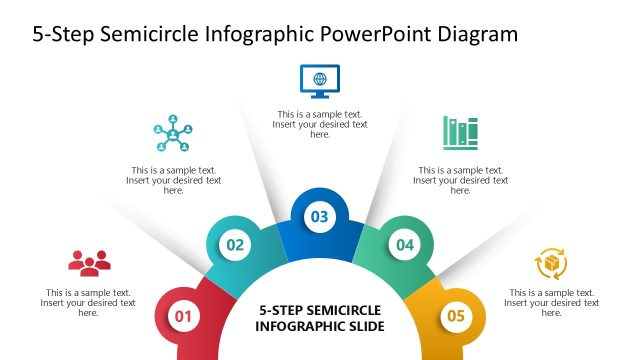
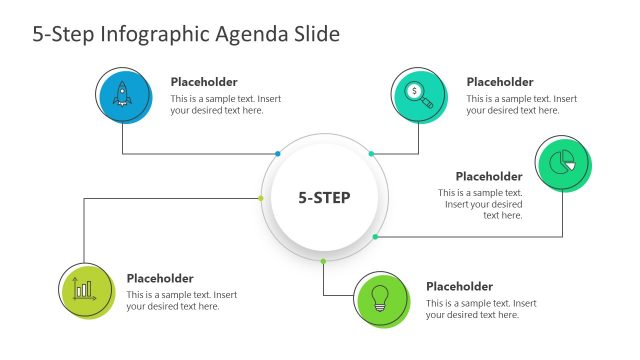
The 5-Item Infographic Layout from the 5-Item Horizontal Infographic PowerPoint Template offers a clear visual structure ideal for business presentations. This slide layout uses five colored square icons to represent sequential process steps, making it suitable for project phase overviews, feature highlights, or training summaries. Designed with editable shapes and vector icons, it supports concise communication in corporate presentations and pitch deck templates.
What’s on This Slide
The layout features five square icons arranged horizontally across the center. Each icon is enclosed in a colored square, with colors alternating between red, orange, green, blue, and purple. Below each icon, there is a text placeholder aligned centrally, labeled 'Insert your desired text here.' The icons depict various concepts, including a presentation board, handshake, network, magnifying glass, and a group meeting. The overall design is clean, with a light background that enhances the visibility of the colored squares and icons.
How to Use It
This layout serves as a sequential representation of five distinct stages or steps in a process. It is suitable for presentations that require a clear visual breakdown of a business process, project phases, or product features. This slide can be effectively used in marketing, project management, or training contexts, where conveying information in a concise and visually engaging manner is essential. It fits well at the beginning of a presentation to outline key points or at the end to summarize main takeaways.
Text Placeholders & Capacity
Keep your copy within these limits so it fits without resizing. Each text slot can hold about 30 characters comfortably.
| Placeholder | Count | Max characters (approx.) |
|---|---|---|
| Item body | 5 | 30 |
Slide Keywords
Download unlimited PowerPoint templates, charts and graphics for your presentations with our annual plan.
DOWNLOADReturn to 5-Item Horizontal Infographic PowerPoint Template.