Slide 2 of 2 from 5-Item Gear Diagram PowerPoint Template
5-Item Gear Diagram Presentation Template
5-Item Gear Diagram for Presentations
- Diagram
- Circular Cycle
- Process Slide
- 16:9
- 100% Editable
What’s on This Slide
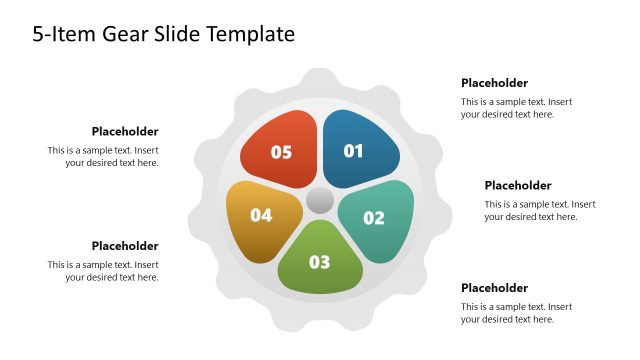
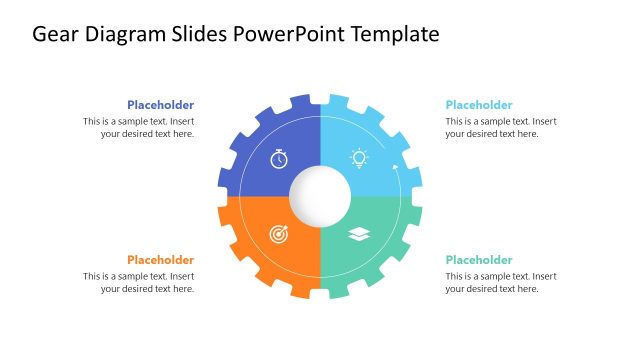
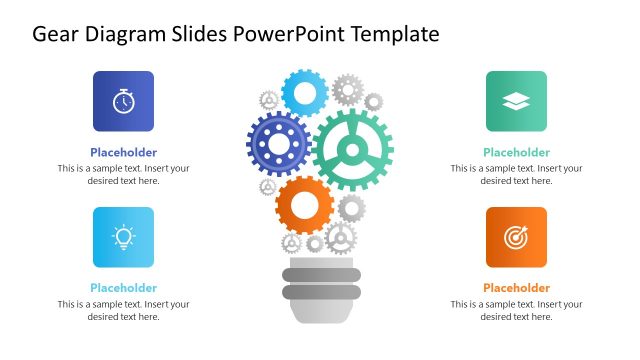
The layout features a central gear shape with five colored segments arranged in a circular pattern. Each segment contains an icon and a text placeholder. The segments are positioned at the top, bottom, left, and right, with one in the center. The icons represent various concepts and are visually distinct. Text placeholders are aligned within each segment, allowing for customization. The background is white, enhancing the visibility of the gear and icons. The overall composition is balanced, with a clear visual hierarchy emphasizing the central gear structure.
How to Use It
This layout serves as a visual representation of interconnected components or processes, ideal for illustrating business models or workflows. It fits well in presentations discussing product life cycles, process cycles, or business strategies. The circular design allows for easy understanding of relationships between elements. This slide is effective in scenarios where multiple factors contribute to a central theme, making it suitable for strategic discussions or team collaborations. It can be used individually or as part of a larger presentation.
Text Placeholders & Capacity
Keep your copy within these limits so it fits without resizing. Each segment can hold a label and a body of text, roughly 40 and 80 characters respectively.
| Placeholder | Count | Max characters (approx.) |
|---|---|---|
| Item heading | 5 | 40 |
| Item body | 5 | 80 |
Slide Keywords
Download unlimited PowerPoint templates, charts and graphics for your presentations with our annual plan.
DOWNLOADReturn to 5-Item Gear Diagram PowerPoint Template.