5-Item Cycle Elements Diagram PowerPoint Template
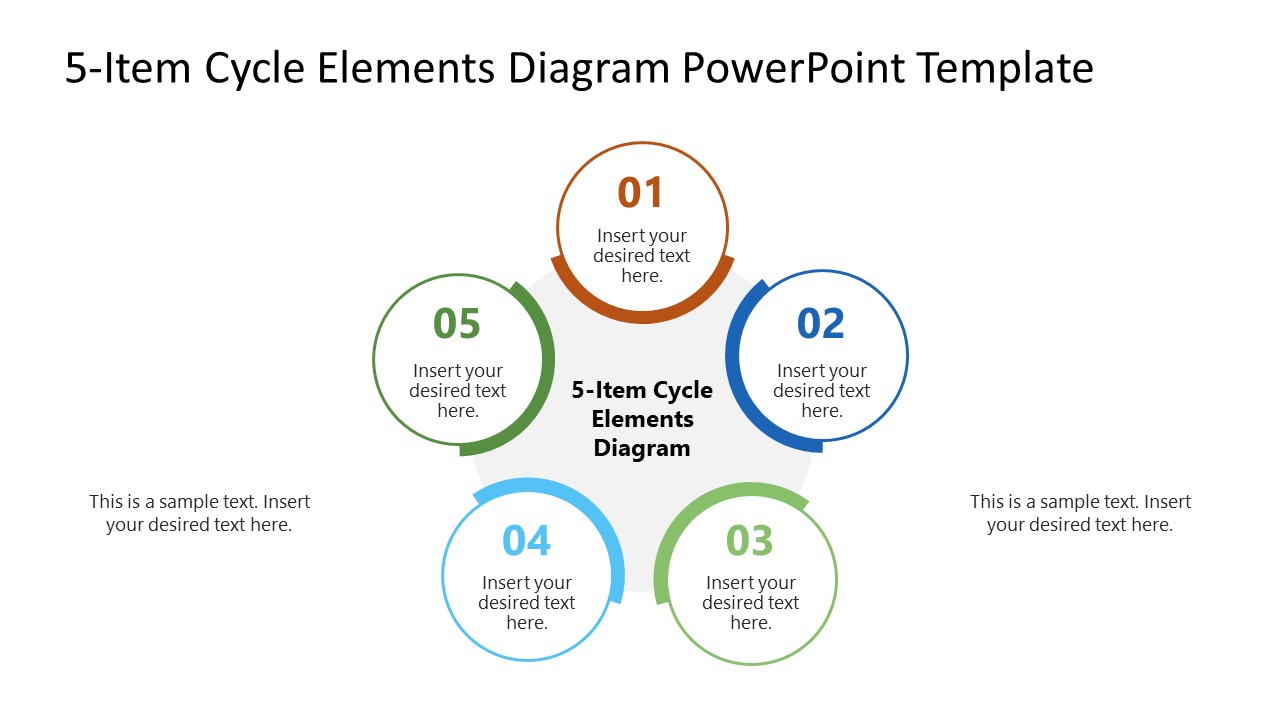
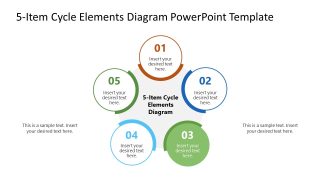
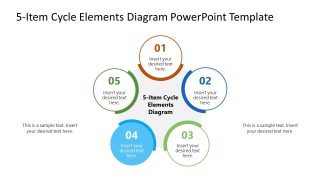
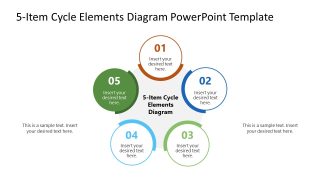
Present five connected stages in a business presentation with our modern 5-Item Cycle Elements Diagram PowerPoint Template. The circular diagram places five numbered elements around a shared center, depicting continuity across the process. The opening 5-item cycle elements diagram slide helps product managers demonstrate the five-step SaaS product development process. The following slides use a color highlight to feature each stage separately while muting the others in grey. Presenters use this effect to showcase a clear transition from one stage to the next. Users edit the text areas around the diagram to add short explanations without breaking the central cycle, keeping the framework visible. Orange, blue, green, and light blue accents identify the highlighted stage, while the remaining circles stay visually secondary.
During a delivery review, a project lead uses the 5-Item Cycle Elements Diagram PowerPoint Template to show how five recurring phases move from one stage to the next. The circular layout makes it easy to identify the current phase, explain its relationship to the others, and highlight what comes next. The same structure also supports process discussions where teams need to examine how operational stages connect and where to introduce change. For research presentations, you can organize the five elements around a central topic using this PPPT layout to show related areas or stages within a study.
Moreover, the numbered circles and central label are editable, with text sections to present stage-specific labels. Users can modify the arrangement, icons, and colors to match their branding needs. Download the 5-Item cycle elements diagram PPT template to explain five stages of a talent recruitment process during HR team presentations.


You must have an active subscription to download this file.
- Category
- Diagrams
- Rating
-

 Loading...
 - Size
- 16x9
- Item ID
- 23839-01
- Colors
Subscribe today and get immediate
access to download our PowerPoint templates.