5 Input 1 Output Right Arrows Slide PowerPoint Template
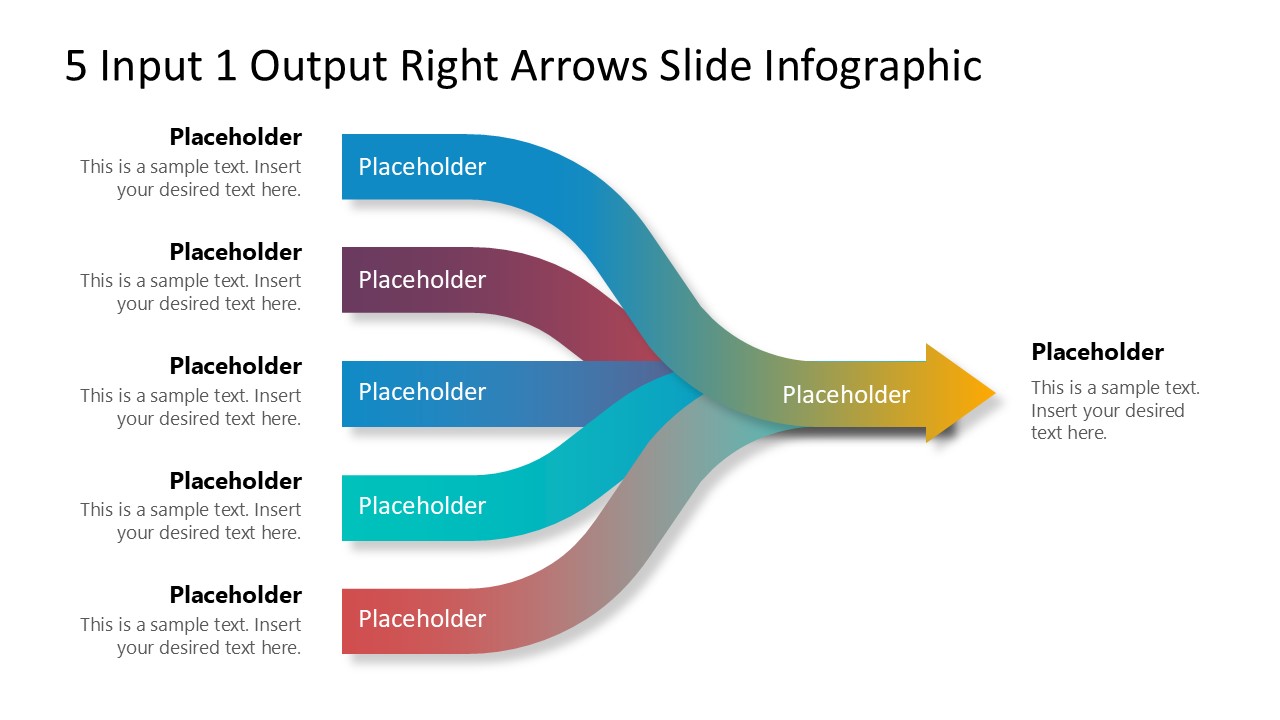
Use our editable 5 Input 1 Output Right Arrows Slide PowerPoint Template to demonstrate the process of creating a report or dashboard using five data sources. The multiple-input and one-output arrow diagram is created for professionals to craft presentations for their business meetings. They can use this template in multiple ways:
- A data expert can use this template to showcase the five data points important for a consolidated report.
- Operational managers can visualize the connection of five actions to complete the business workflow.
- The diagram is useful for business developers to map five actions merging into one core business strategy.
- Product managers can use this five-input one-output diagram to showcase the key features required to make the desired product.
- In investor meetings, you can present five strategic initiatives that contribute to achieving one primary business goal.
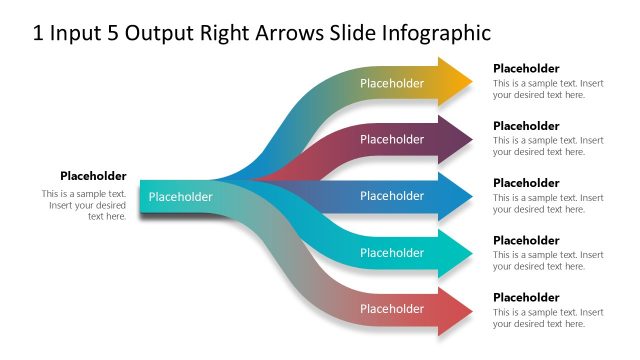
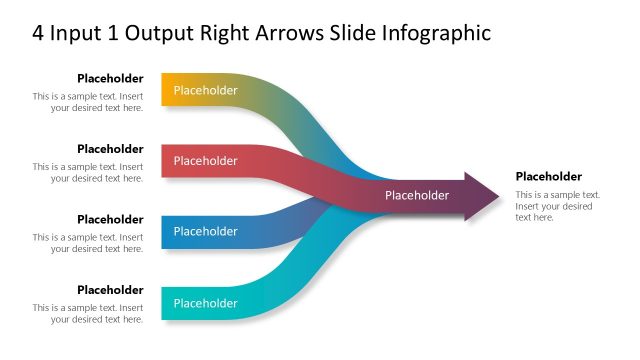
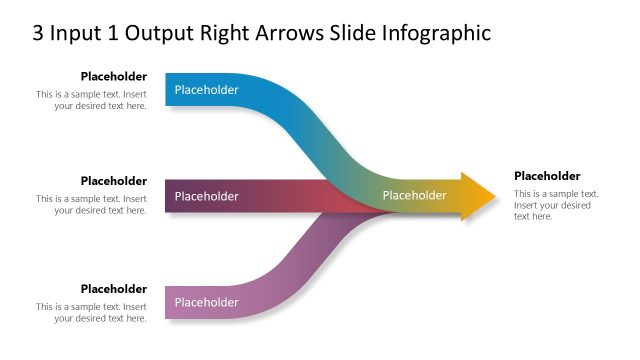
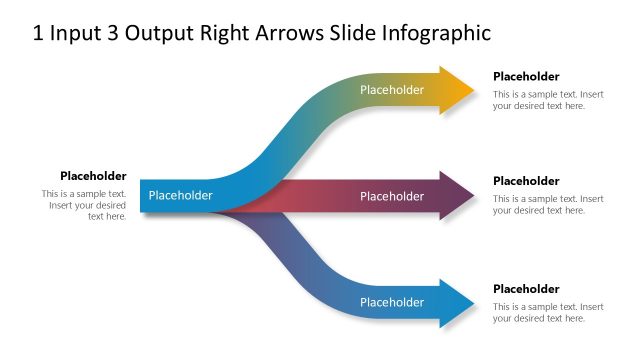
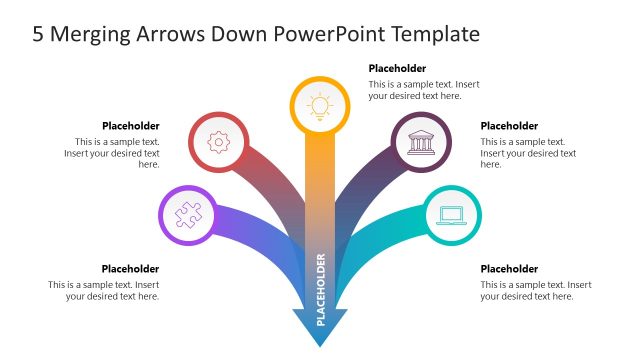
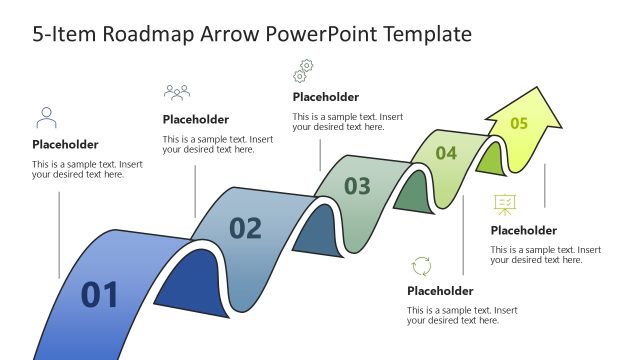
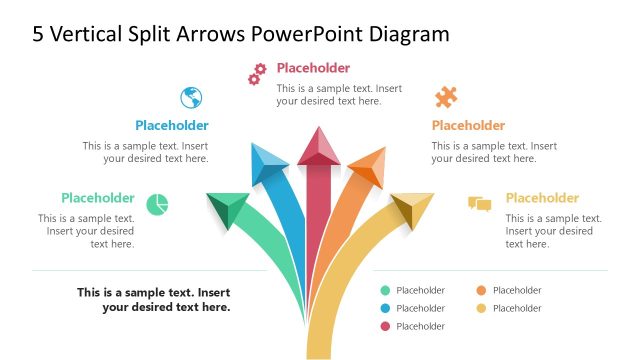
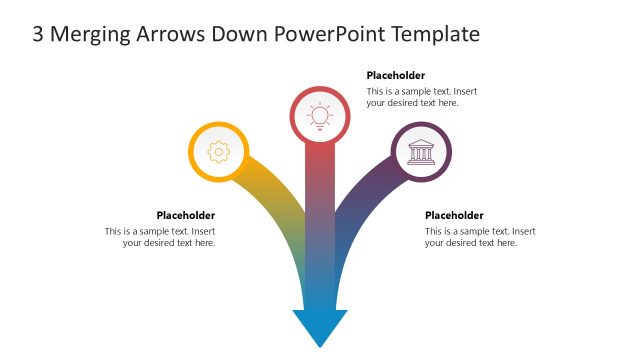
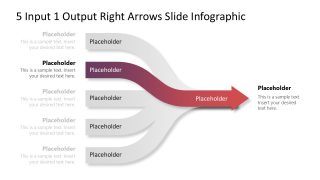
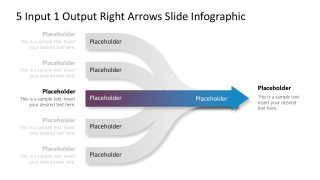
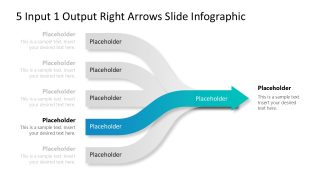
The 5 Input 1 Output Right Arrows Slide PowerPoint Template features five arrows converging at the center of the slide, forming a single arrow. There are text sections along the arrows, at the start and end of the arrows, so that users can clearly display the information. The first slide shows all the arrows simultaneously, while in the remaining slides, users can select one point at a time using the focus effect. Each slide includes a color highlight at one arrow at a time, helping the audience better understand the content. Moreover, you have the option to customize the colors, fonts, or other elements in the design to fit your needs perfectly. You can also repurpose the PPT layout for your executive meetings. Download the 5-input 1-output PPT slide template for your executive sessions and communicate the plans or processes effectively!



You must be logged in to download this file.
DOWNLOAD- Category
- Diagrams
- Rating

 Loading...
- Size
- 16x9
- Item ID
- 23319-01
- Colors
Subscribe today and get immediate
access to download our PowerPoint templates.