The 4MAT Learning System PowerPoint shows the four major learning styles based on the brain functions. It helps people develop all four of these learning capacities. The 4MAT Learning System PowerPoint is effective as a teaching design tool. Also as a framework for assessing the quality of any learning experience and development.
The 4MAT System has four phases of learning cycle. Each learning style is governed with the left and right brain learners. Left-brain learners are logical, rational, sequential, serial, verbal learners. Right-brain learners are intuitive, emotional, holistic, parallel, and tactile learners.
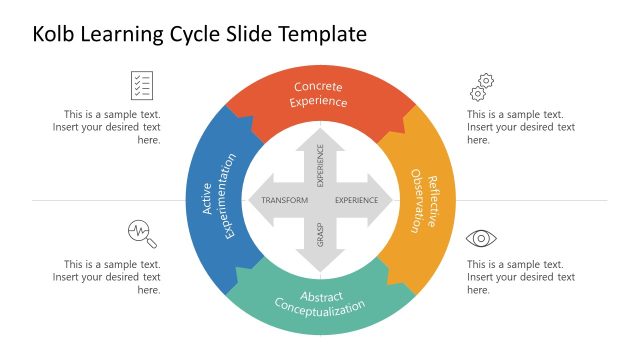
The complete 4MAT model is an integration of learning styles in a sequence that follows the natural cycle of learning. Starting from one and moving around to four, answering the key question of each style:
- Why? The Imaginative Learner demands to know why he or she should be involved in this activity.
- What? The Abstract Sequential learner wants to know what to learn.
- How? The Concrete Sequential learner wants to know how to apply the learning.
- If? The Abstract Random learner asks, if this is correct how can I modify it to make it work for me.
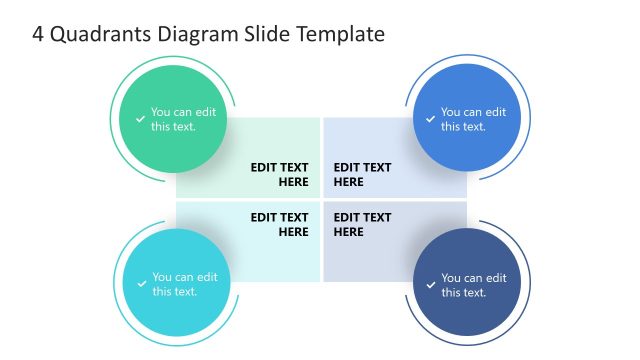
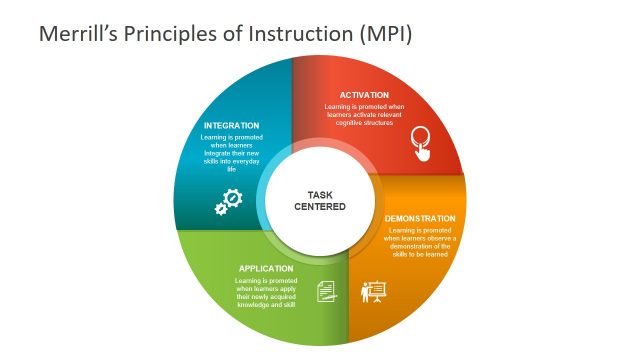
The 4MAT model is in a circle quadrant diagram. It follows the basic colors. The text font and overall design are editable in standard PowerPoint. Use 4MAT Learning System PowerPoint for modules in teaching and Psychology. Alternatively, see more presentations in PowerPoint.
What’s inside this template
Example presentation scenarios
- An instructional designer can use the 4MAT circular quadrant to introduce why, what, how, and if learning questions during a course design workshop.
- A teacher trainer can use the four-question wheel to help faculty plan lessons that address different learner motivations and application needs.
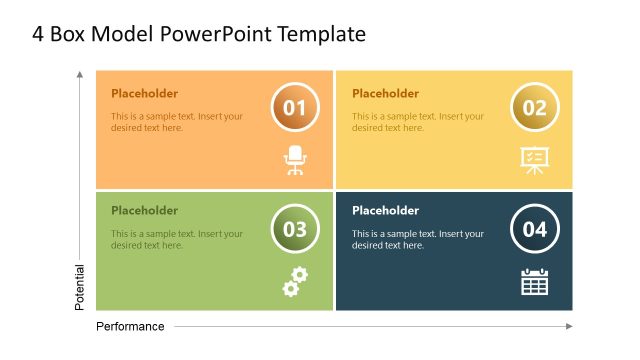
- A corporate learning manager can use the brain preference quadrant to discuss how training content should balance analytical, practical, creative, and experiential activities.
- A psychology instructor can use the detailed circle chart to explain relationships between learning style, cognitive preference, and instructional sequence.
Features
- 100% editable presentation template
- Compatible with Microsoft PowerPoint and Google Slides
- 16:9 aspect ratio slides
- Scalable vector shapes, icons and illustrations
- AI-Ready for Microsoft Copilot and Claude
- Instant access and download
Frequently asked questions
Q: How should a presenter explain the 4MAT model without making the cycle feel abstract?
A: Start with the simplified four-question wheel so the audience understands why, what, how, and if as learner questions. Then move to the detailed circular quadrant to show the learning behaviors inside each phase. Use the brain preference quadrant last to connect the model to how different learners process information.
Q: Who is this template best suited for in a training or education setting?
A: This template fits presenters who need to teach an instructional design framework rather than sell a product or report performance. It is especially useful for teacher trainers, instructional designers, HR learning teams, and psychology instructors who need a clean visual language for comparing learner needs and planning balanced training.
Q: Why does the circle and quadrant structure work well for explaining 4MAT?
A: The circular layout reinforces the idea that learning moves through a repeating cycle rather than a one-time checklist. The quadrant divisions make the four learner questions easy to compare, while the brain preference slide adds a second lens for explaining cognitive balance across creative, analytical, practical, and experiential modes.


4MAT Learning System PowerPoint
4-slide presentation template for 4MAT learning cycle diagrams, quadrants, and brain preference mapping
The 4MAT Learning System PowerPoint is a 4-slide presentation template for explaining learning styles and instructional design. It includes a 4MAT circular quadrant, a four-question wheel, and a brain preference quadrant. Educators, trainers, and learning designers can edit the layouts in Microsoft PowerPoint or Google Slides.
- Category
- Diagrams
- Rating


 Loading...
- Aspect ratio
- 16:9, 4:3
- Item ID
- 7316-01
- Colors
 Microsoft PowerPoint
 Microsoft Copilot
 Claude for PowerPoint
Other formats supported
Subscribe today and get immediate
access to download our PowerPoint templates.