Slide 4 of 5 from 4 Steps Horizontal Options PowerPoint Diagram
Step 3 of 4 Options Horizontal PowerPoint
4 Steps Horizontal Options Diagram
- Diagram
- Comparison Split
- Process Slide
- 16:9
- 100% Editable
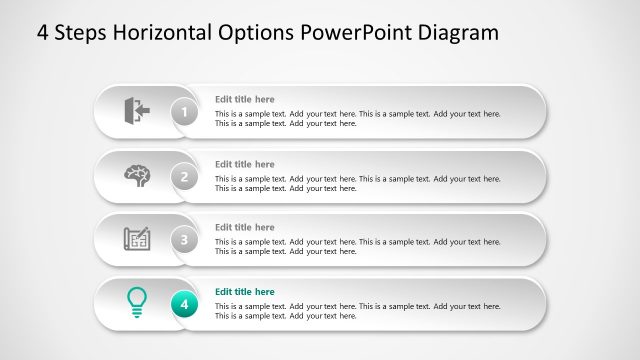
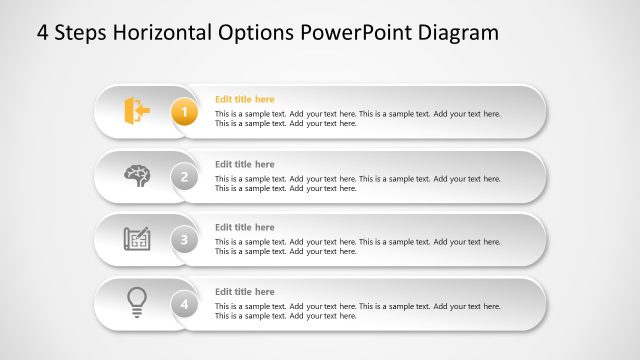
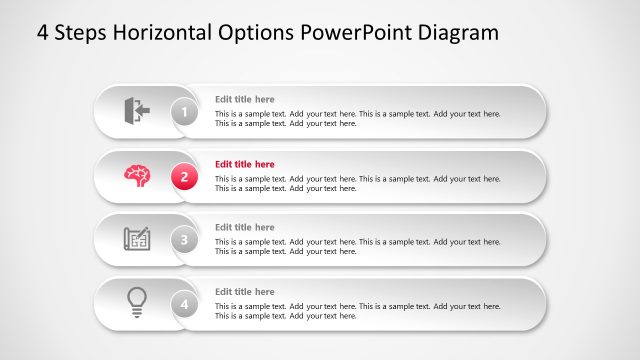
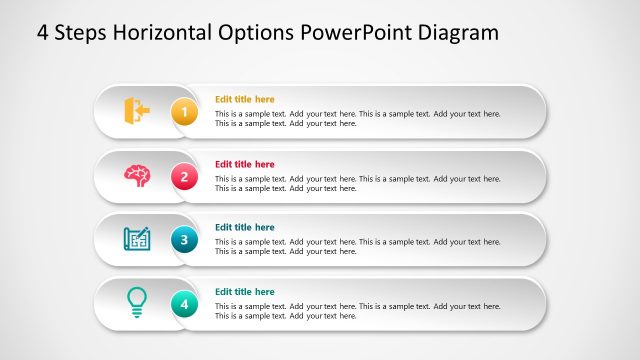
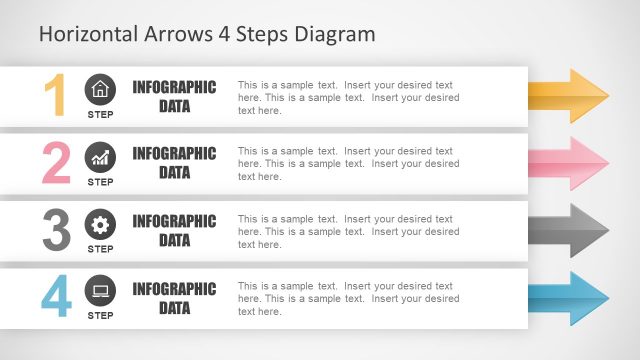
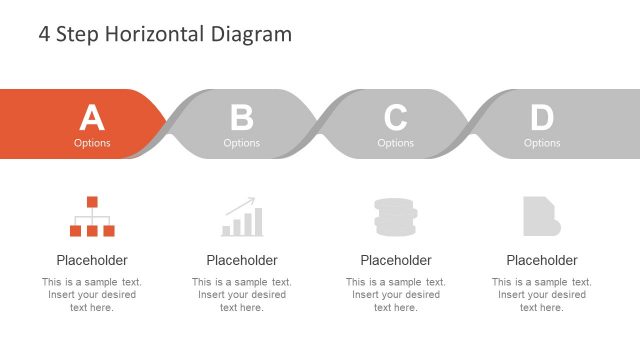
The 4 Steps Horizontal Options Diagram slide from the 4 Steps Horizontal Options PowerPoint Diagram template provides a clear, structured layout ideal for business presentations and project proposals. This slide features four horizontally aligned sections with numbered nodes and icons, facilitating easy comparison and step-by-step guidance. Designed as editable slides, it supports the presentation of distinct process steps or options with clean visual hierarchy and vector icons, enhancing clarity in corporate presentations and educational slide decks.
What’s on This Slide
The layout features four horizontal sections, each containing a circular node on the left and a rectangular text box on the right. The nodes are numbered 1 to 4 and contain icons representing different concepts. Each section has a title placeholder at the top and a body text placeholder below it. The sections are evenly spaced, with rounded corners and a light background. The visual hierarchy emphasizes the numbered nodes, while the icons are simple and relevant to the content. The overall composition is clean and organized.
How to Use It
This layout serves as a structured way to present four distinct options or steps in a process. It is suitable for business presentations, project proposals, or educational content where clear differentiation of steps is needed. Positioned after an introduction or problem statement, it guides the audience through proposed solutions or actions. This format is effective for summarizing key points in a concise manner, making it easy for viewers to follow along.
Text Placeholders & Capacity
Keep your copy within these limits so it fits without resizing. Node body slots can accommodate roughly 20-25 words each.
| Placeholder | Count | Max characters (approx.) |
|---|---|---|
| Slide title | 1 | 30 |
| Item heading | 4 | 15 |
| Item body | 4 | 120 |
Slide Keywords
Download unlimited PowerPoint templates, charts and graphics for your presentations with our annual plan.
DOWNLOAD