Slide 1 of 5 from 4 Steps Horizontal Options PowerPoint Diagram
4 Options Horizontal PowerPoint Diagram
4 Steps Horizontal Options Diagram
- Diagram
- Comparison Split
- Process Slide
- 16:9
- 100% Editable
The 4 Steps Horizontal Options Diagram from the 4 Steps Horizontal Options PowerPoint Diagram template offers a clear process layout ideal for project planning and strategic initiatives. This slide template features editable shapes and vector icons arranged horizontally to present four sequential steps, making it suitable for business presentations and pitch decks. Its design supports easy customization, enhancing communication of complex processes in a professional slide deck.
What’s on This Slide
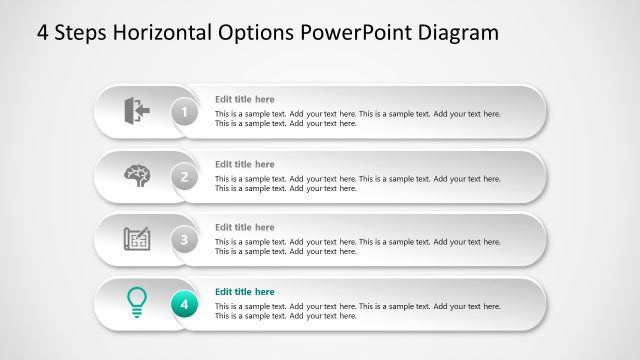
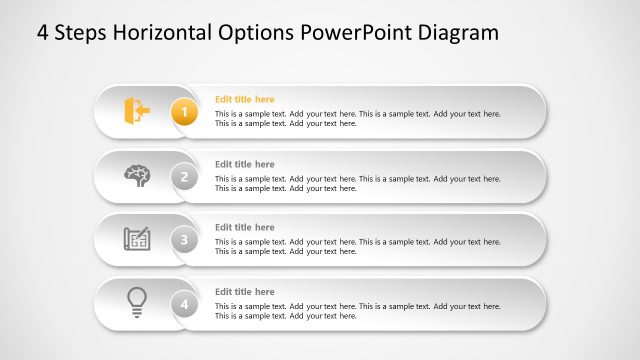
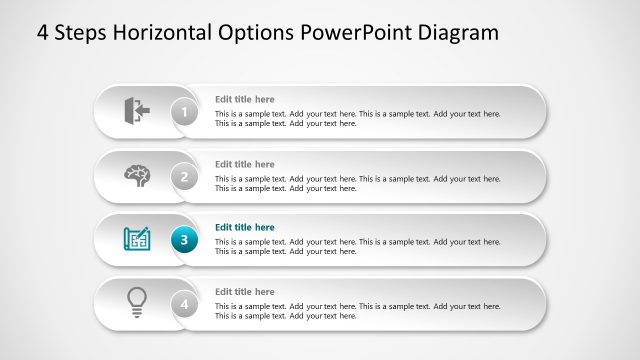
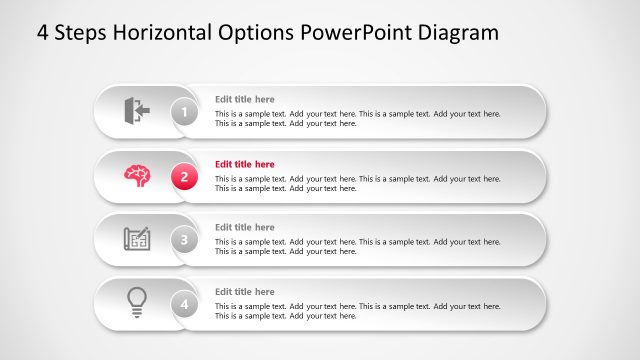
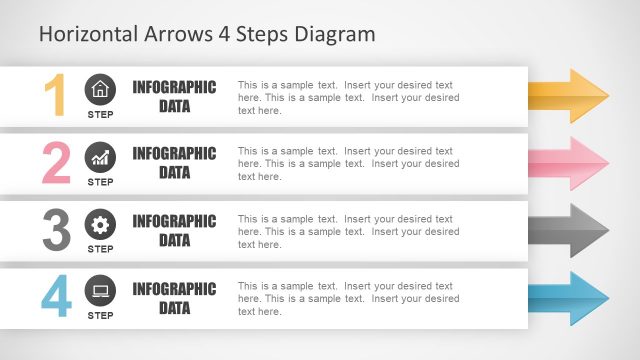
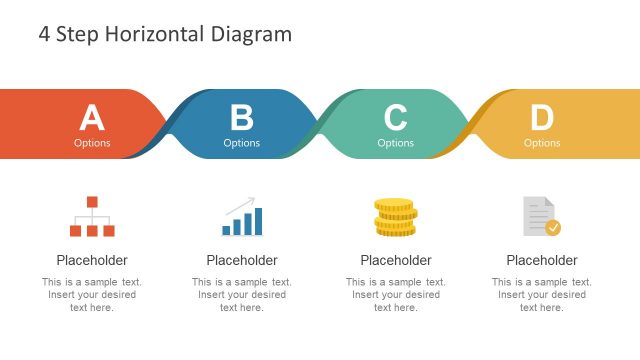
The layout features four horizontal sections aligned vertically. Each section contains a circular icon on the left, followed by a title placeholder and a body text placeholder. The icons include a speaker, brain, chart, and light bulb, each enclosed in a rounded rectangle. The sections are evenly spaced with a light background, enhancing readability. Text placeholders are centrally aligned within each section, allowing for clear content entry. The overall design emphasizes a sequential flow from left to right, with each step visually distinct yet cohesive.
How to Use It
This layout serves as a sequential process diagram, ideal for presenting four distinct options or steps. It fits well at the beginning of a presentation to outline key points or in the middle to elaborate on a process. Common scenarios include project planning, strategic initiatives, or product features. Each section can be customized to highlight different aspects of a topic, making it versatile for various business contexts. This structure allows for clear communication of complex ideas in a simplified format.
Text Placeholders & Capacity
Keep your copy within these limits so it fits without resizing. Node body slots can accommodate roughly 25-30 words each.
| Placeholder | Count | Max characters (approx.) |
|---|---|---|
| Slide title | 1 | 30 |
| Item heading | 4 | 20 |
| Item body | 4 | 150 |
Slide Keywords
Download unlimited PowerPoint templates, charts and graphics for your presentations with our annual plan.
DOWNLOAD