Slide 1 of 5 from 4 Steps Gradient Squares PowerPoint Diagram
4 Steps Gradient Squares Diagram Template
4 Steps Gradient Squares PowerPoint Diagram
- Diagram
- Matrix Quadrant
- Process Slide
- 16:9
- 100% Editable
What’s on This Slide
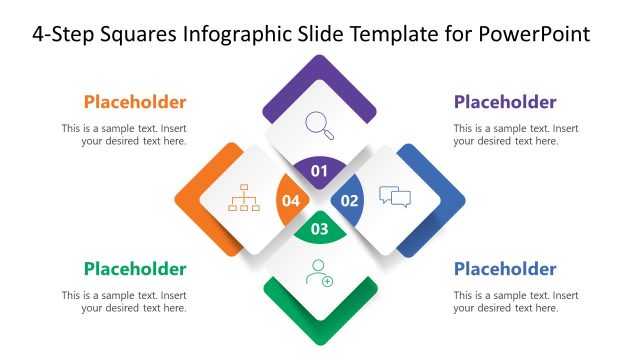
The layout features four gradient squares arranged in a staggered formation. Each square contains a number in the top left corner, accompanied by an icon and a text placeholder below. The squares are colored in shades of purple, green, blue, and yellow, creating a visually distinct hierarchy. The background is dark, enhancing the contrast of the squares. Text placeholders are centrally aligned within each square, allowing for clear visibility. The overall composition is balanced, with squares evenly spaced and grouped to convey a stepwise process.
How to Use It
This layout serves as a stepwise process diagram, ideal for illustrating sequential stages or actions. It fits well in presentations that require clarity in presenting a four-step methodology or framework. Scenarios include project planning, product development stages, or training processes. The staggered arrangement allows for easy differentiation between steps, making it suitable for both detailed explanations and high-level overviews. It can be used effectively in business meetings, training sessions, or educational contexts.
Text Placeholders & Capacity
Keep your copy within these limits so it fits without resizing. Node body slots can hold roughly 25-30 words each.
| Placeholder | Count | Max characters (approx.) |
|---|---|---|
| Item heading | 4 | 50 |
| Item body | 4 | 150 |
Slide Keywords
Download unlimited PowerPoint templates, charts and graphics for your presentations with our annual plan.
DOWNLOADReturn to 4 Steps Gradient Squares PowerPoint Diagram.