Slide 1 of 5 from 4-Step Squares Infographic Slide Template for PowerPoint
21337-01-4-step-squares-infographic-slide-template-for-powerpoint-16×9-1
4-Step Squares Infographic Slide
- Diagram
- Matrix Quadrant
- Process Slide
- 16:9
- 100% Editable
What’s on This Slide
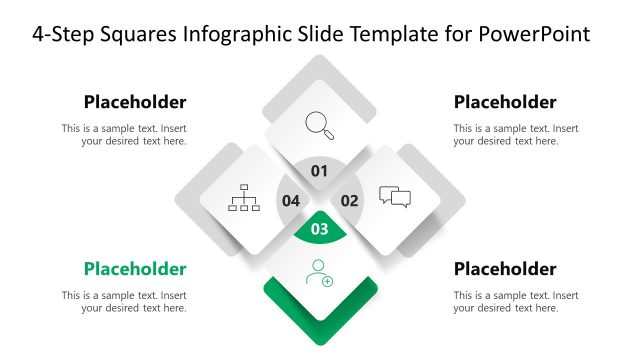
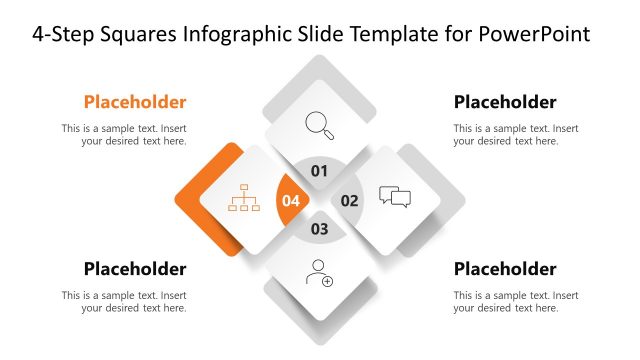
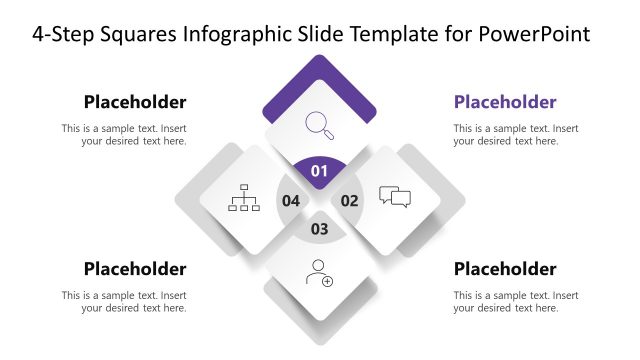
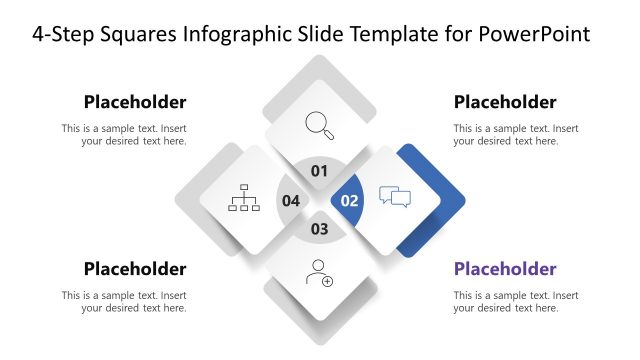
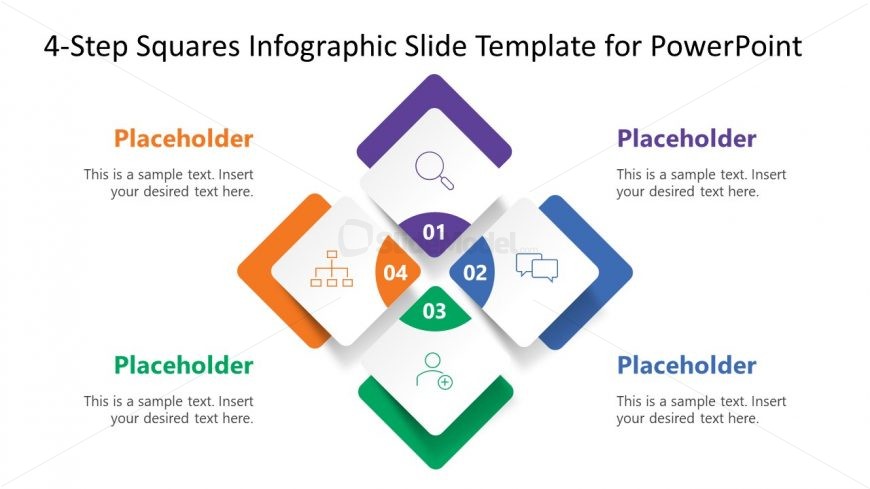
The layout features four diamond-shaped nodes arranged in a square pattern, each containing an icon and a number. The nodes are positioned in a clockwise direction, starting from the top left. Each node has a corresponding text placeholder below it, aligned centrally. The icons include a magnifying glass, speech bubble, user, and organizational chart, each representing a step in a process. The background is white, with a subtle gradient effect. The color scheme includes orange, green, blue, and purple for the nodes, creating visual separation.
How to Use It
This layout serves as a process diagram, ideal for illustrating sequential steps or stages in a business strategy. It fits well in presentations discussing methodologies, project phases, or strategic initiatives. Use this slide to communicate a clear, structured approach to complex topics. It is particularly useful for business development presentations or strategy discussions, providing a visual representation of a multi-step process.
Text Placeholders & Capacity
Keep your copy within these limits so it fits without resizing. Node body slots can hold roughly 15-20 words each.
| Placeholder | Count | Max characters (approx.) |
|---|---|---|
| Item heading | 4 | 20 |
| Item body | 4 | 80 |
Slide Keywords
Download unlimited PowerPoint templates, charts and graphics for your presentations with our annual plan.
DOWNLOADReturn to 4-Step Squares Infographic Slide Template for PowerPoint.