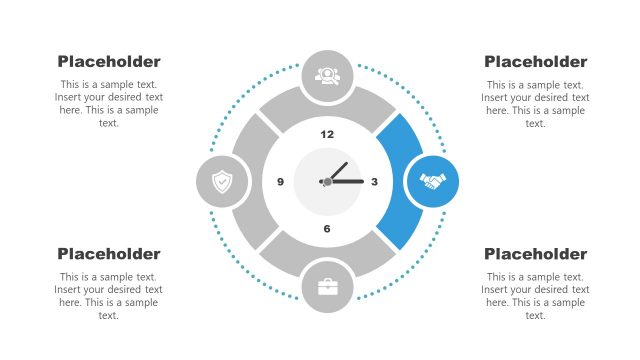
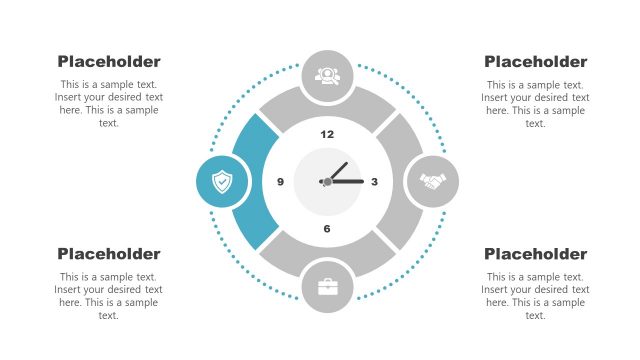
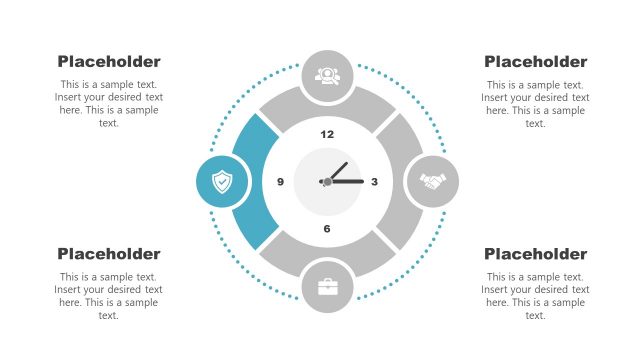
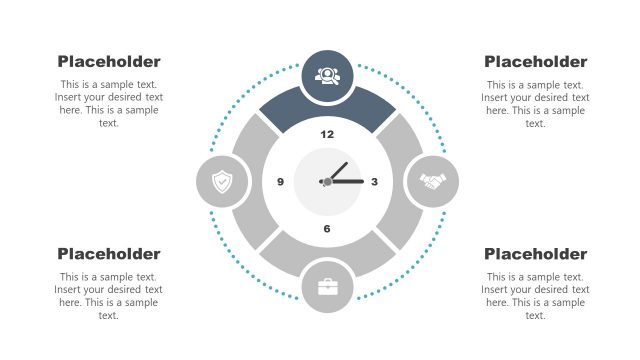
Slide 3 of 5 from 4 Step Time Management Diagram for PowerPoint
Second Step Time Management Clock Template
4 Step Time Management Diagram for Presentations
- Diagram
- Circular Cycle
- Process Slide
- 16:9
- 100% Editable
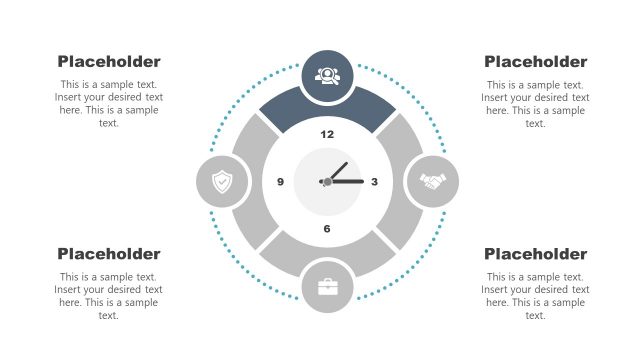
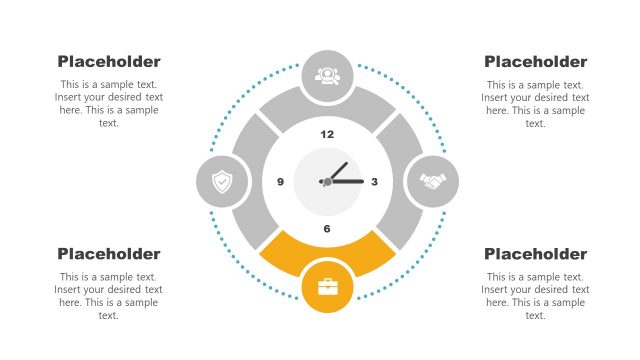
The 4 Step Time Management Diagram slide from the 4 Step Time Management Diagram for PowerPoint template offers a circular process flow ideal for illustrating productivity techniques and project management steps. This slide uses editable shapes and vector icons arranged around a central clock graphic to visually communicate time management strategies within a business presentation or pitch deck template.
What’s on This Slide
The layout features a circular diagram divided into four segments, each containing an icon and a text placeholder. The segments are arranged around a central clock graphic, which indicates time management. The icons include a shield, a briefcase, a handshake, and a user silhouette, positioned at the top, bottom, left, and right, respectively. Each segment has a light gray background with a blue accent for the active segment. Text placeholders are aligned centrally within each segment, providing space for descriptive content. The overall design emphasizes a radial symmetry with a clear visual hierarchy.
How to Use It
This layout serves as a process flow diagram for illustrating time management strategies or steps. It is suitable for presentations discussing productivity techniques, project management, or personal efficiency. The circular format allows for easy understanding of sequential steps and their interconnections. This slide fits well in a sequence after a problem statement and before a detailed action plan, providing a visual summary of key concepts. It can be used in business meetings, workshops, or training sessions focused on time management skills.
Text Placeholders & Capacity
Keep your copy within these limits so it fits without resizing. Each text slot can hold approximately 20 words comfortably.
| Placeholder | Count | Max characters (approx.) |
|---|---|---|
| Item body | 4 | 120 |
Slide Keywords
Download unlimited PowerPoint templates, charts and graphics for your presentations with our annual plan.
DOWNLOAD