Slide 1 of 2 from 4 Step Spiral Arrow Diagram PowerPoint Template
4 Step Spiral PowerPoint Diagram
4 Step Spiral Arrow Diagram for Presentations
- Diagram
- Spiral
- Process Slide
- 16:9
- 100% Editable
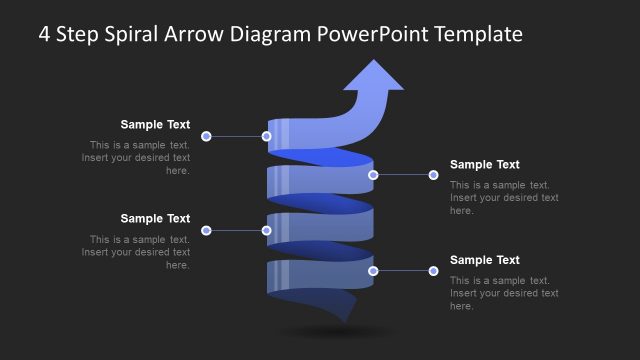
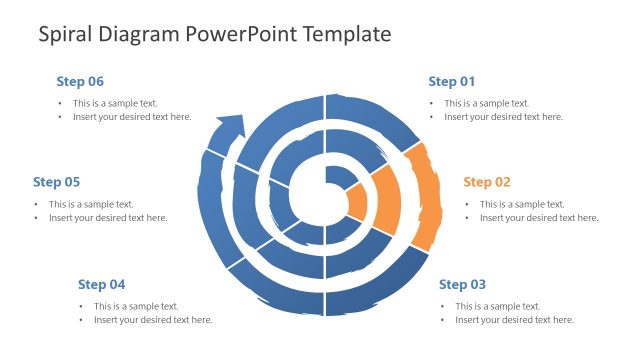
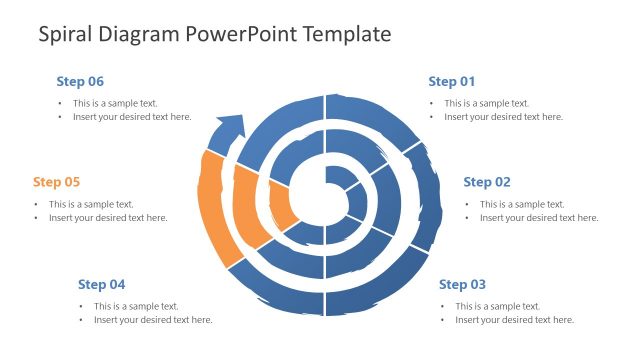
The 4 Step Spiral Arrow Diagram slide from the 4 Step Spiral Arrow Diagram PowerPoint Template offers a clear visual for illustrating sequential processes in business presentations. This slide layout uses editable shapes and vector icons to depict four progressive stages with an upward spiral arrow, ideal for project planning and strategy presentations. It fits well within slide decks that require a structured flow of information using professional slide templates.
What’s on This Slide
The layout features a spiral arrow diagram centered on the slide. The spiral consists of four horizontal segments, each represented by curved ribbons that taper downward. Each segment has a text placeholder aligned to the left, with connecting lines leading to circular dots. The top arrow points upward, indicating progression. The background is light, enhancing the blue gradient of the spiral. Text placeholders are positioned at equal intervals along the left side, with a title placeholder at the top. The visual hierarchy emphasizes the upward flow of the spiral.
How to Use It
This layout serves as a process flow diagram, illustrating a four-step progression. It is suitable for presentations that require a clear representation of sequential actions or phases. This structure fits well in business contexts, such as project planning, strategy development, or product lifecycle discussions. It can effectively communicate processes in training sessions or workshops, guiding audiences through complex information in a visually engaging manner.
Text Placeholders & Capacity
Keep your copy within these limits so it fits without resizing. Node body slots can hold roughly 15-20 words each.
| Placeholder | Count | Max characters (approx.) |
|---|---|---|
| Slide title | 1 | 30 |
| Item heading | 4 | 25 |
| Item body | 4 | 100 |
Slide Keywords
Download unlimited PowerPoint templates, charts and graphics for your presentations with our annual plan.
DOWNLOAD