Slide 4 of 7 from 3 Level Spiral Diagram PowerPoint Template
PowerPoint Diagram of Spiral Template
3 Level Spiral Diagram PowerPoint Template
- Diagram
- Spiral
- Process Slide
- 16:9
- 100% Editable
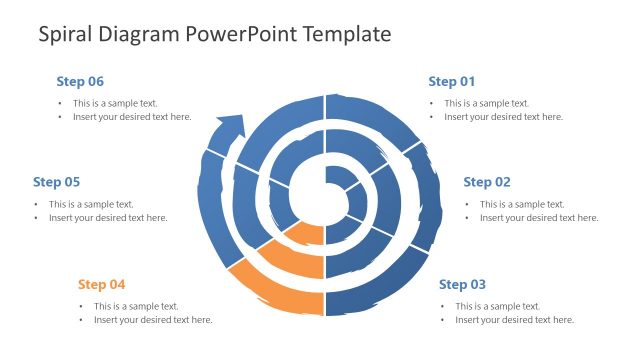
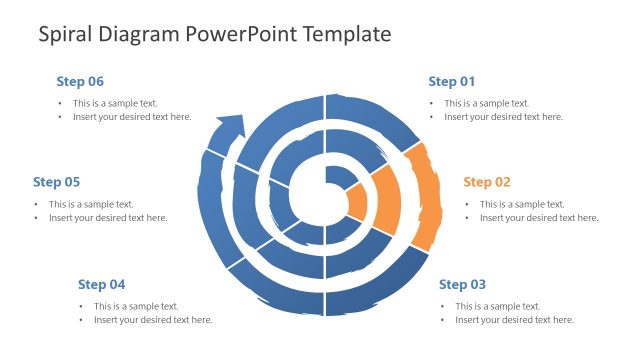
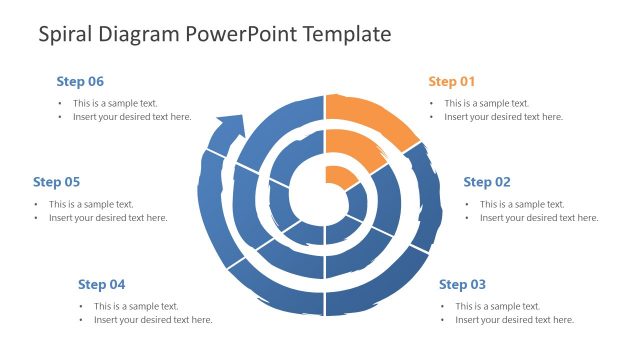
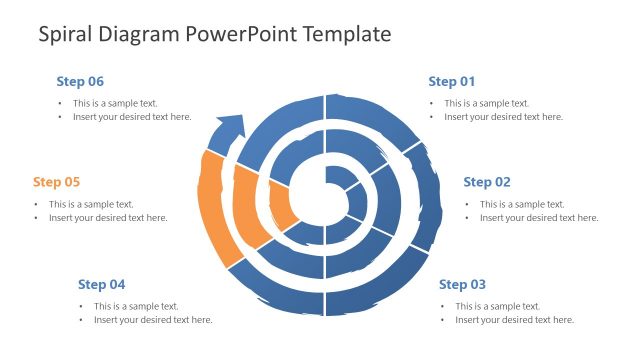
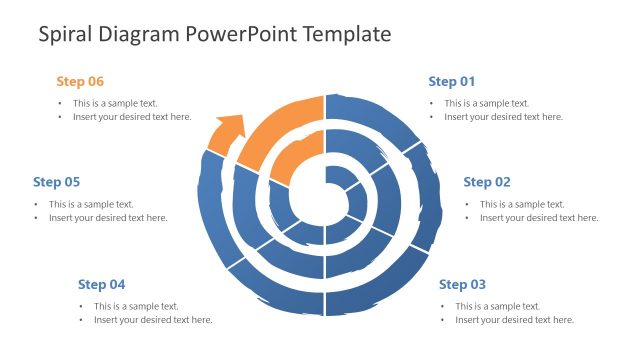
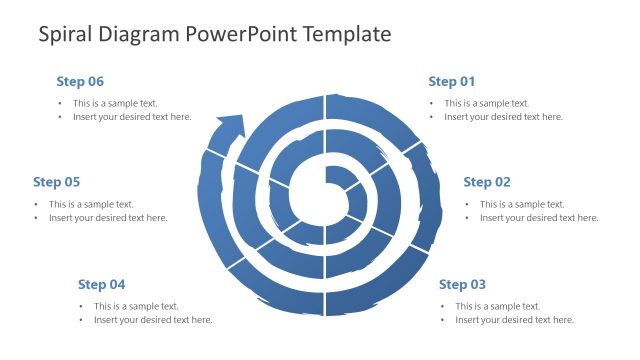
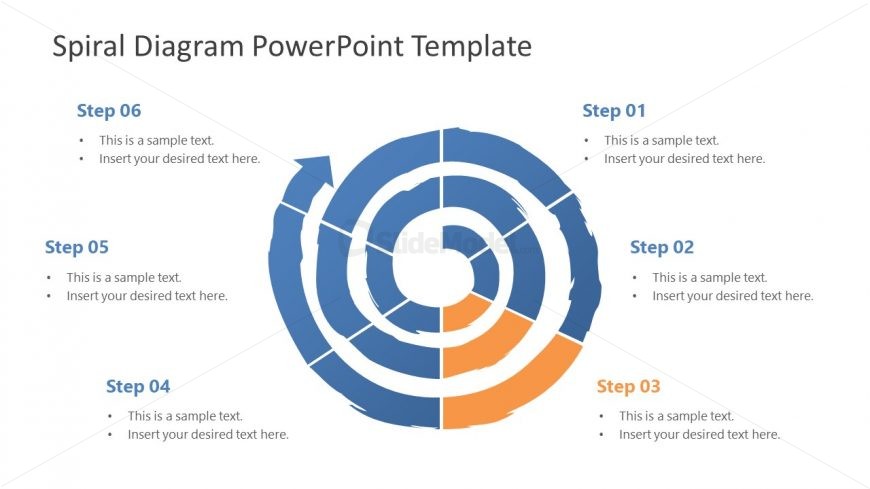
The 3 Level Spiral Diagram slide from the 3 Level Spiral Diagram PowerPoint Template offers a structured visual for illustrating cyclical processes in business presentations. This editable slide features a six-segment spiral design with alternating colors and central text placeholders, ideal for project planning or product development stages. Its clear hierarchy supports effective communication of stepwise strategies within corporate presentation slide decks.
What’s on This Slide
The layout features a spiral diagram with six distinct segments arranged in concentric circles. Each segment is labeled with a step number from Step 01 to Step 06, positioned around the spiral. The segments alternate in color, with blue and orange hues, creating a visual flow from the outermost to the innermost circle. Text placeholders are located within each segment, aligned centrally, allowing for the insertion of descriptive content. The overall composition emphasizes a clear hierarchy, guiding viewers through the steps in a circular motion.
How to Use It
This layout serves as a process flow diagram, illustrating a sequence of six steps or stages. It is effective in presentations that require a visual representation of a cyclical process or strategy. This slide fits well after a problem-framing slide, helping to transition into solutions or methodologies. Suitable scenarios include project planning, product development stages, or any context where a stepwise approach is essential. It can be used individually or as part of a series to maintain a consistent visual theme.
Text Placeholders & Capacity
Keep your copy within these limits so it fits without resizing. Node body slots can hold roughly 10 words each.
| Placeholder | Count | Max characters (approx.) |
|---|---|---|
| Item heading | 6 | 20 |
| Item body | 6 | 50 |
Slide Keywords
Download unlimited PowerPoint templates, charts and graphics for your presentations with our annual plan.
DOWNLOADReturn to 3 Level Spiral Diagram PowerPoint Template.