Slide 2 of 2 from 4-Step Spiral PowerPoint Template
4 Steps PowerPoint Spiral Ribbon
4-Step Spiral Diagram for Presentations
- Diagram
- Spiral
- Process Slide
- 16:9
- 100% Editable
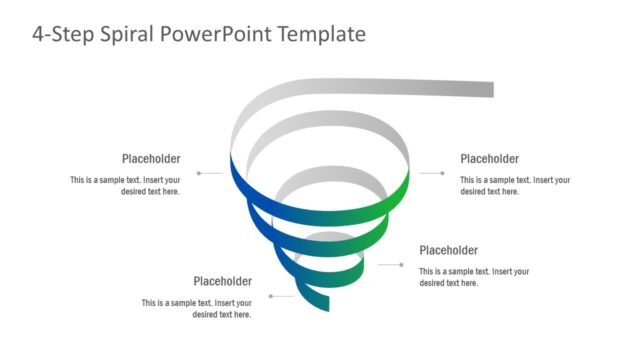
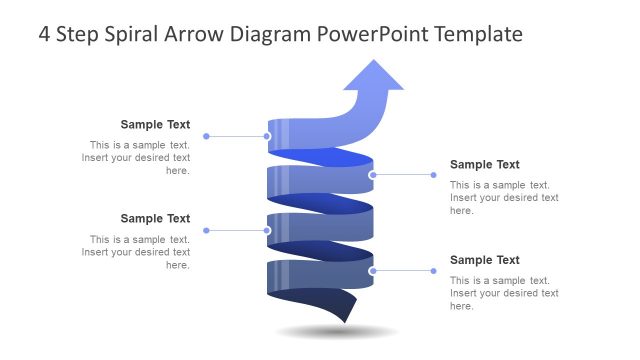
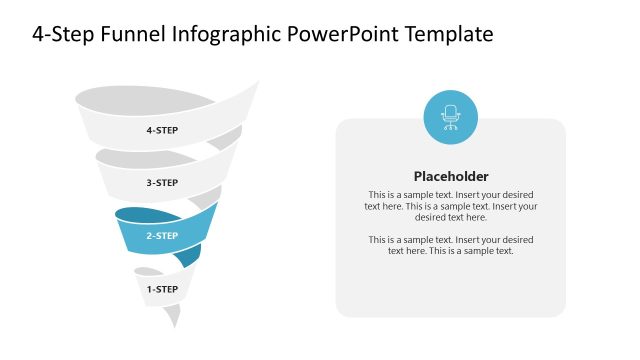
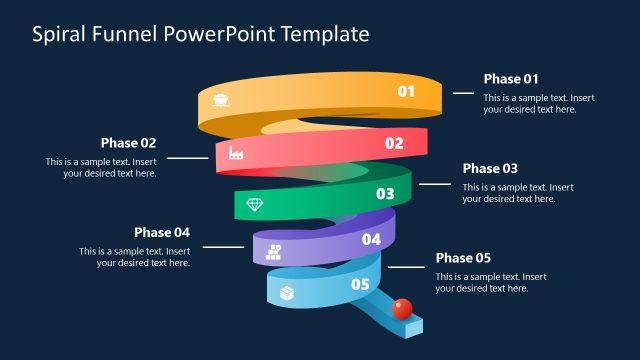
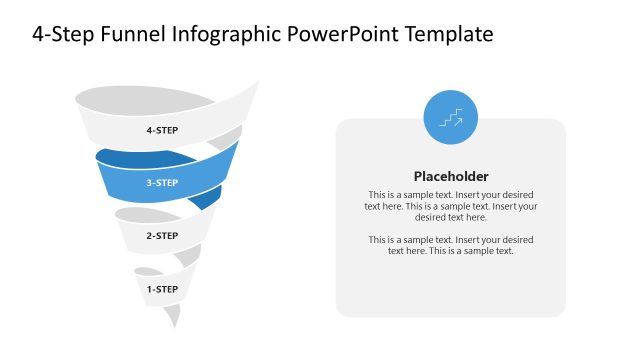
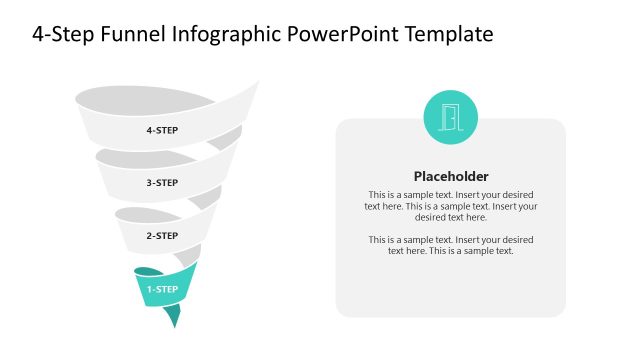
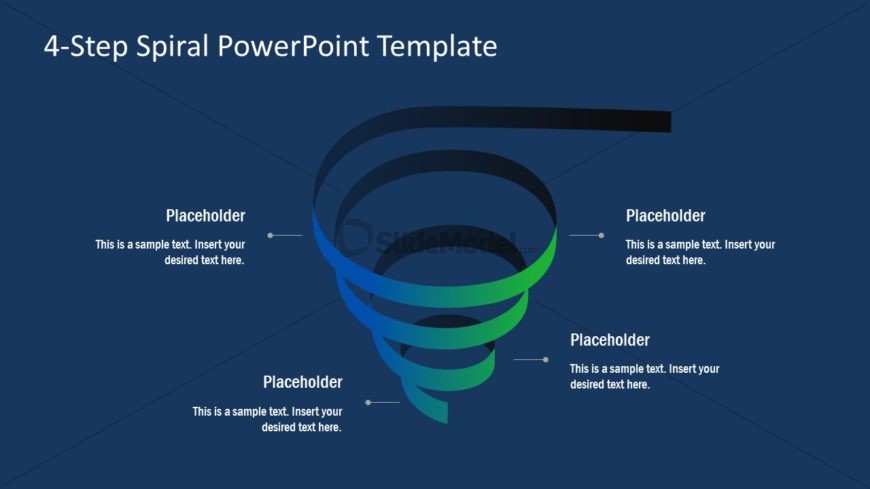
The 4-Step Spiral Diagram from the 4-Step Spiral PowerPoint Template offers a clear process visualization using a layered spiral design. This slide layout supports business presentations by illustrating project phases or strategic initiatives with editable shapes and text placeholders, making it suitable for corporate presentations and pitch deck templates that require sequential step representation.
What’s on This Slide
The slide features a spiral diagram with four distinct layers, each represented by a curved ribbon shape. The ribbons are colored in shades of blue and green, creating a gradient effect. Each layer has a text placeholder positioned to the left and right, aligned horizontally. The placeholders are labeled 'Placeholder' and provide space for additional text. The background is a solid dark blue, enhancing the visibility of the spiral and text elements. The overall layout emphasizes the spiral's upward movement, suggesting progression.
How to Use It
This layout serves as a process visualization tool, ideal for illustrating steps in a lifecycle or progression. It fits well in presentations that outline sequential processes or stages, such as project phases or product development cycles. This diagram can be used in business contexts to convey strategic initiatives, training programs, or marketing strategies. It is particularly effective when presenting information that requires a clear visual representation of steps or stages.
Text Placeholders & Capacity
Keep your copy within these limits so it fits without resizing. Each text slot can accommodate roughly 6-8 words.
| Placeholder | Count | Max characters (approx.) |
|---|---|---|
| Item body | 4 | 40 |
Slide Keywords
Download unlimited PowerPoint templates, charts and graphics for your presentations with our annual plan.
DOWNLOADReturn to 4-Step Spiral PowerPoint Template.