Slide 2 of 2 from 4-Step Customer Journey Diagram PowerPoint Template
4-Step Customer Journey Diagram PPT Template
4-Step Customer Journey Diagram Template
- Diagram
- Process Flow
- Process Slide
- 16:9
- 100% Editable
What’s on This Slide
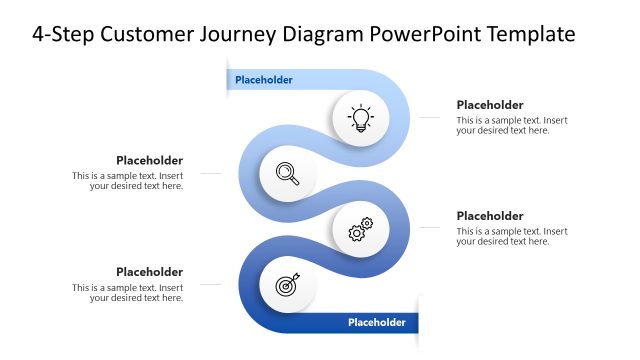
The layout features a wavy, horizontal diagram with four circular nodes. Each node is positioned along the curve, alternating in size and color, creating a visual flow from left to right. The nodes contain icons representing different stages of a customer journey, with accompanying text placeholders below each node. The placeholders are aligned centrally beneath the nodes, providing space for descriptive text. The background is white, enhancing the blue gradient of the nodes and ensuring clarity. The overall composition emphasizes a sequential process.
How to Use It
This layout serves as a visual representation of a customer journey, ideal for illustrating stages in a process. It fits well in presentations focused on customer experience or development strategies. Use it to outline steps in customer engagement, from awareness to conversion. This diagram is particularly useful in marketing or sales contexts, where understanding customer interactions is crucial. It can also serve as a roadmap for discussing customer success initiatives or profiling.
Text Placeholders & Capacity
Keep your copy within these limits so it fits without resizing. Node labels can hold about 30 characters each, while body text can accommodate approximately 100 characters.
| Placeholder | Count | Max characters (approx.) |
|---|---|---|
| Item heading | 4 | 30 |
| Item body | 4 | 100 |
Slide Keywords
Download unlimited PowerPoint templates, charts and graphics for your presentations with our annual plan.
DOWNLOADReturn to 4-Step Customer Journey Diagram PowerPoint Template.