4 Step Arrows Diagram for PowerPoint
What’s inside this template
Example presentation scenarios
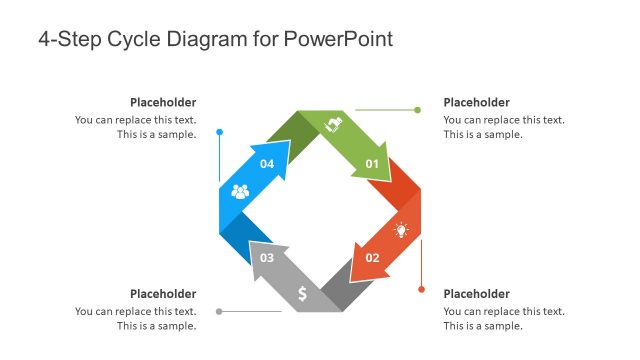
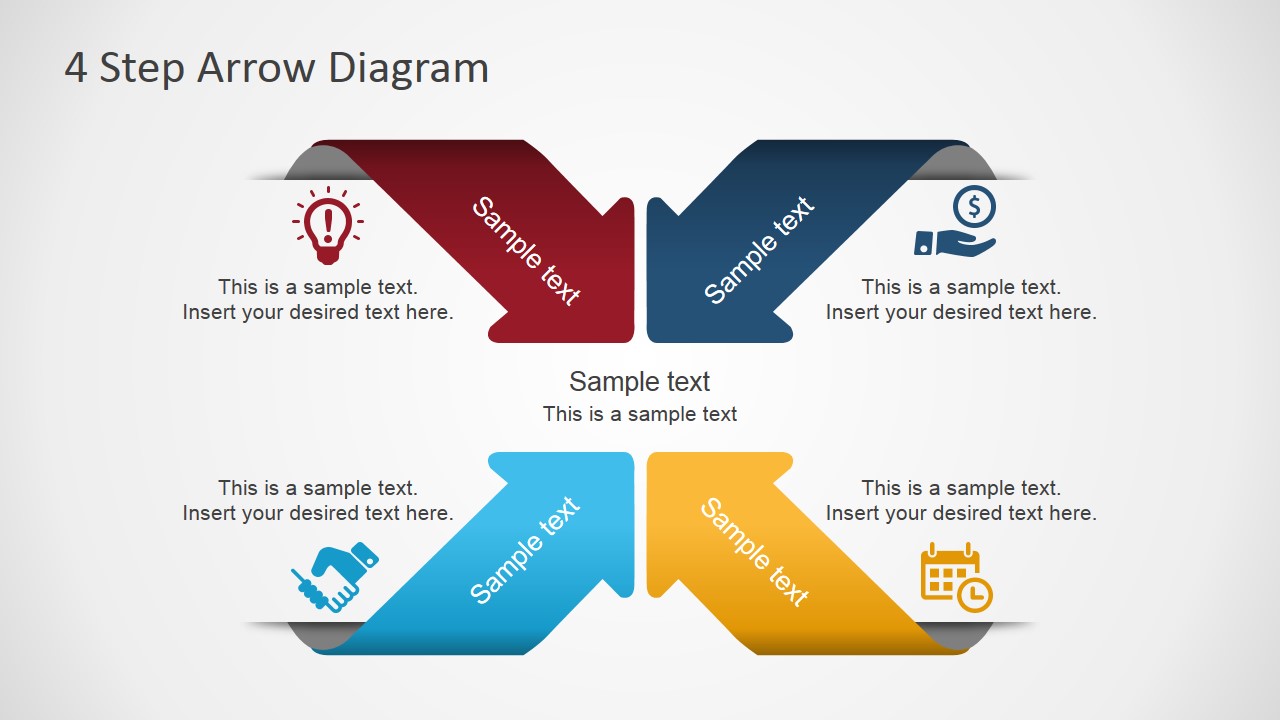
- A project manager can use the folded arrow process diagram to explain four phases of a project plan and connect each phase to a short supporting note.
- A consultant can use the icon callouts to present four components of an operating model, such as idea, finance, partnership, and schedule considerations.
- A sales presenter can use the dark-background version to summarize a four-step customer onboarding journey with a strong visual sequence.
- An operations leader can use the light-background version to map a repeatable workflow where each arrow represents a handoff or recurring task.
Features
- 100% editable presentation template
- Compatible with Microsoft PowerPoint and Google Slides
- 16:9 aspect ratio slides
- Scalable vector shapes, icons and illustrations
- AI-Ready for Microsoft Copilot and Claude
- Instant access and download
Frequently asked questions
Q: How should a presenter explain the four arrows without overloading the slide?
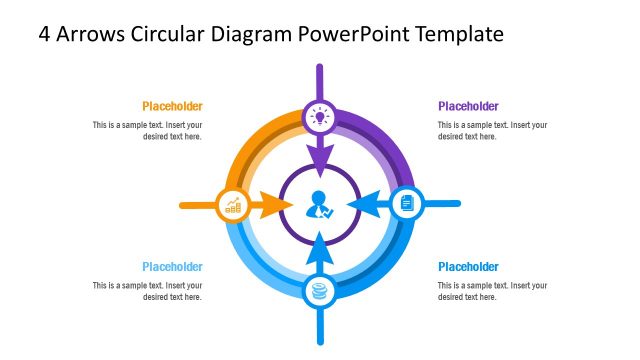
A: Treat each arrow as one main idea and keep the supporting callout to a short phrase or one sentence. Start at the upper-left arrow and move around the loop in a consistent direction. Use the center label for the shared outcome, process name, or theme that ties the four steps together.
Q: Who is this diagram best suited for in a business presentation?
A: This diagram works best for managers, consultants, analysts, and team leads who need to explain a simple four-step workflow, component model, or recurring cycle. It is especially useful when the audience needs a quick structural view rather than a detailed project schedule, data table, or decision tree.
Q: Why does the folded arrow design help communicate a four-step process?
A: The folded arrows create motion and separation at the same time, so each step feels distinct while still belonging to one system. The loop-like arrangement suggests continuity or handoff, and the icon callouts give the presenter secondary anchors for idea, finance, partnership, and scheduling themes.

4 Step Arrows Diagram for PowerPoint
2-slide presentation template with a 4-step arrow process diagram and icon callouts.
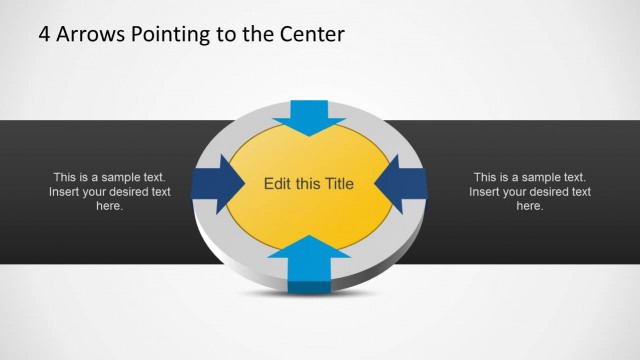
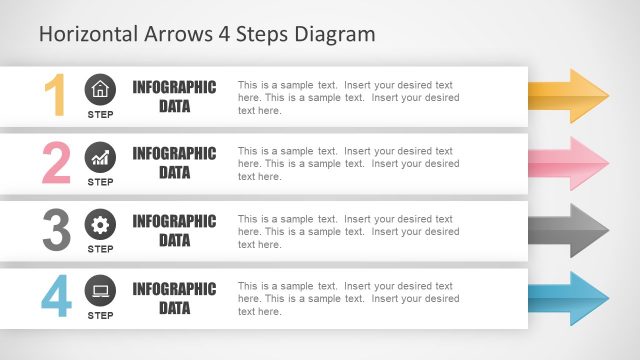
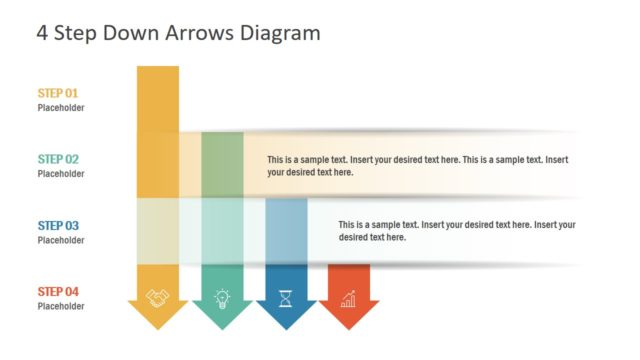
4 Step Arrows Diagram for PowerPoint is a 2-slide diagram template for presenting a four-part process, workflow, or component relationship. It includes a folded arrow cycle, four supporting icon callouts, and light and dark background versions. The 16:9 slides are built for Microsoft PowerPoint and Google Slides.
- Category
- Diagrams
- Rating


 Loading...
- Aspect ratio
- 16:9
- Item ID
- 7196-01
- Colors
 Microsoft PowerPoint
  Microsoft Copilot
  Claude for PowerPoint
 Other formats supported
Subscribe today and get immediate
access to download our PowerPoint templates.