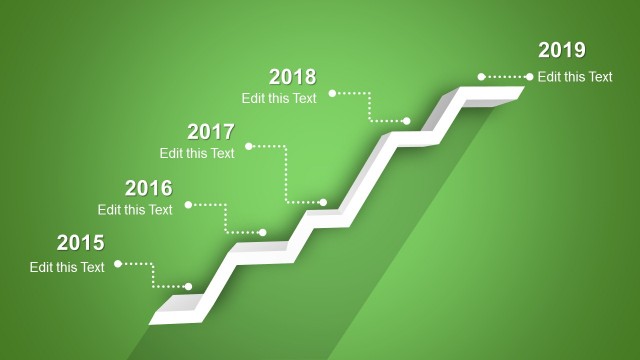
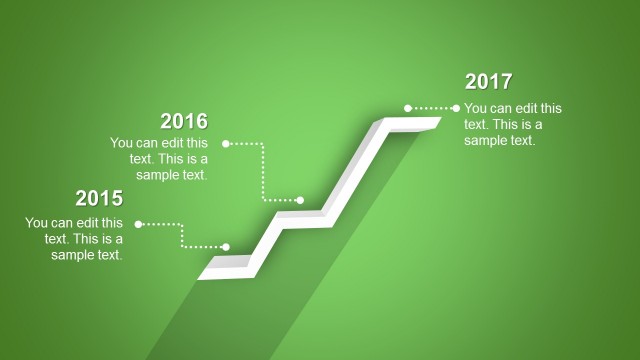
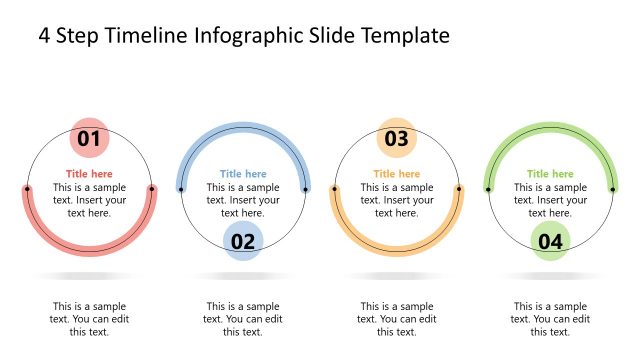
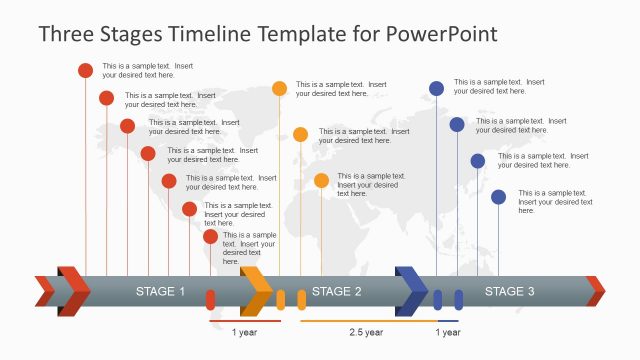
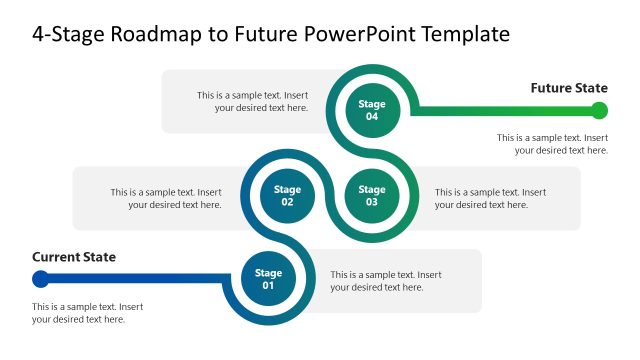
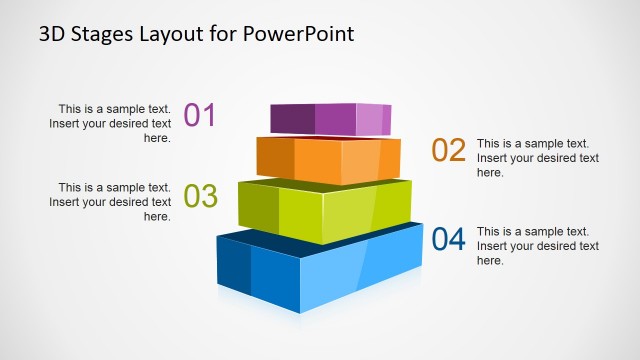
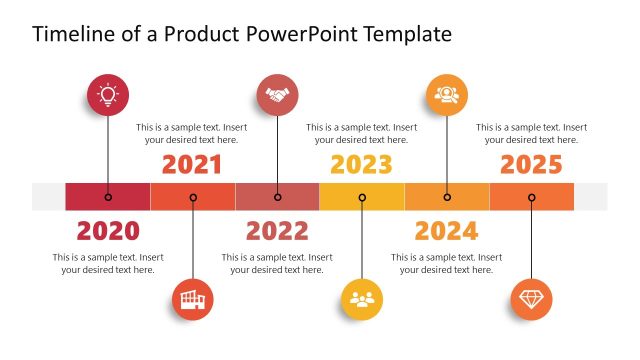
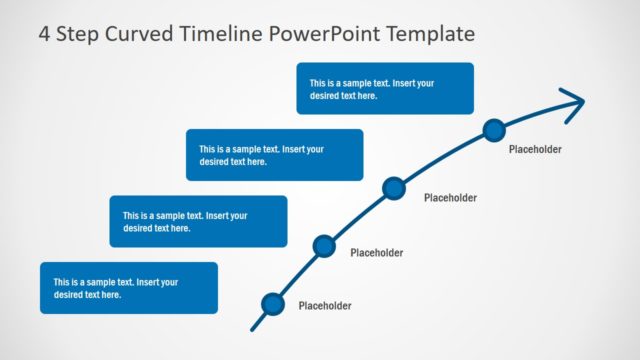
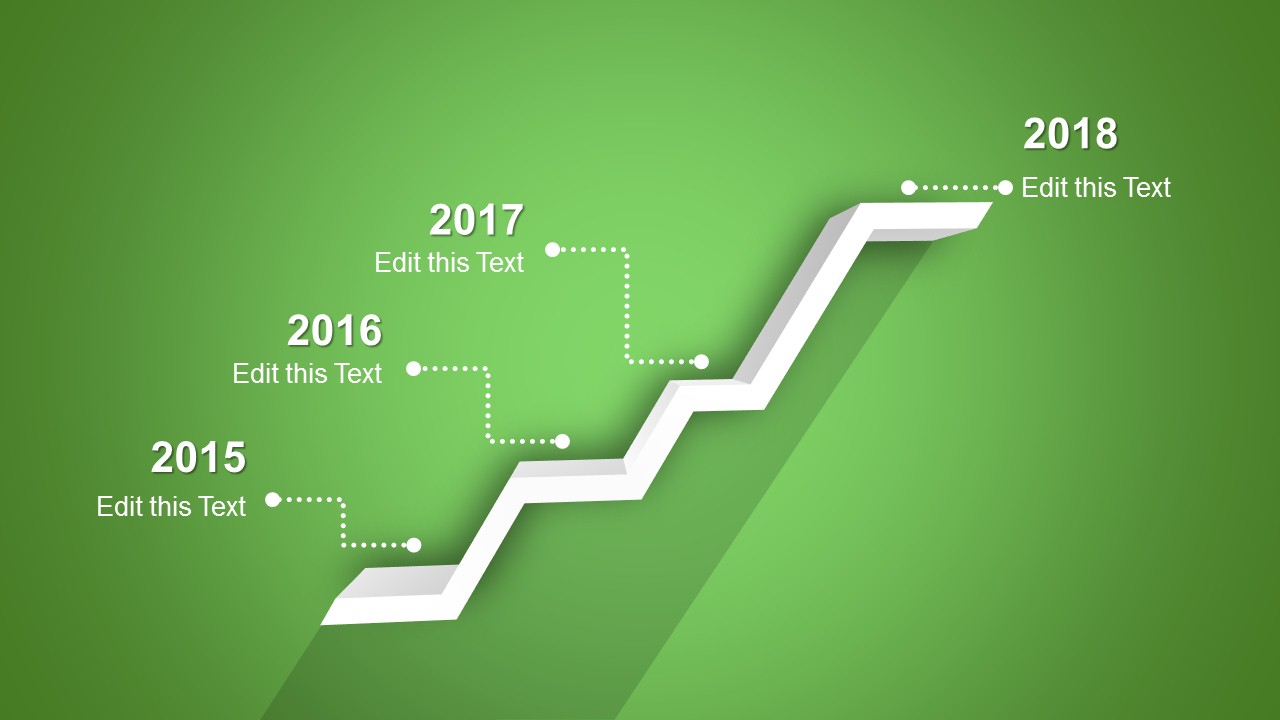
4 Stages Shelf Timeline PowerPoint template is a creative timeline slide design that you can use to prepare an awesome product roadmap presentation in Microsoft PowerPoint.
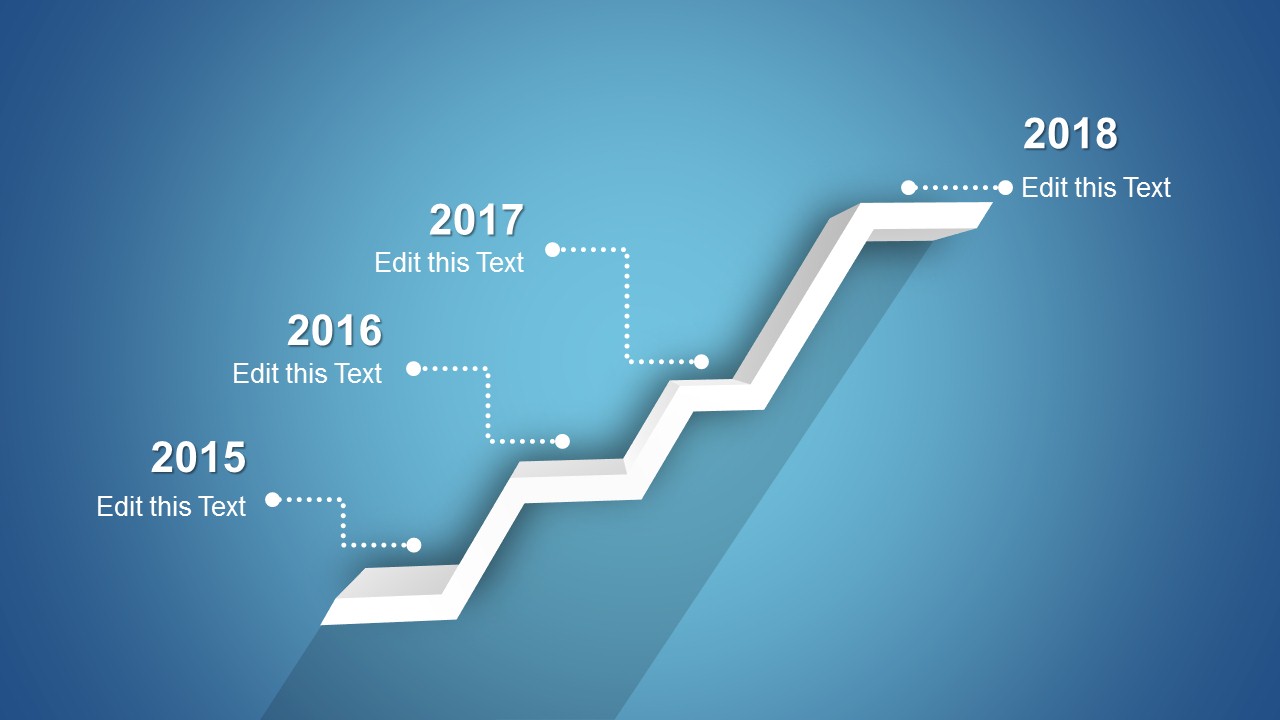
The timeline template with shelves includes four stages that you can use to represent the timeline milestones and colorful backgrounds that helps to get focus in the slide and impress your audience.
What’s inside this template
Example presentation scenarios
- A product manager can use the 3D shelf timeline to explain four release milestones and connect each year label to a short product roadmap note.
- A project manager can present phase-by-phase progress to executives by assigning each shelf step to a completed or upcoming project milestone.
- A startup founder can show investors a simple growth path by using the ascending roadmap metaphor to organize past achievements and next planned stages.
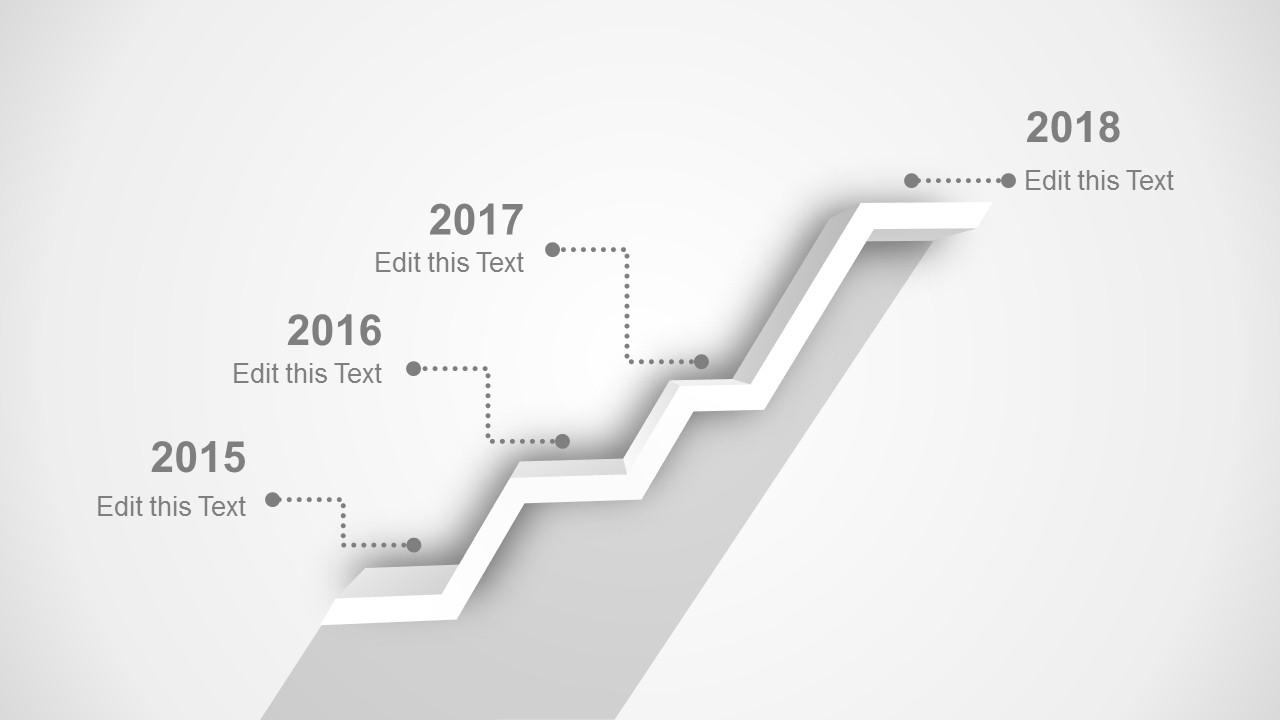
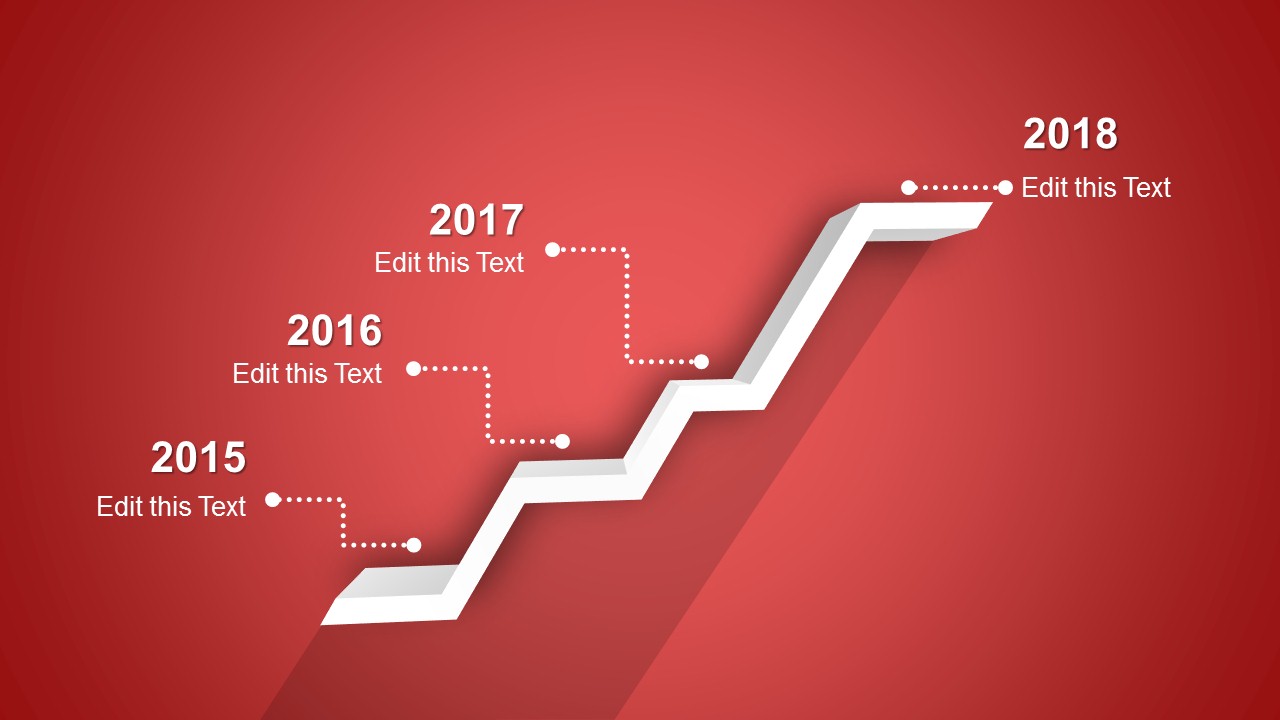
- A consultant can adapt the green, blue, grayscale, or red variant to summarize a client implementation plan with four dated checkpoints.
Features
- 100% editable presentation template
- Compatible with Microsoft PowerPoint and Google Slides
- 16:9 aspect ratio slides
- Scalable vector shapes, icons and illustrations
- AI-Ready for Microsoft Copilot and Claude
- Instant access and download
Frequently asked questions
Q: How should a presenter structure the message around this four-stage shelf timeline?
A: Treat each shelf step as one major milestone, not as a container for many tasks. Start with the earliest date at the lower-left position, explain the outcome of that stage in one short phrase, then move upward to show momentum. Keep the callouts brief so the 3D path remains the main visual guide.
Q: Who is this template best suited for in a planning presentation?
A: This template fits presenters who need to show a simple four-stage progression: product managers outlining releases, project leads summarizing phases, or consultants explaining an implementation path. It works best when the audience needs a quick roadmap view rather than a detailed schedule with owners, costs, and dependencies.
Q: Why use a 3D shelf metaphor instead of a flat horizontal timeline?
A: The shelf metaphor makes progress feel like a climb, which is useful for roadmaps, growth stories, and staged plans. Each white platform creates a visual pause for one milestone, while the shadow and perspective direct the eye from lower-left to upper-right. This helps the audience read sequence and advancement at a glance.




4 Stages Shelf Timeline Template for PowerPoint
4-slide presentation template with 3D shelf timeline and roadmap milestone layouts for product planning
The 4 Stages Shelf Timeline Template for PowerPoint is a 4-slide presentation template for showing four dated milestones as a rising 3D shelf timeline. It includes green, blue, grayscale, and red timeline variants with milestone callouts for 2015 through 2018, built for product roadmap or planning presentations in PowerPoint and Google Slides.
- Category
- Timelines & Planning
- Rating


 Loading...
- Aspect ratio
- 16:9
- Item ID
- 2001-02
- Colors
 Microsoft PowerPoint
  Microsoft Copilot
  Claude for PowerPoint
 Other formats supported
Subscribe today and get immediate
access to download our PowerPoint templates.