Slide 2 of 5 from 4 Quadrants Looping Infographic PowerPoint Diagram
Editable 4 Quadrants Looping Infographic PPT Diagram
4 Quadrants Looping Infographic Diagram
- Diagram
- Circular Cycle
- Process Slide
- 16:9
- 100% Editable
The 4 Quadrants Looping Infographic slide from the 4 Quadrants Looping Infographic PowerPoint Diagram template offers a clear visual for cyclical processes, ideal for business presentations. This slide layout uses editable shapes and vector icons arranged in a circular cycle to illustrate interconnected stages or strategies effectively within a corporate presentation or pitch deck template.
What’s on This Slide
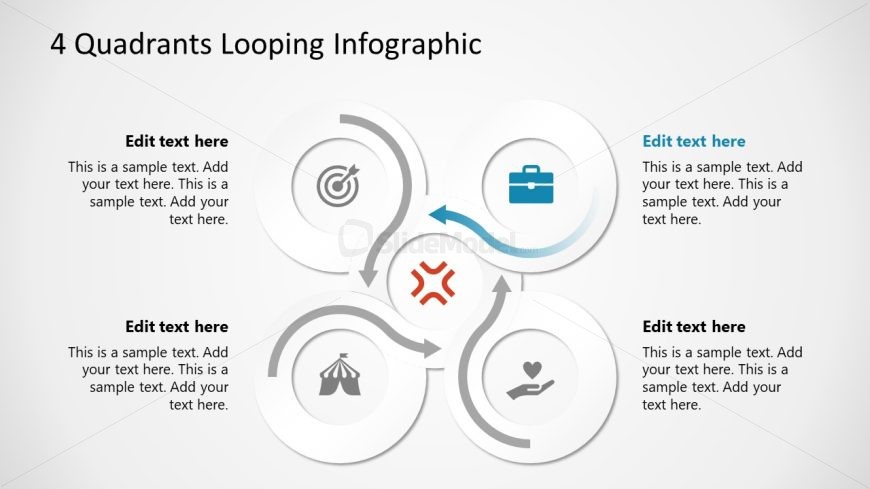
The layout features a central circular shape with four surrounding circular nodes, each containing an icon and text placeholder. The central node is highlighted in red, indicating a focal point. Arrows connect the nodes in a looping manner, suggesting a cyclical process. The icons represent different themes, such as a target, briefcase, circus tent, and heart, positioned in the quadrants. Text placeholders are aligned within each node and the central shape, providing space for descriptive content. The background is light with a subtle gradient, enhancing visual clarity.
How to Use It
This layout functions as a cyclical process diagram, ideal for illustrating four interconnected concepts or stages. It is suitable for presentations that require a visual representation of processes, strategies, or workflows. This structure can be effectively used in business contexts, such as project management, marketing strategies, or operational processes. It fits well in a sequence following an introductory slide, providing a clear visual transition to detailed discussions of each quadrant's content.
Text Placeholders & Capacity
Keep your copy within these limits so it fits without resizing. Node body slots can hold approximately 30 words each.
| Placeholder | Count | Max characters (approx.) |
|---|---|---|
| Item heading | 4 | 30 |
| Item body | 4 | 200 |
| Slide title | 1 | 50 |
Slide Keywords
Download unlimited PowerPoint templates, charts and graphics for your presentations with our annual plan.
DOWNLOADReturn to 4 Quadrants Looping Infographic PowerPoint Diagram.