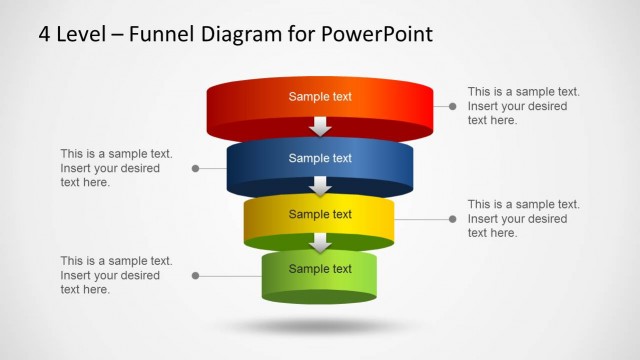
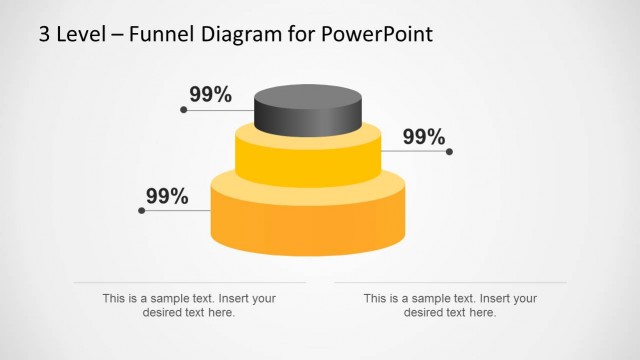
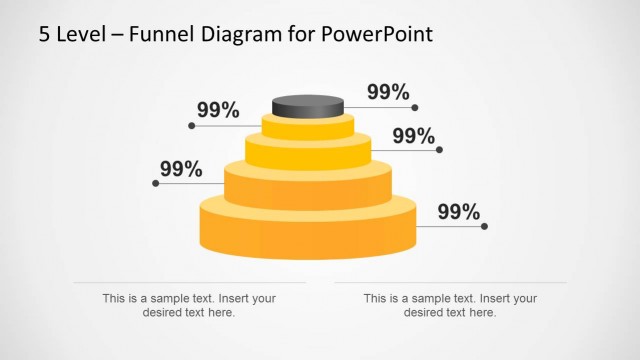
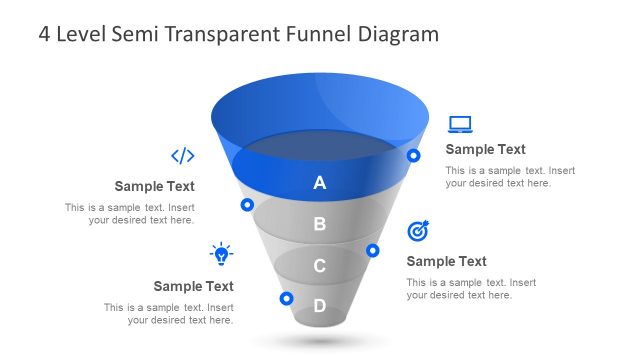
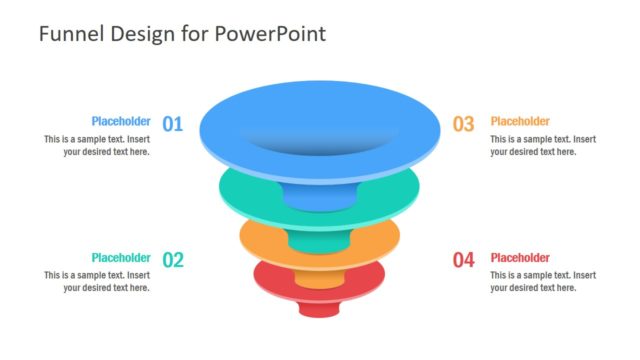
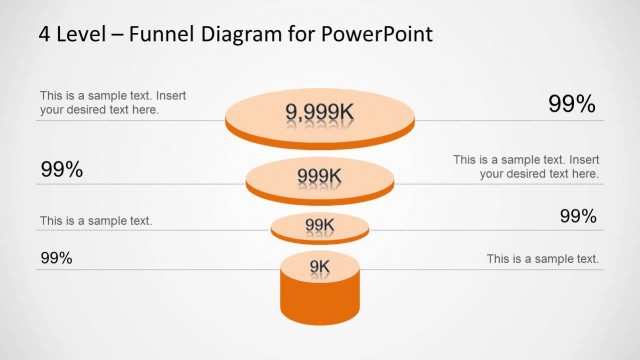
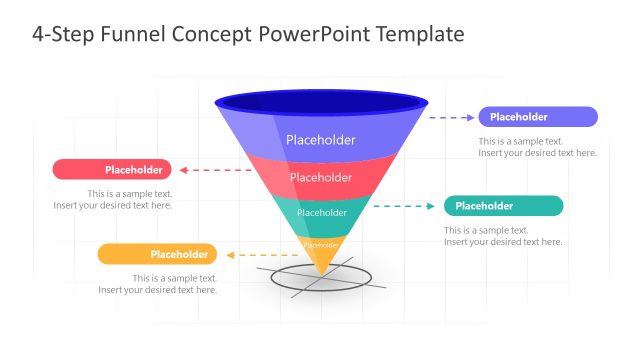
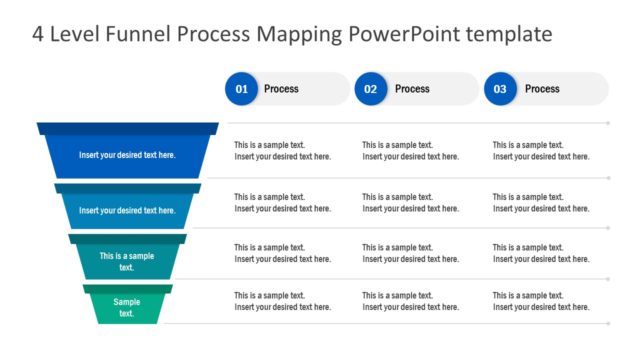
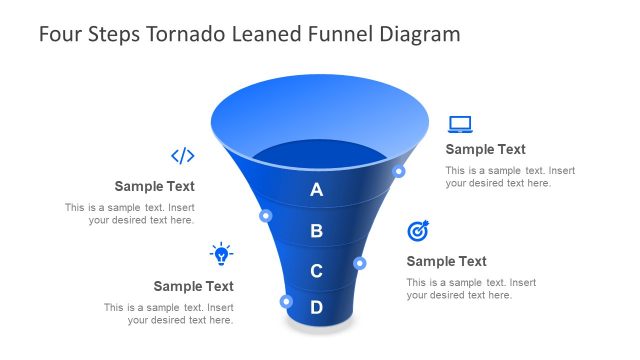
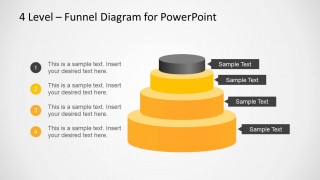
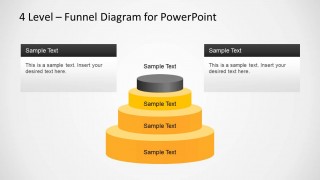
The 4 Level Stacked Funnel Diagram Template for PowerPoint is an editable diagram template for making a 4 level funnel diagram.
Like our other Funnel Diagram Templates for PowerPoint, this template is highly customizable and you can easily add or remove placeholders and content from the given sample slides.
To create presentations about various 4 step topics or processes, see our collection of 4 Step PowerPoint Diagram Templates.
What’s inside this template
Example presentation scenarios
- A sales leader can explain pipeline movement from a broad opportunity base to a smaller qualified outcome using the stacked funnel and percentage callouts.
- A marketing manager can present a campaign funnel by replacing the numbered stage notes with awareness, interest, consideration, and action messages.
- A consultant can map a client process maturity model using the four tiers, side content cards, and connector labels to separate stages from recommendations.
- An operations presenter can show a four-step triage or prioritization flow with the arrow labels pointing directly to each funnel level.
Features
- 100% editable presentation template
- Compatible with Microsoft PowerPoint and Google Slides
- Scalable vector shapes, icons and illustrations
- AI-Ready for Microsoft Copilot and Claude
- Instant access and download
Frequently asked questions
Q: How should a presenter explain a four-level funnel without making the slide feel repetitive?
A: Start with the business meaning of the funnel, then assign one clear idea to each tier. Use the largest base for the broadest input or audience, and reserve the top tier for the narrowest result or final stage. The connector labels and numbered notes help separate stage names from supporting explanation.
Q: Who is this funnel diagram best suited for in a business presentation?
A: This template is best for sales, marketing, consulting, and operations presenters who need to show reduction, qualification, prioritization, or progression across four stages. It works well when the audience must quickly understand how a broad set of items moves toward a smaller, more focused outcome.
Q: Why use a stacked 3D-style funnel instead of a standard list of four steps?
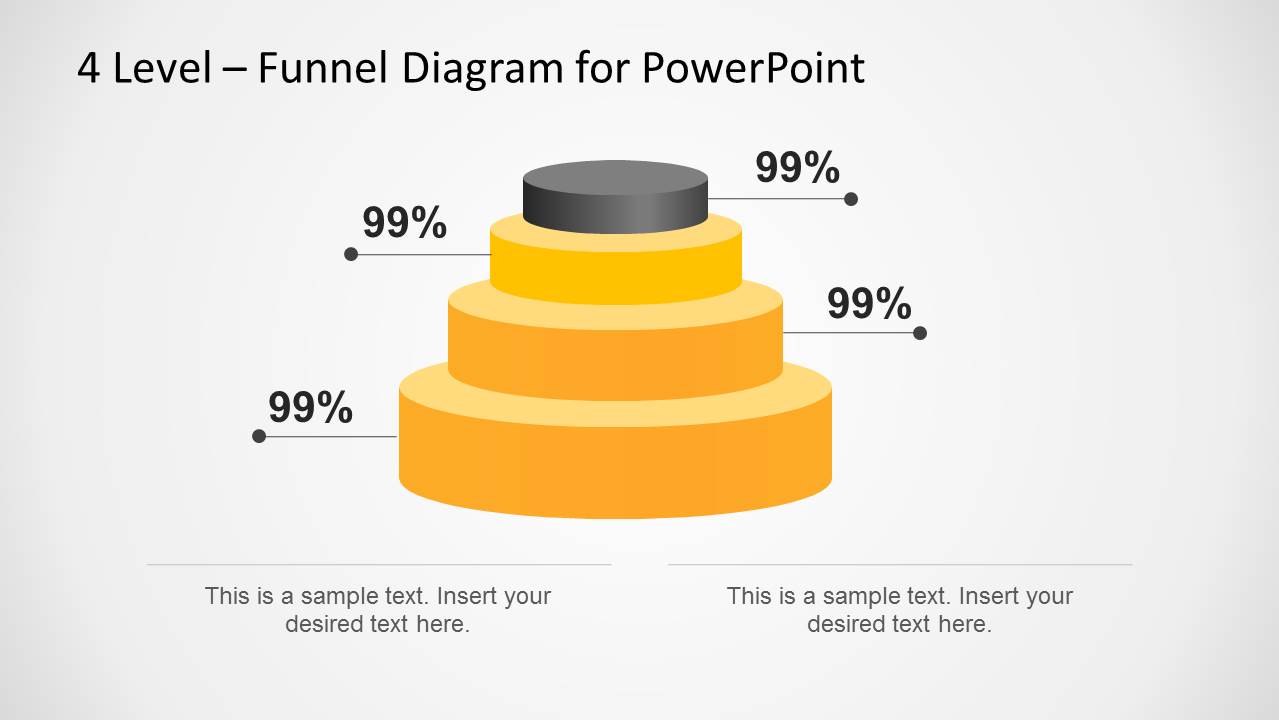
A: The stacked funnel creates a visual metaphor for filtering and concentration. Its tier sizes show relative narrowing before the presenter reads any text. The alternate layouts support different communication needs: percentage callouts for metrics, arrow tags for stage names, and side cards for interpretation or recommendations.


4 Level Stacked Funnel Diagram Template for PowerPoint
4-slide PowerPoint presentation template with stacked funnel diagrams for sales funnels and 4-step processes
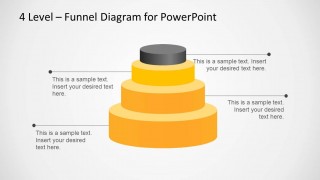
The 4 Level Stacked Funnel Diagram Template for PowerPoint is a 4-slide diagram template for explaining a four-stage funnel or stepped process. It includes a stacked 3D-style funnel with percentage callouts, connector labels, numbered stage notes, and side content cards for sales, marketing, operations, and strategy presenters.


 Loading...
 Microsoft PowerPoint
  Microsoft Copilot
  Claude for PowerPoint
 Other formats supported
Subscribe today and get immediate
access to download our PowerPoint templates.