Slide 1 of 8 from 4 Layers 7 Stages Circular PowerPoint Diagram
4 Layers 7 Stages Circular Diagram PPT Template
4 Layers 7 Stages Circular Diagram Overview
- Diagram
- Circular Cycle
- Process Slide
- 16:9
- 100% Editable
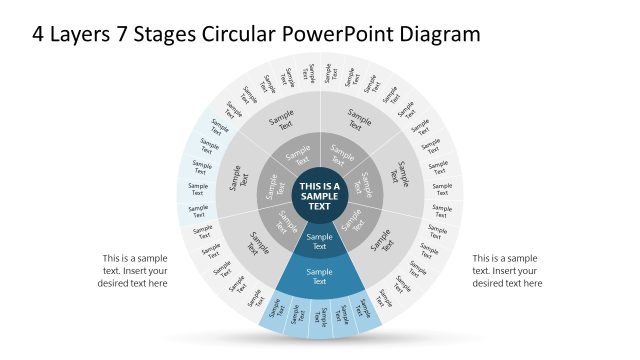
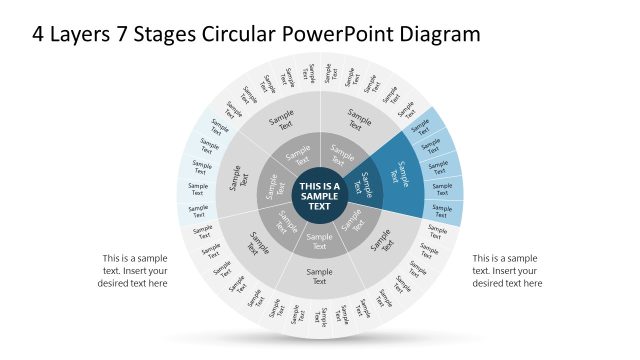
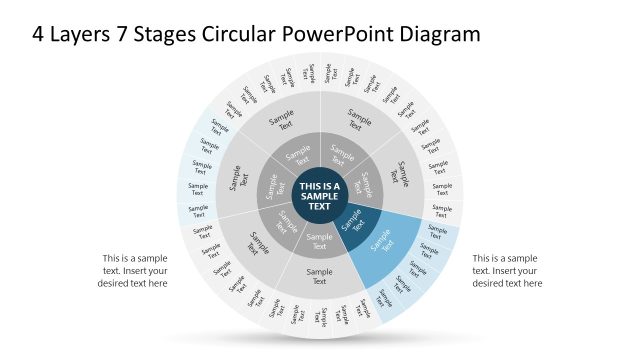
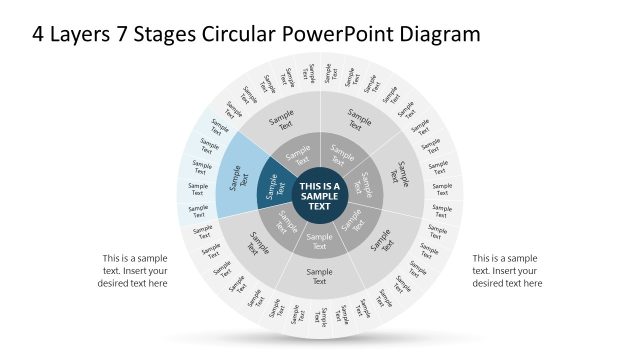
The 4 Layers 7 Stages Circular Diagram slide from the 4 Layers 7 Stages Circular PowerPoint Diagram template offers a structured visual for illustrating complex processes and project phases. This diagram uses concentric layers and segmented stages to present strategic frameworks clearly, making it suitable for business presentations and corporate slide decks. Its design supports editable shapes and text placeholders, enhancing customization within PowerPoint templates and Google Slides templates.
What’s on This Slide
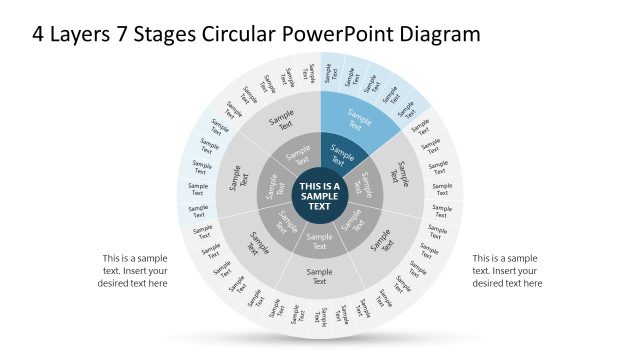
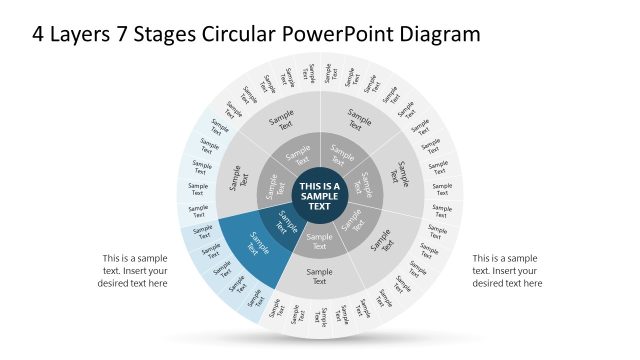
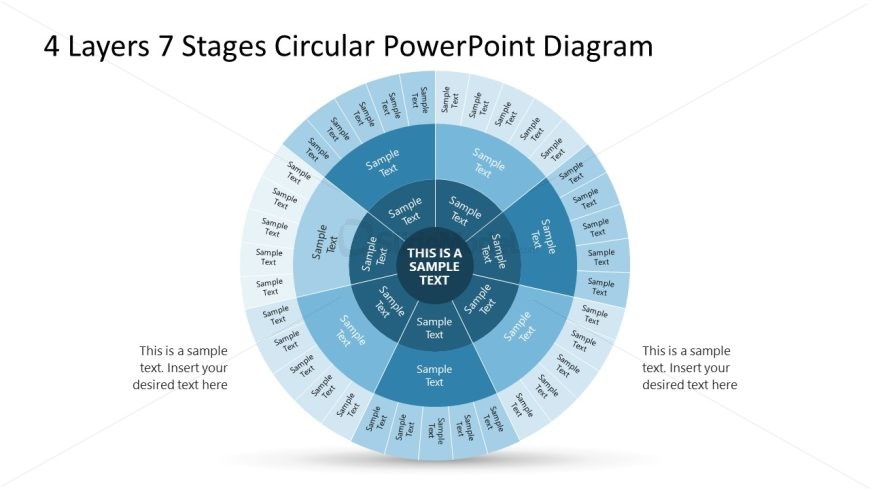
The slide features a circular diagram divided into four concentric layers and seven segments. At the center, a prominent circular node contains the text 'THIS IS A SAMPLE TEXT.' Surrounding this node, the outer layers display text placeholders labeled 'Sample Text,' arranged in a radial pattern. The layout emphasizes a clear visual hierarchy, with the central node being the most prominent. Text placeholders are aligned within each segment, and the overall color scheme includes shades of blue and white, enhancing readability. The diagram is well-structured for presenting layered information.
How to Use It
This layout serves as a multi-layered circular diagram, ideal for illustrating processes or stages in a business context. It can effectively depict concepts such as project phases, product development stages, or strategic frameworks. Positioned early in a presentation, it can introduce a complex topic or framework. This structure is useful for summarizing information in a visually engaging manner, making it suitable for team meetings, strategy sessions, or educational purposes. It allows for clear communication of layered ideas in a concise format.
Text Placeholders & Capacity
Keep your copy within these limits so it fits without resizing. Node slots can accommodate brief phrases, roughly 3-5 words each.
| Placeholder | Count | Max characters (approx.) |
|---|---|---|
| Item body | 7 | 20 |
| Item body | 1 | 30 |
| Item body | 1 | 40 |
| Item body | 1 | 40 |
Slide Keywords
Download unlimited PowerPoint templates, charts and graphics for your presentations with our annual plan.
DOWNLOAD