Slide 7 of 8 from 4 Layers 7 Stages Circular PowerPoint Diagram
Stage 6 Slide – 4 Layers 7 Stages Circular Diagram Template
4 Layers 7 Stages Circular Diagram
- Diagram
- Circular Cycle
- Process Slide
- 16:9
- 100% Editable
The 4 Layers 7 Stages Circular Diagram slide from the 4 Layers 7 Stages Circular PowerPoint Diagram template offers a structured visual for illustrating multi-phase processes and workflows. This slide layout integrates editable shapes and vector icons within a circular cycle, making it suitable for business presentations and strategic planning. Its clear hierarchy supports effective communication of project stages, enhancing corporate presentation slide decks with professional slide templates compatible with PowerPoint and Google Slides.
What’s on This Slide
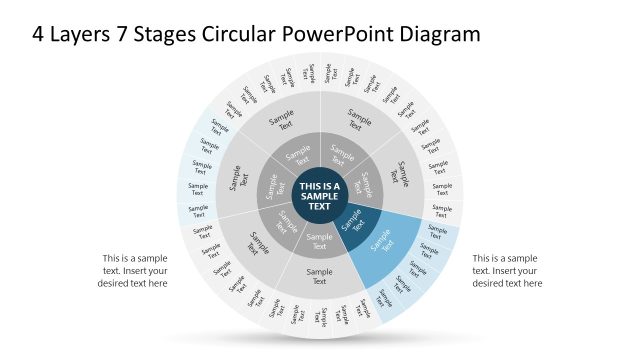
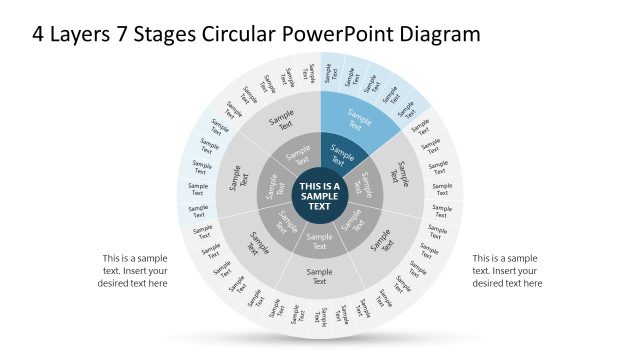
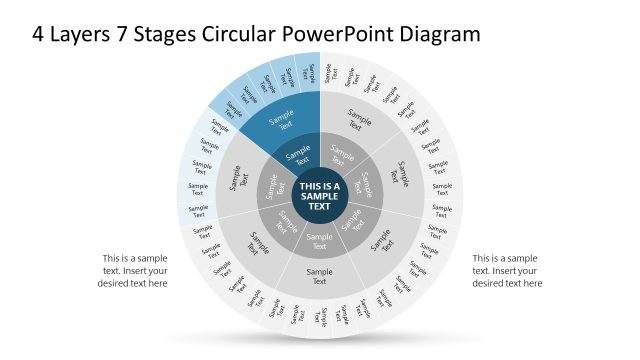
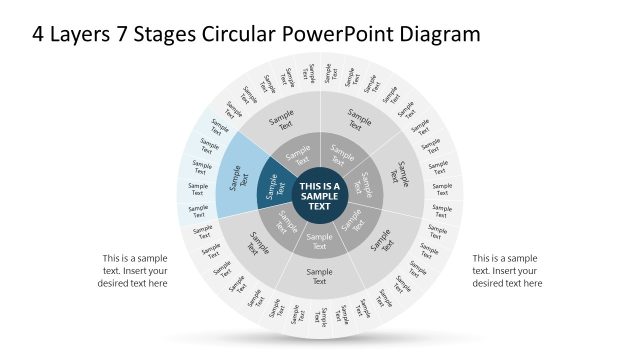
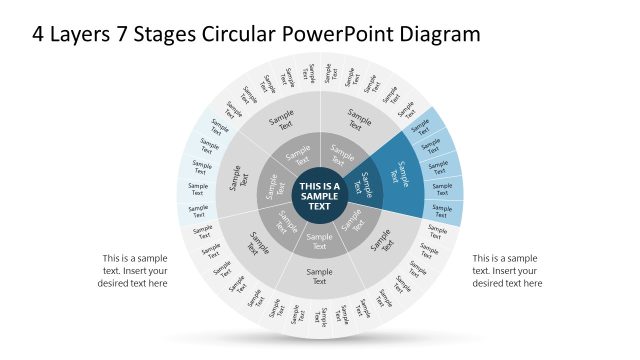
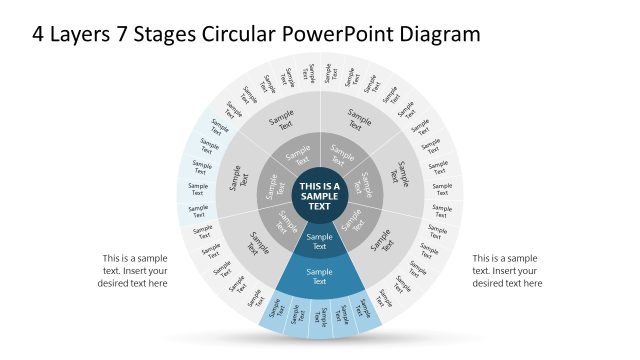
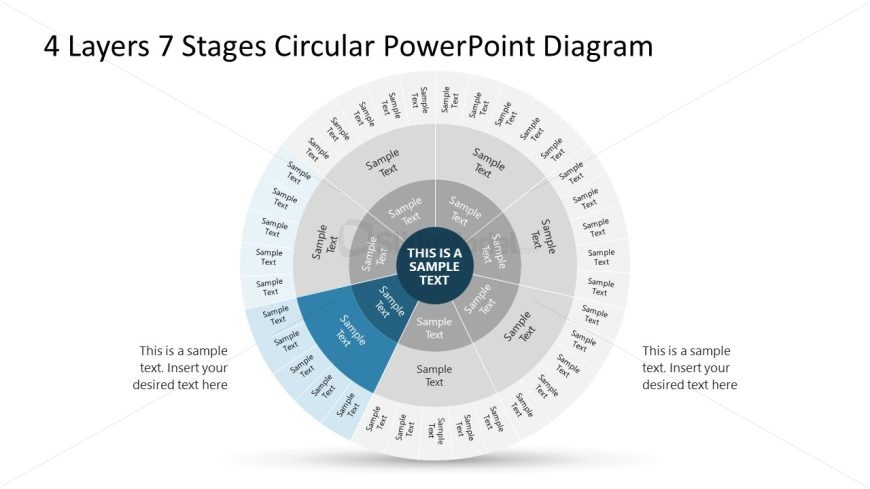
The layout features a circular diagram divided into four layers and seven segments. The center contains a prominent circular node with the text placeholder 'THIS IS A SAMPLE TEXT.' Surrounding this, seven sections are arranged radially, each with a text placeholder labeled 'Sample Text.' The outermost layer has a light color scheme, while the inner layers transition to darker shades. Additional text placeholders are positioned outside the circle, aligned left and right, allowing for supplementary information. The overall composition emphasizes a clear visual hierarchy.
How to Use It
This layout serves as a multi-layered circular diagram, ideal for illustrating processes with distinct stages. It fits well in presentations discussing project phases, strategic planning, or workflow processes. This diagram can effectively communicate complex information in a visually engaging manner. It is particularly useful in business contexts where layered approaches or stages need to be highlighted. The structure allows for easy adaptation to various topics, making it versatile for different presentations.
Text Placeholders & Capacity
Keep your copy within these limits so it fits without resizing. Node slots can accommodate roughly 30 characters each.
| Placeholder | Count | Max characters (approx.) |
|---|---|---|
| Item body | 7 | 30 |
| Item body | 1 | 30 |
| Item body | 1 | 50 |
| Body paragraph | 2 | 50 |
Slide Keywords
Download unlimited PowerPoint templates, charts and graphics for your presentations with our annual plan.
DOWNLOAD