Slide 4 of 6 from 4 Items Thin Semi Circle PowerPoint Diagram
Step 3 Infographics Slide – 4 Items thin Semi circle Business Presentation
4-Item Thin Semi-circle Diagram Template
- Diagram
- Comparison Split
- Process Slide
- 16:9
- 100% Editable
What’s on This Slide
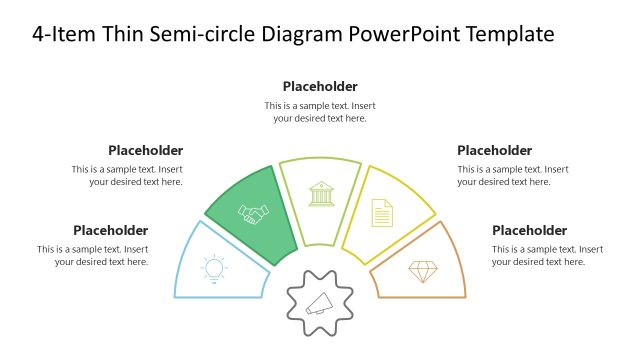
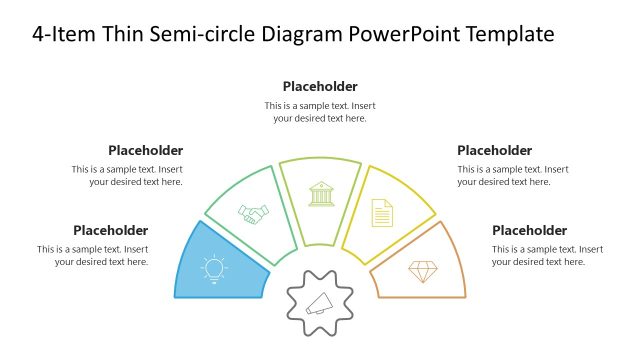
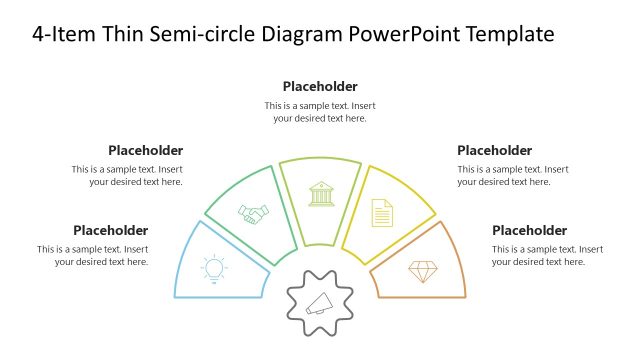
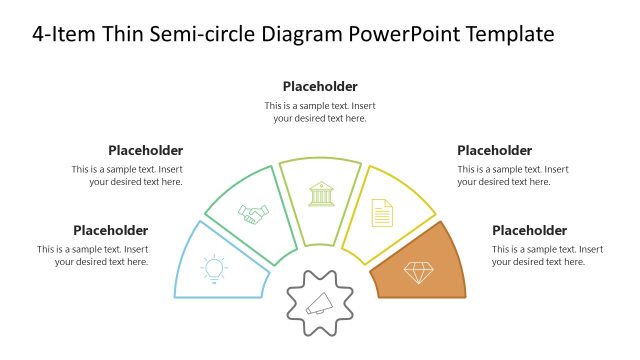
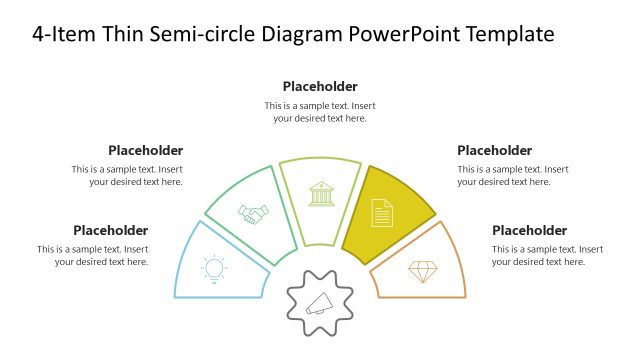
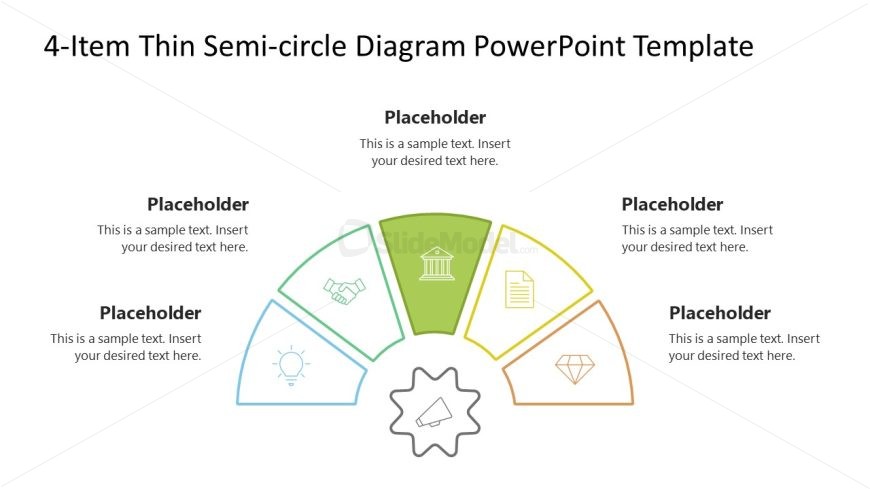
The layout features a semi-circle divided into four equal sections, each containing a placeholder for text. The sections are arranged in a circular format, with icons positioned at the top of each segment. A central gear icon is placed at the bottom, connecting the segments. The text placeholders are aligned to the right of each segment, allowing for clear labeling. The color scheme includes blue, green, yellow, and orange for the segments, while the background remains white, enhancing visual clarity. The overall structure emphasizes a cohesive flow among the segments.
How to Use It
This layout serves as a circular infographic to present four related concepts or items. It is suitable for illustrating processes, features, or categories within a presentation. The semi-circle design allows for easy comparison and visual engagement. It fits well in a sequence after a problem statement or introduction, leading into detailed discussions. This format is ideal for business scenarios such as product features, project phases, or strategic initiatives, where clarity and organization are essential.
Text Placeholders & Capacity
Keep your copy within these limits so it fits without resizing. Each node can hold a title and a brief description, roughly 30 and 80 characters respectively.
| Placeholder | Count | Max characters (approx.) |
|---|---|---|
| Item heading | 4 | 30 |
| Item body | 4 | 80 |
Slide Keywords
Download unlimited PowerPoint templates, charts and graphics for your presentations with our annual plan.
DOWNLOADReturn to 4 Items Thin Semi Circle PowerPoint Diagram.