Slide 6 of 6 from 4 Items Thin Semi Circle PowerPoint Diagram
4 Items thin Semi circle PowerPoint Slide Layout
4-Item Thin Semi-circle Diagram Overview
- Diagram
- Comparison Split
- Process Slide
- 16:9
- 100% Editable
What’s on This Slide
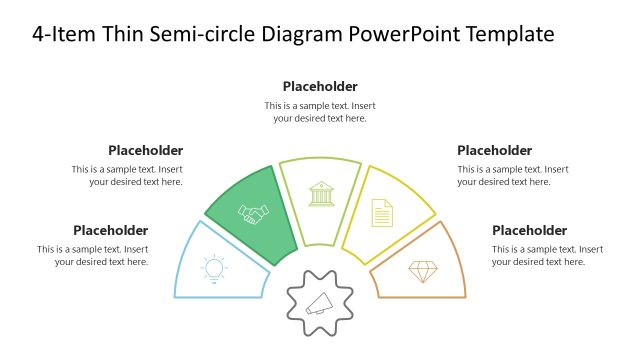
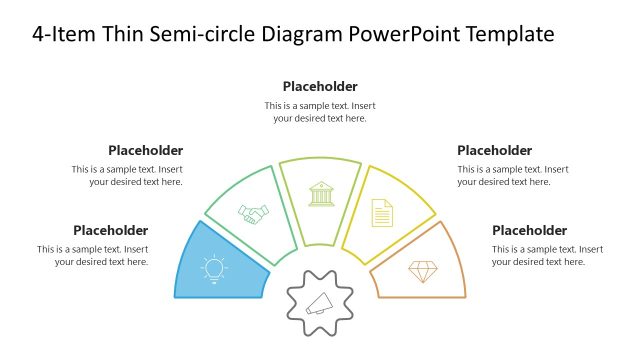
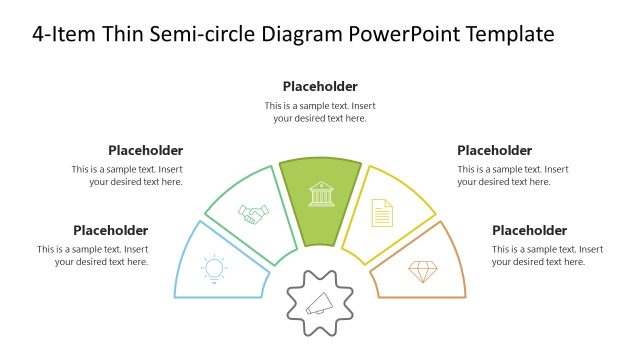
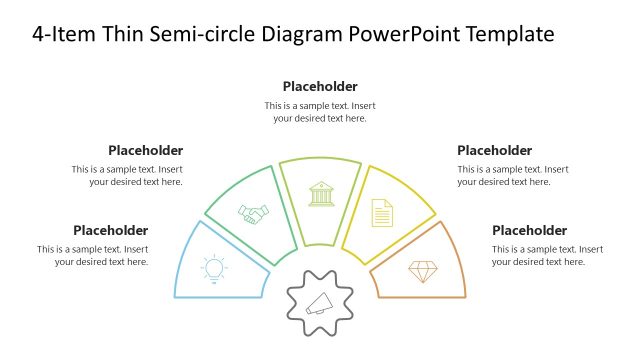
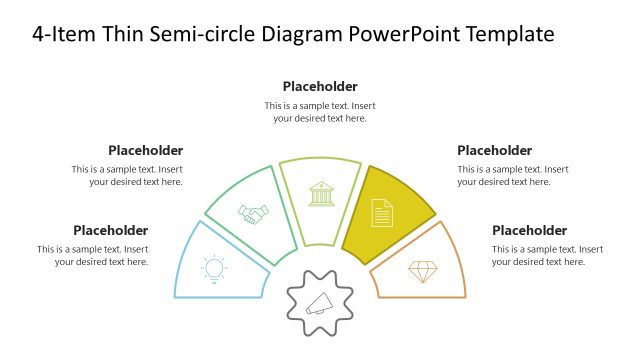
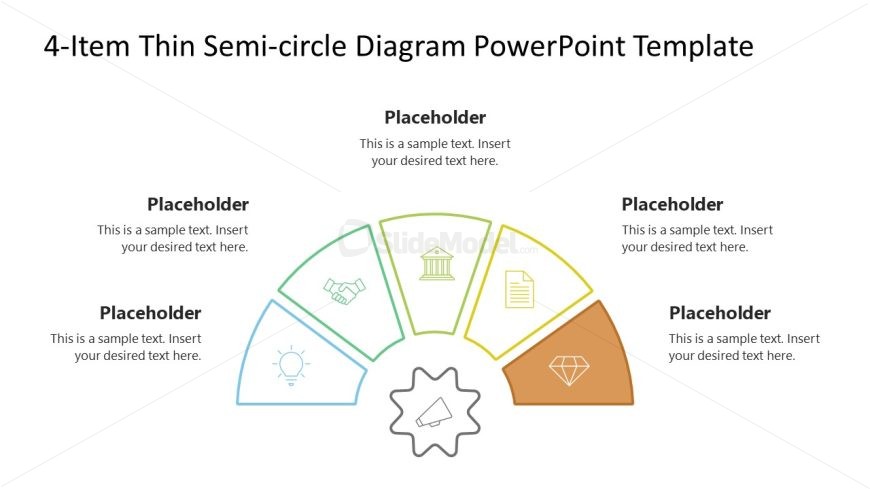
The layout features a semi-circle divided into four segments, each containing a placeholder for text. The segments are arranged in a circular manner, with icons positioned above the text placeholders. The central area contains a gear icon, emphasizing the diagram's focus. The segments are colored differently, creating a visual distinction between them. Text placeholders are aligned centrally within each segment, allowing for clear insertion of content. The overall composition is balanced, with ample white space surrounding the elements, enhancing readability and focus.
How to Use It
This layout serves as a visual representation of four related items or concepts, making it suitable for presentations that require comparison or categorization. It fits well in a sequence following an introduction or problem statement, leading into detailed discussions of each item. Common scenarios include project overviews, product features, or strategic initiatives. The semi-circle design allows for a clear and engaging display of information, making it effective for both team meetings and client presentations.
Text Placeholders & Capacity
Keep your copy within these limits so it fits without resizing. Node body slots can hold approximately 10-12 words each.
| Placeholder | Count | Max characters (approx.) |
|---|---|---|
| Item heading | 4 | 30 |
| Item body | 4 | 60 |
Slide Keywords
Download unlimited PowerPoint templates, charts and graphics for your presentations with our annual plan.
DOWNLOADReturn to 4 Items Thin Semi Circle PowerPoint Diagram.