Slide 2 of 6 from 4 Items Thin Semi Circle PowerPoint Diagram
Step 1 Slide – 4 Items thin Semi circle Template
4-Item Thin Semi-Circle Diagram Template
- Diagram
- Other
- Process Slide
- 16:9
- 100% Editable
What’s on This Slide
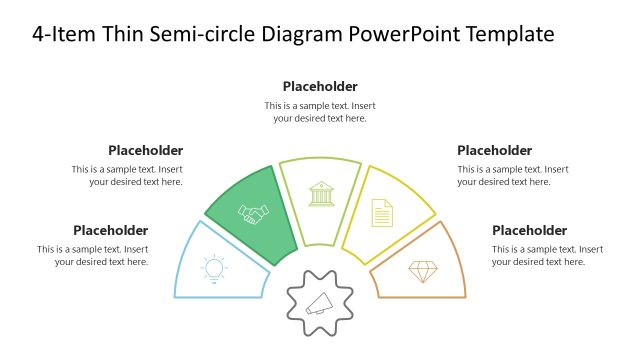
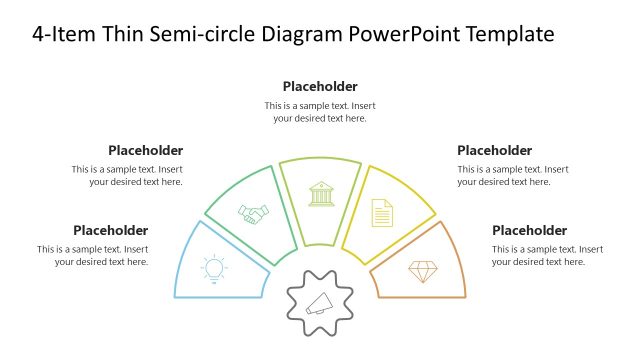
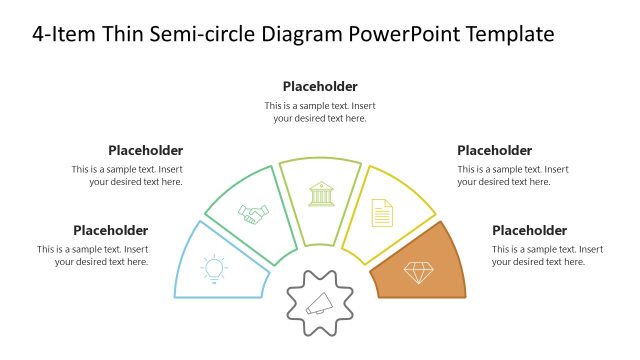
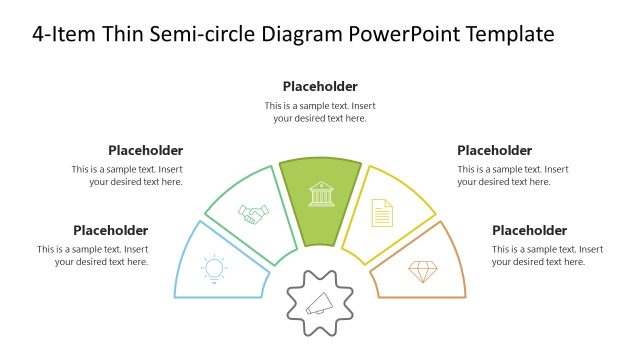
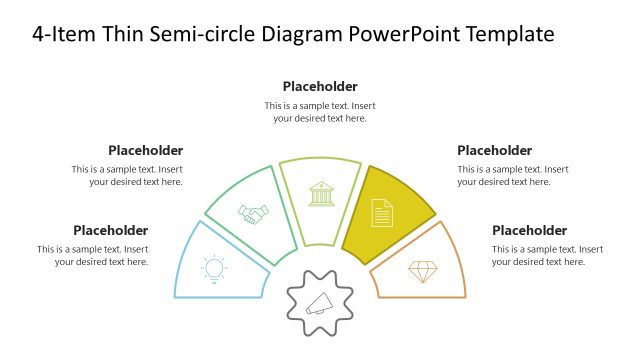
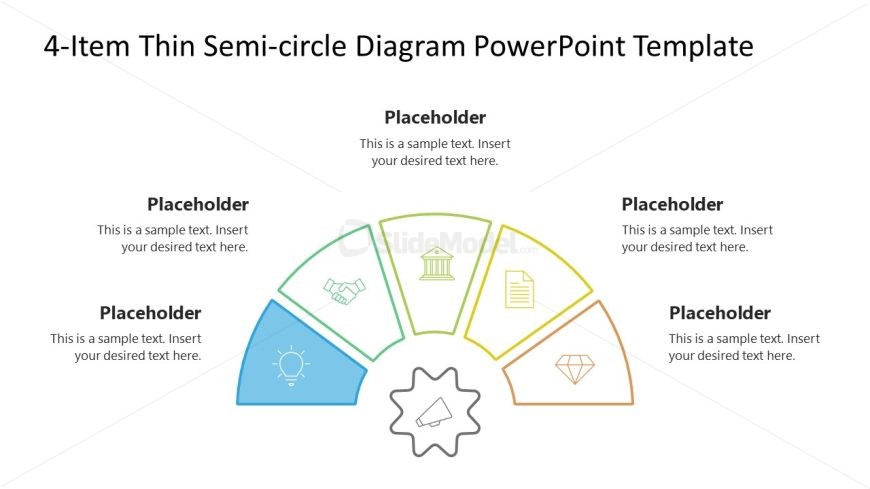
The layout features a thin semi-circle divided into four segments, each containing a placeholder for text. The segments are positioned at the bottom of the slide, radiating outward from a central gear icon. Each segment has a unique icon representing different concepts, such as a light bulb and a handshake. The text placeholders are aligned within each segment and are visually distinct. The overall color scheme includes blue, green, orange, and yellow, with a white background providing contrast. The central gear icon serves as a focal point.
How to Use It
This layout serves as a visual representation for presenting four related concepts or items in a semi-circular format. It is suitable for business presentations, such as outlining key features, benefits, or steps in a process. This slide fits well after a problem statement or introduction, providing a clear transition into solutions or strategies. It can be used in various contexts, including marketing, project planning, or product development discussions.
Text Placeholders & Capacity
Keep your copy within these limits so it fits without resizing. Node body slots can hold about 12-15 words each.
| Placeholder | Count | Max characters (approx.) |
|---|---|---|
| Item heading | 4 | 30 |
| Item body | 4 | 80 |
Slide Keywords
Download unlimited PowerPoint templates, charts and graphics for your presentations with our annual plan.
DOWNLOADReturn to 4 Items Thin Semi Circle PowerPoint Diagram.