Slide 2 of 5 from 4-Item Tabbed Menu PowerPoint Template
Tab 1 Slide – 4-Item Tabbed Menu Template
Vertical Tabbed Menu PowerPoint Template
- Text Layout
- List Blocks
- Context Slide
- 16:9
- 100% Editable
What’s on This Slide
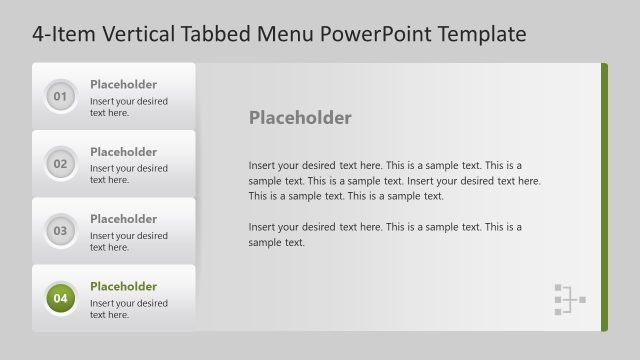
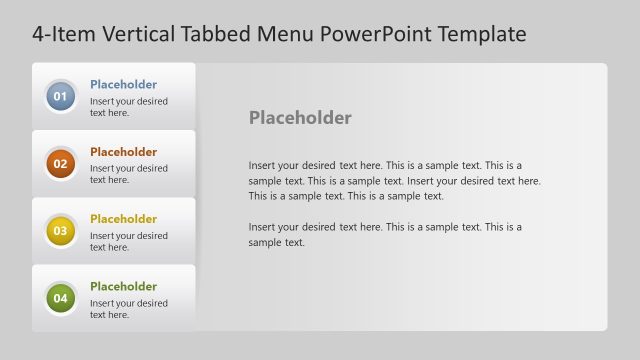
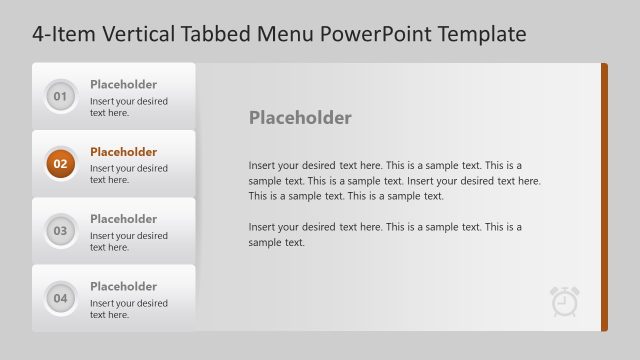
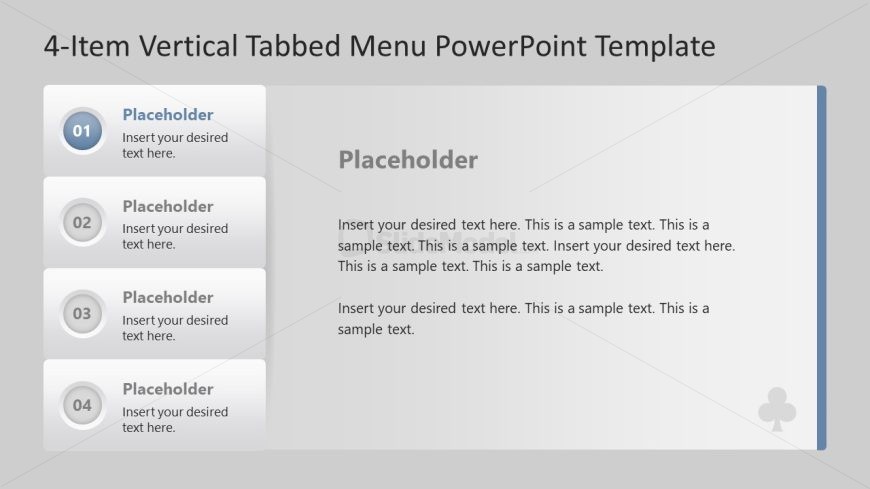
The layout features a vertical tabbed menu on the left side, containing four circular buttons labeled 01 to 04. Each button serves as a tab for navigation. To the right, there is a large text placeholder for detailed content, aligned vertically. The background is a light gray gradient, enhancing the visual separation between the tabs and the content area. The buttons are colored with a blue gradient for the active tab and gray for inactive ones. Text placeholders are present for titles and body content, with a clear visual hierarchy.
How to Use It
This layout serves as a vertical navigation menu, ideal for presenting multiple topics or sections within a presentation. It fits well in a sequence where a detailed explanation follows an overview or introduction slide. Business scenarios include product features, service offerings, or project phases. This structure allows for easy access to different content areas while maintaining a clean and organized appearance, making it suitable for instructional or informational presentations.
Text Placeholders & Capacity
Keep your copy within these limits so it fits without resizing. Body slots can accommodate approximately 40-50 words each.
| Placeholder | Count | Max characters (approx.) |
|---|---|---|
| Item heading | 4 | 2 |
| Body paragraph | 1 | 260 |
| Slide title | 1 | 20 |
Slide Keywords
Download unlimited PowerPoint templates, charts and graphics for your presentations with our annual plan.
DOWNLOADReturn to 4-Item Tabbed Menu PowerPoint Template.