Slide 3 of 10 from 4-Item Semicircle Diagram for PowerPoint
Flat PowerPoint Diagram Template
4-Item Semicircle Diagram for Presentations
- Diagram
- Other
- Process Slide
- 16:9
- 100% Editable
The 4-Item Semicircle Diagram slide from the 4-Item Semicircle Diagram for PowerPoint template offers a clear visual format for illustrating process overviews or strategic initiatives. This slide layout uses editable shapes and vector icons arranged in a balanced semicircle to highlight four related concepts or project phases. Designed for business presentations and pitch deck templates, it supports concise communication of multiple points with a clean, professional style suitable for PowerPoint and Google Slides templates.
What’s on This Slide
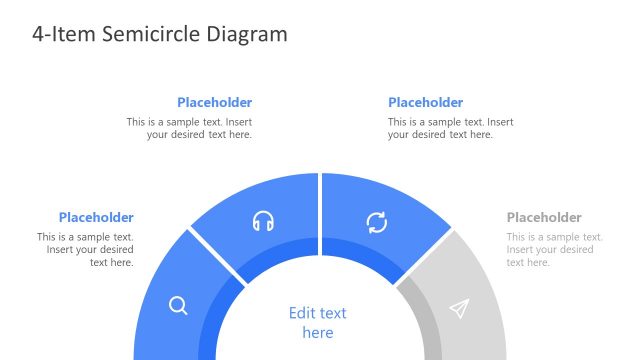
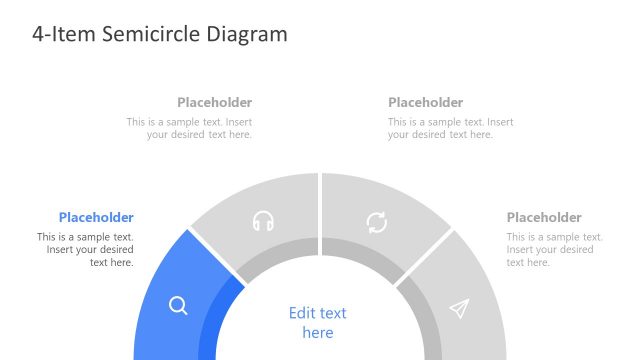
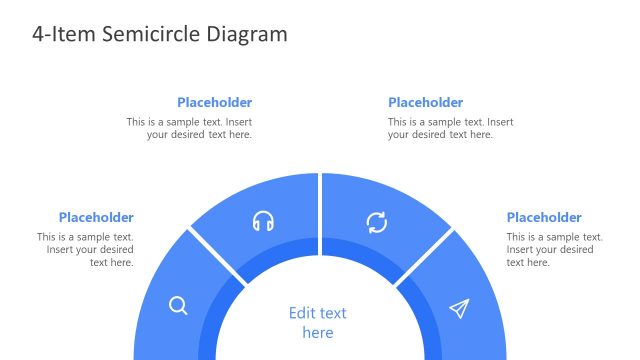
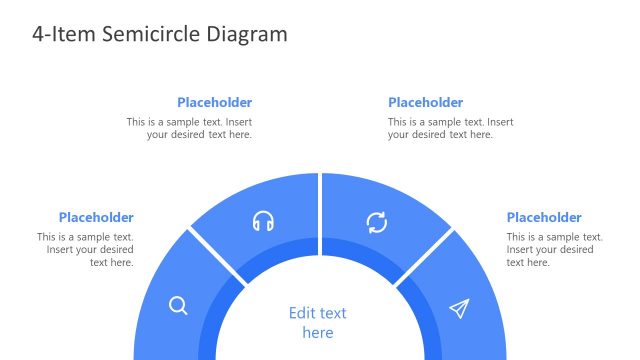
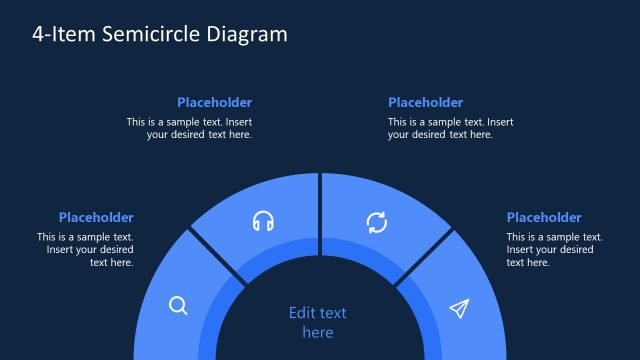
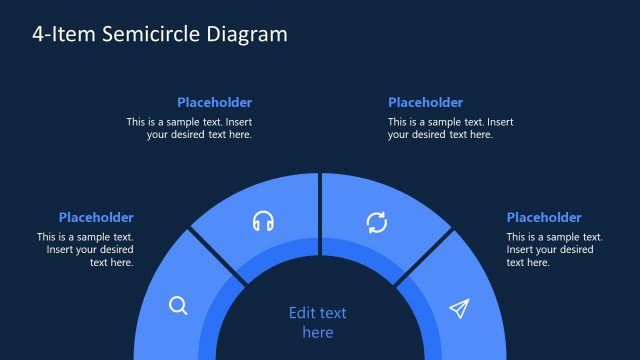
The layout features a semicircle divided into four equal segments, each containing a placeholder for text. The leftmost segment is filled with a blue color, while the others are gray. Each segment has an icon positioned above the text placeholder, which is aligned centrally. The central area includes a larger placeholder labeled 'Edit text here.' The overall composition is balanced, with the semicircle positioned at the bottom of the slide and the title placed at the top. The background is white, enhancing the visibility of the elements.
How to Use It
This layout serves as a visual representation of four related concepts or steps in a process. It is suitable for presentations that require a clear breakdown of information, such as project phases or product features. It fits well in a sequence after introducing a problem or topic, providing a structured overview. This format is ideal for business scenarios like strategy presentations, training sessions, or marketing plans where concise communication of multiple points is essential.
Text Placeholders & Capacity
Keep your copy within these limits so it fits without resizing. Each segment can hold about 50 characters of text comfortably.
| Placeholder | Count | Max characters (approx.) |
|---|---|---|
| Item body | 4 | 50 |
| Item body | 1 | 30 |
Slide Keywords
Download unlimited PowerPoint templates, charts and graphics for your presentations with our annual plan.
DOWNLOADReturn to 4-Item Semicircle Diagram for PowerPoint.