Slide 2 of 2 from 4 Item Mixed Infographic Diagram for PowerPoint
PPT 4 Item Mixed Infographic Diagram
4 Item Mixed Infographic Diagram for Presentations
- Diagram
- Arrow Sequence
- Process Slide
- 16:9
- 100% Editable
What’s on This Slide
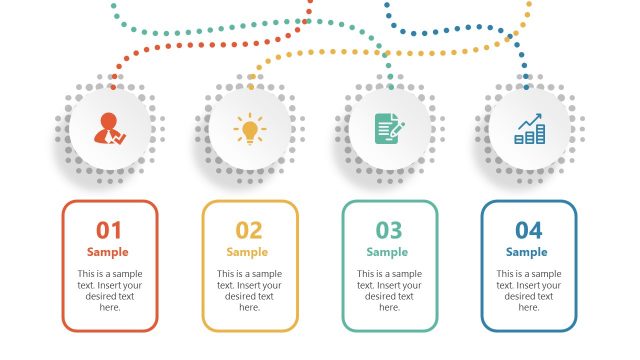
The slide features a dark blue background with four circular nodes arranged in a horizontal line at the top. Each node contains an icon representing different concepts, with connecting dotted lines above them. Below each node is a rectangular container with a number and sample text placeholder, aligned centrally. The nodes are equal in size, while the containers vary slightly in color. Text placeholders are present in each container, indicating their position and visual hierarchy. The overall composition is balanced, with a clear flow from the nodes to the containers.
How to Use It
This layout serves as a sequential infographic diagram, ideal for illustrating processes or stages. It fits well in presentations that require a visual breakdown of steps or segments. Common scenarios include project timelines, product development phases, or marketing strategies. The design allows for easy customization of content while maintaining clarity. It is effective in both team meetings and client presentations, where visual storytelling is essential.
Text Placeholders & Capacity
Keep your copy within these limits so it fits without resizing. Node body slots can hold around 10 words each.
| Placeholder | Count | Max characters (approx.) |
|---|---|---|
| Item heading | 4 | 20 |
| Item body | 4 | 50 |
Slide Keywords
Download unlimited PowerPoint templates, charts and graphics for your presentations with our annual plan.
DOWNLOAD