4-Item Growing Timeline Arrows PowerPoint Template
Share your growth journeys in business presentations with our customizable 4-Item Growing Timeline Arrows PowerPoint Template. A timeline diagram is helpful for tracking a project’s progress and growth in distinct, time-bound steps. Startup founders edit the arrow layout to map user growth from launch to scale in the investor presentation. Corporate mentors communicate a four-step skill development plan from beginner to expert. Strategy leaders use the four-item growing timeline to share progress across four stages with ascending arrow blocks. Our 4-item timeline template is also comparable with Google Slides and other versions of Microsoft PowerPoint. In team presentations, BD leads highlight the four-step growth plan so everyone can align their activities with the company objectives.
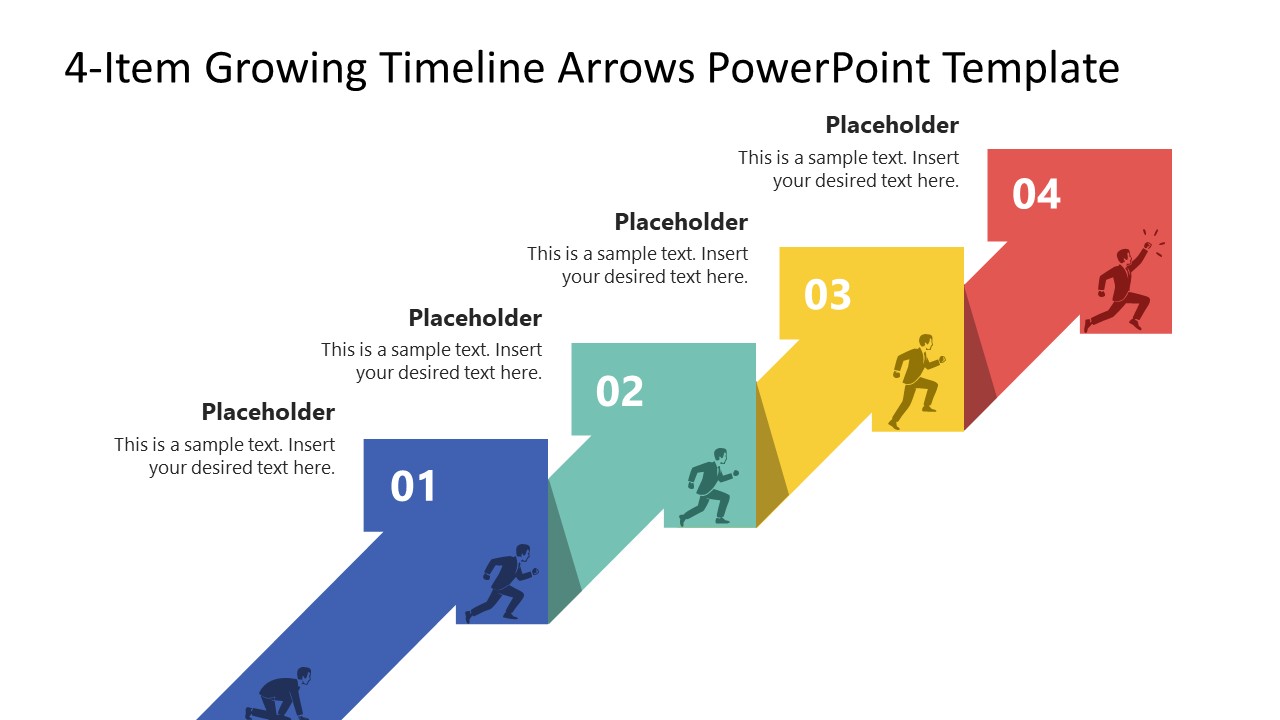
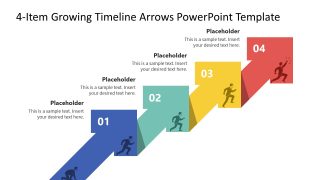
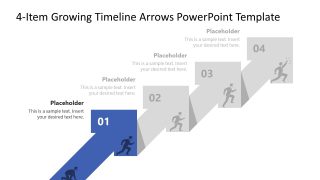
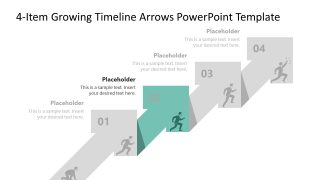
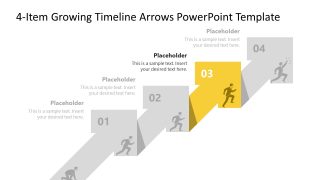
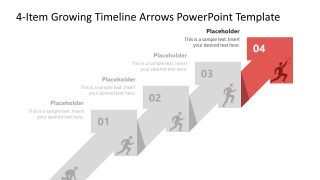
The 4-Item Growing Timeline Arrows PowerPoint Template features a multiple-arrow diagram with a 3D effect. The arrow is placed diagonally where the head of each arrow connects with the base of the next arrow in the array. The left flank of the arrowhead displays a number, while the right flank shows a small human runner infographic racing towards the top step by step. The arrows are brightly colored, attracting the audience’s attention and keeping them engaged with the presentation. After the cover slide, we have five more slides in the template. Each slide has a focus effect that shows one arrow at a time with full details. We also allow users to adjust the PPT design features to match their branding components. Download the 4-item growing timeline arrows diagram in a climbing formation and present the forward motion phenomenon towards a goal or target. In addition, we have many arrow template layouts to help you choose the perfect design for your specific presentation.


You must have an active subscription to download this file.
- Category
- Timelines & Planning
- Rating
-

 Loading...
 - Size
- 16x9
- Item ID
- 23767-01
- Colors
Subscribe today and get immediate
access to download our PowerPoint templates.