Share your growth journeys in business presentations with our customizable 4-Item Growing Timeline Arrows PowerPoint Template. A timeline diagram is helpful for tracking a project’s progress and growth in distinct, time-bound steps. Startup founders edit the arrow layout to map user growth from launch to scale in the investor presentation. Corporate mentors communicate a four-step skill development plan from beginner to expert. Strategy leaders use the four-item growing timeline to share progress across four stages with ascending arrow blocks. Our 4-item timeline template is also comparable with Google Slides and other versions of Microsoft PowerPoint. In team presentations, BD leads highlight the four-step growth plan so everyone can align their activities with the company objectives.
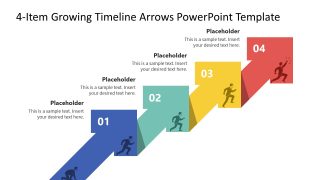
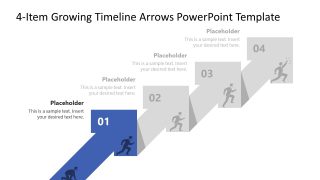
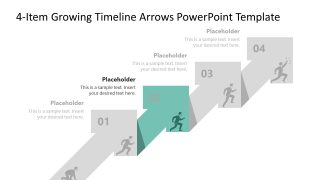
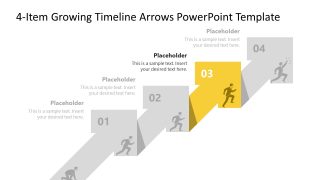
The 4-Item Growing Timeline Arrows PowerPoint Template features a multiple-arrow diagram with a 3D effect. The arrow is placed diagonally where the head of each arrow connects with the base of the next arrow in the array. The left flank of the arrowhead displays a number, while the right flank shows a small human runner infographic racing towards the top step by step. The arrows are brightly colored, attracting the audience’s attention and keeping them engaged with the presentation. After the cover slide, we have five more slides in the template. Each slide has a focus effect that shows one arrow at a time with full details. We also allow users to adjust the PPT design features to match their branding components. Download the 4-item growing timeline arrows diagram in a climbing formation and present the forward motion phenomenon towards a goal or target. In addition, we have many arrow template layouts to help you choose the perfect design for your specific presentation.
What’s inside this template
Example presentation scenarios
- A startup founder can use the full-color ascending arrow timeline to explain how user adoption moves from launch through scale during an investor update.
- A business development lead can present a four-step growth plan to align sales, marketing, and operations around staged targets and owners.
- A project manager can use the focus slides to walk stakeholders through milestone 01, 02, 03, and 04 without crowding every detail onto one overview.
- A corporate trainer can map a skill development path from entry level to advanced performance using the numbered arrows and runner icons as progression cues.
Features
- 100% editable presentation template
- Compatible with Microsoft PowerPoint and Google Slides
- 16:9 aspect ratio slides
- Scalable vector shapes, icons and illustrations
- AI-Ready for Microsoft Copilot and Claude
- Instant access and download
Frequently asked questions
Q: How should a presenter explain the four steps without making the timeline feel repetitive?
A: Start with Slide 1 as the full path, then use Slides 2 through 5 to assign one decision, milestone, or behavior to each highlighted arrow. Keep each callout focused on what changes at that stage. The muted arrows help the audience remember the whole journey while the presenter concentrates attention on the active step.
Q: Who is this timeline best suited for in a business presentation?
A: This template fits presenters who need to show forward movement in four clear phases: founders explaining growth, business development leaders aligning teams, project managers reviewing milestones, or trainers describing skill progression. It works best when the audience needs a simple staged path rather than a dense operational plan.
Q: Why use ascending arrows and runner icons instead of a flat horizontal timeline?
A: The climbing arrow metaphor makes progress feel directional and goal-based. Each arrow connects to the next, so the audience sees momentum instead of isolated tasks. The runner silhouettes reinforce effort and movement, while the highlighted focus slides reduce visual noise when discussing one stage in detail.
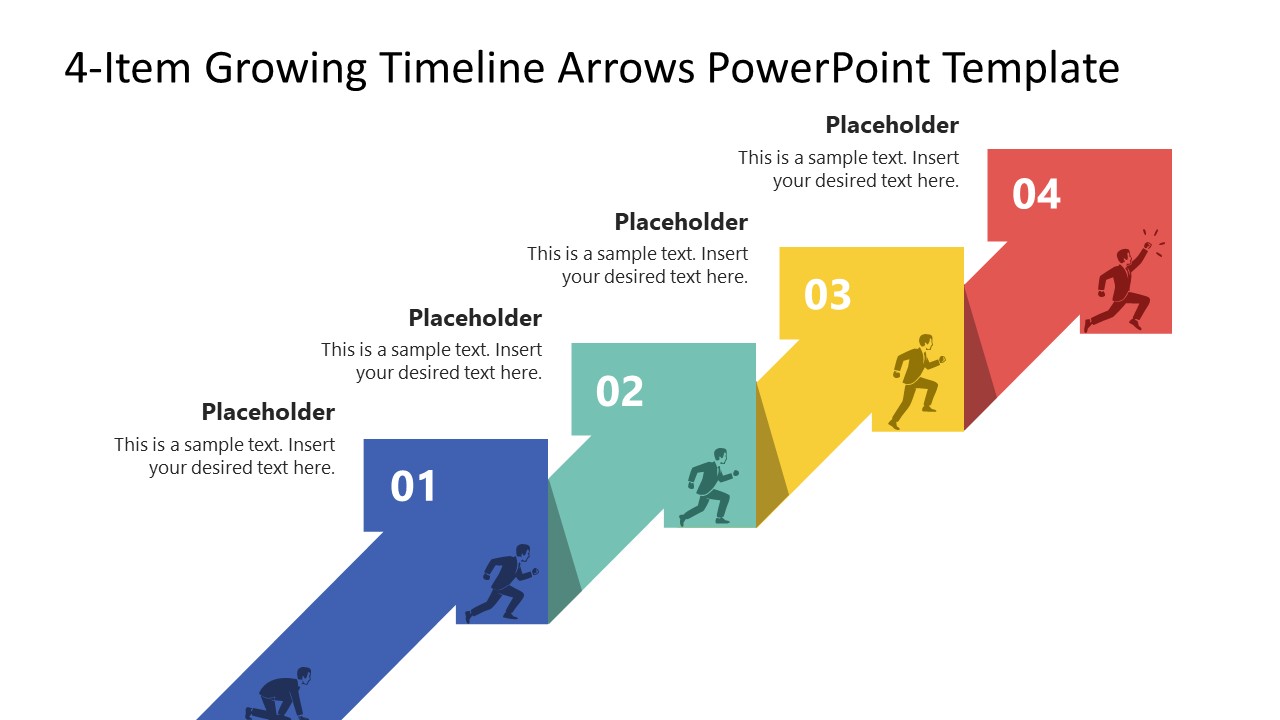


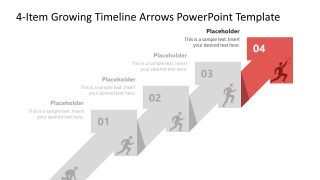
4-Item Growing Timeline Arrows PowerPoint Template
5-slide presentation template with four-step growth timeline arrows for milestone planning and business development
The 4-Item Growing Timeline Arrows PowerPoint Template is a 5-slide timeline diagram for showing staged growth, progress, or development. It includes a full-color ascending arrow timeline, four focused step slides, numbered arrow blocks, runner icons, and editable text callouts for business development, finance growth, project planning, or coaching presentations in Microsoft PowerPoint and Google Slides.
- Category
- Timelines & Planning
- Rating

 Loading...
- Aspect ratio
- 16:9
- Item ID
- 23767-01
- Colors
 Microsoft PowerPoint
  Microsoft Copilot
  Claude for PowerPoint
 Other formats supported
Subscribe today and get immediate
access to download our PowerPoint templates.