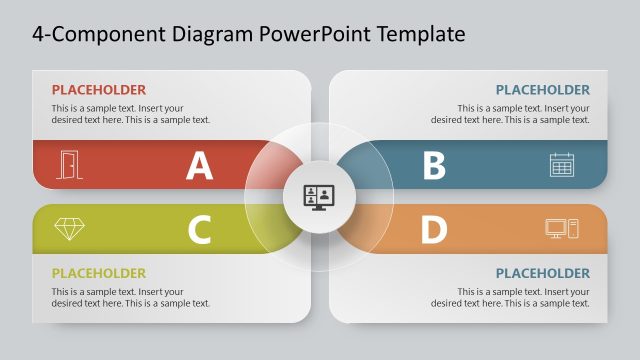
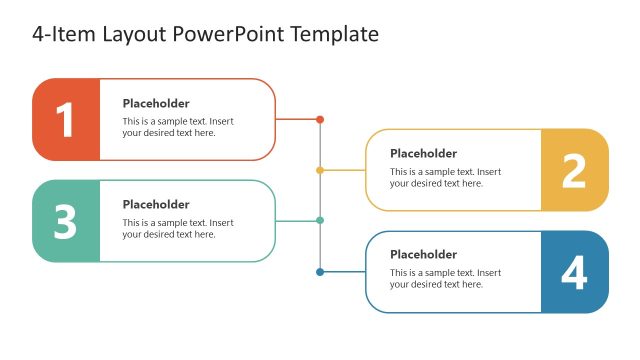
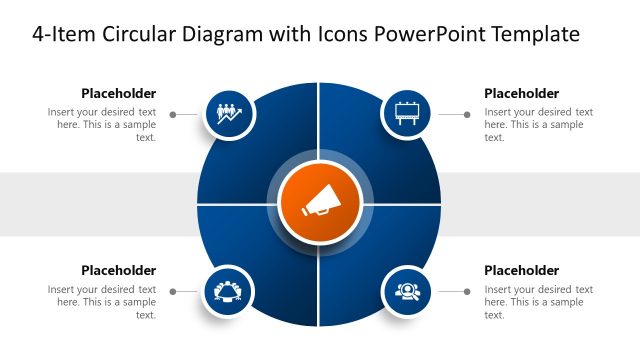
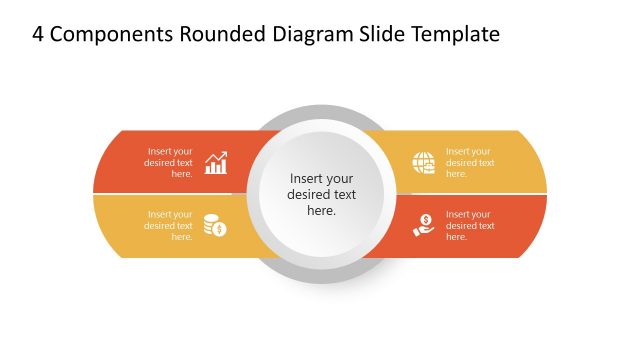
The 4-Item Components Diagram PowerPoint Template features a diamond-shaped diagram to present four-item concepts or four dimensions, processes, and information key points. Four-item infographic figures are used everywhere to showcase data in an aligned format. For instance, professionals from the business field can discuss their meeting agenda. Software Developers can mention the significance of their innovative ideas; Scientific Researchers can display the findings of their studies, and Educationists can prepare a representation of their lecture points with this simple and creative PPT diagram. We crafted this easy-to-edit 4-item diamond diagram for our users. It can be entirely customized using any PowerPoint version.
This Editable 4-Item Components Diagram PPT Template carries a diamond-like arrangement of four square shapes. In the center of the shapes is a circle with an icon representing the topic or central idea of the discussion. The square shapes have distinct colors, meaningful graphical icons, and step numbers that can be modified according to the requirements. On the corners of these shapes, there are blue colored dots that connect the shapes to editable text boxes. Professionals can change the titles in these placeholder text spaces and insert the relevant description information. Likewise, the colors and font styles can be adjusted to match the theme. This PowerPoint slide is also provided in a dark background variation, so presenters can choose from both slides and include them in their presentations. This all-purpose PPT template can be employed for diverse presentation topics. You can also scroll through other 4-item diagrams in our featured templates library. Download and try this engaging 4-item component slide template now!
What’s inside this template
Example presentation scenarios
- A consultant can use the four-item diamond diagram to explain the four dimensions of a recommendation while keeping each component visually balanced around the central idea.
- A project manager can present meeting agenda topics by replacing the numbered component tiles and callout text with the four workstreams or decisions to be discussed.
- An educator can use the central icon hub and four labeled diamonds to introduce lecture themes, then connect each theme to a short explanatory note.
- A product or software team can summarize four feature priorities by placing the product concept in the center and assigning each diamond tile to a priority area.
Features
- 100% editable presentation template
- Compatible with Microsoft PowerPoint
- 16:9 aspect ratio slides
- Scalable vector shapes, icons and illustrations
- AI-Ready for Microsoft Copilot and Claude
- Instant access and download
Frequently asked questions
Q: How should a presenter build a clear message with this four-item diagram?
A: Start with the central circle as the main idea, then make each diamond a parallel component of that idea. Keep the four titles short and use the callout text for one supporting sentence per component. The layout works best when all four items carry similar weight rather than a strict sequence.
Q: Who is this template best suited for?
A: This template fits presenters who need to explain a compact four-part framework without building a full deck. Consultants, educators, project managers, researchers, and software teams can use the numbered diamonds for priorities, dimensions, agenda topics, findings, or feature groups while keeping the audience focused on one central theme.
Q: Why does the diamond arrangement help the audience understand the content?
A: The diamond layout creates a visual metaphor for components connected to a shared core. Because the four tiles surround the center symmetrically, the audience sees them as related and equally important. The connector dots and callout labels let the presenter add detail without crowding the central structure.


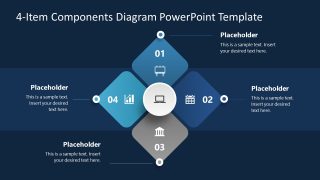
4-Item Components Diagram PowerPoint Template
2-slide presentation template with four-item diamond diagram and component callouts for PowerPoint.
The 4-Item Components Diagram PowerPoint Template is a 2-slide diagram set for showing four related components around one central idea. It includes a four-item diamond diagram, central icon hub, numbered component tiles, and callout text boxes in light and dark versions for business, education, research, and product presentations in Microsoft PowerPoint.
- Category
- Diagrams
- Rating

 Loading...
- Aspect ratio
- 16:9
- Item ID
- 22042-01
- Colors
 Microsoft PowerPoint
 Microsoft Copilot
 Claude for PowerPoint
Other formats supported
Subscribe today and get immediate
access to download our PowerPoint templates.