Slide 5 of 6 from 4-Item Circular Arrows Infographic PowerPoint Diagram Template
Engaging 4-Item Circular Arrows Infographic Slide
4-Item Circular Arrows Infographic Diagram
- Diagram
- Circular Cycle
- Process Slide
- 16:9
- 100% Editable
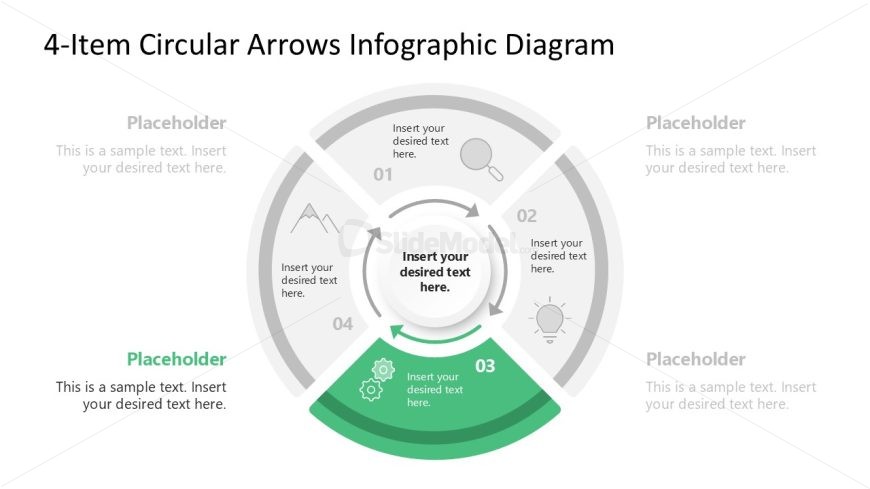
The 4-Item Circular Arrows Infographic slide from the 4-Item Circular Arrows Infographic PowerPoint Diagram Template offers a clear visual for illustrating processes and workflows. This slide layout uses editable shapes and vector icons arranged in a circular flow, making it suitable for business presentations and pitch deck templates that require a structured depiction of sequential steps or product features.
What’s on This Slide
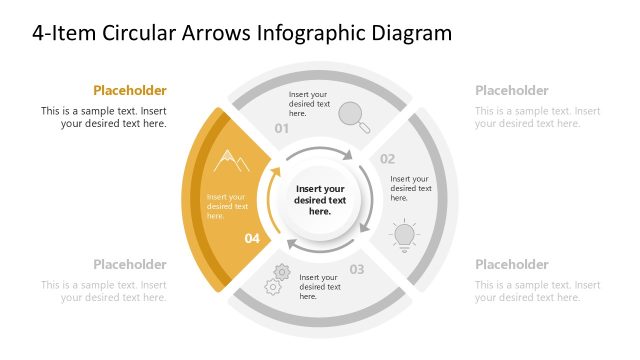
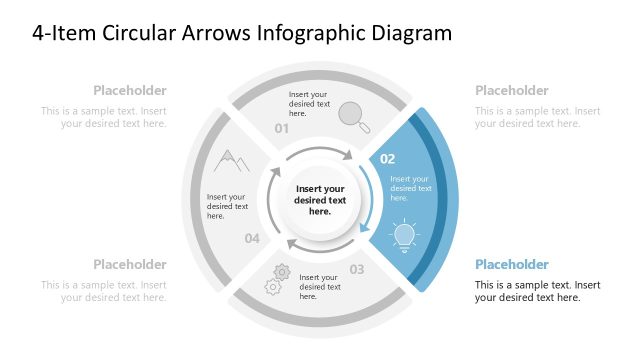
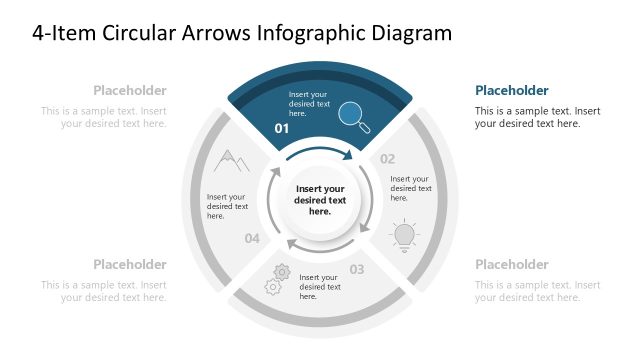
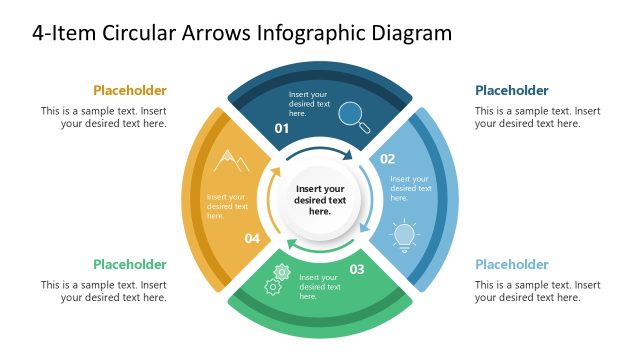
The layout features a circular diagram divided into four segments, each containing a placeholder for text. The segments are arranged in a clockwise direction, with the third segment highlighted in green. Each segment includes an icon above the text placeholder, which is centrally positioned. The main text area in the center allows for additional content. The background is predominantly white, providing contrast to the colored segments. The visual hierarchy emphasizes the central text and the highlighted segment, while the icons add visual interest.
How to Use It
This layout serves as a circular process diagram, ideal for illustrating sequential steps or stages. It fits well in presentations that require a clear representation of processes, such as project management or marketing strategies. Use it to explain workflows, product features, or service offerings. This structure is effective for engaging audiences by visually guiding them through the content. It is particularly useful in business contexts where clarity and organization are essential.
Text Placeholders & Capacity
Keep your copy within these limits so it fits without resizing. Body slots can hold around 40 characters each.
| Placeholder | Count | Max characters (approx.) |
|---|---|---|
| Item body | 4 | 40 |
| Item heading | 4 | 2 |
| Body paragraph | 1 | 100 |
| Slide title | 1 | 50 |
Slide Keywords
Download unlimited PowerPoint templates, charts and graphics for your presentations with our annual plan.
DOWNLOADReturn to 4-Item Circular Arrows Infographic PowerPoint Diagram Template.