Slide 5 of 5 from 4-Item Circular Arrow Diagram PowerPoint Template
4-Item Circular Arrow Diagram with Point Four Focus
4-Item Circular Arrow Diagram Overview
- Diagram
- Circular Cycle
- Process Slide
- 16:9
- 100% Editable
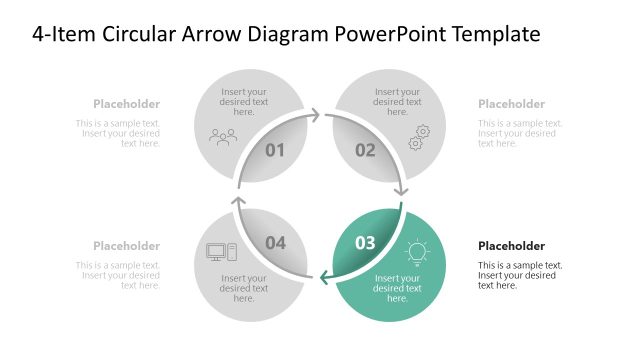
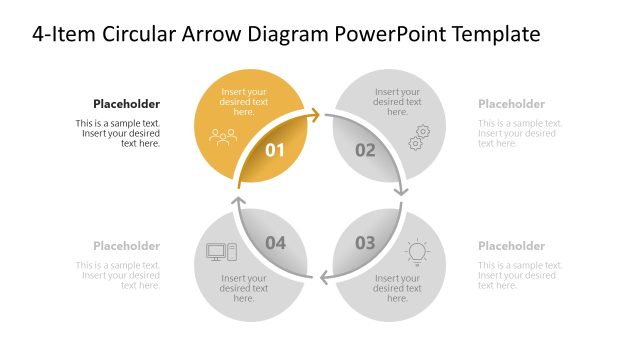
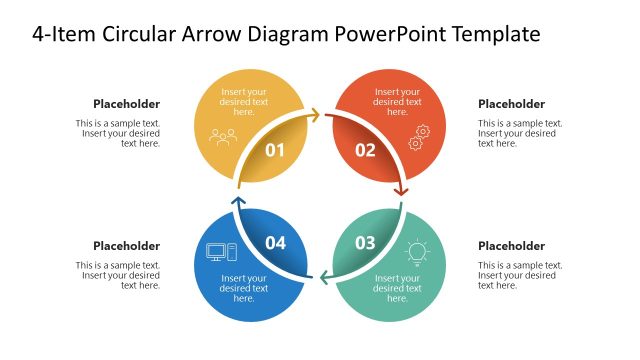
The 4-Item Circular Arrow Diagram slide from the 4-Item Circular Arrow Diagram PowerPoint Template visually represents cyclical processes and project phases using editable shapes arranged in a circular flow. This slide layout is suitable for business presentations and pitch deck templates that require clear depiction of iterative workflows and marketing strategies through vector icons and slide templates.
What’s on This Slide
The layout features a circular diagram with four nodes arranged in a clockwise direction. Each node is represented by a circular shape containing a number and a text placeholder. The first three nodes are light gray, while the fourth node is blue, indicating emphasis. Arrows connect the nodes, showing the flow of the process. Text placeholders are positioned inside each node, with additional placeholders for descriptions located around the diagram. The background is white, enhancing the visibility of the elements and maintaining a clean composition.
How to Use It
This layout serves as a process flow diagram, ideal for illustrating sequential steps or stages in a circular format. It fits well in presentations discussing cyclical processes, project phases, or iterative workflows. Use it in business contexts such as product development cycles, marketing strategies, or operational processes. The circular arrangement emphasizes continuity and connection, making it suitable for topics that require a visual representation of interconnected elements.
Text Placeholders & Capacity
Keep your copy within these limits so it fits without resizing. Node body slots can hold roughly 15-20 words each.
| Placeholder | Count | Max characters (approx.) |
|---|---|---|
| Item heading | 4 | 20 |
| Item body | 4 | 100 |
| Body paragraph | 4 | 80 |
Slide Keywords
Download unlimited PowerPoint templates, charts and graphics for your presentations with our annual plan.
DOWNLOADReturn to 4-Item Circular Arrow Diagram PowerPoint Template.