Slide 4 of 5 from 4-Item Circular Arrow Diagram PowerPoint Template
Customizable 4-Item Circular Arrow Diagram Template
4-Item Circular Arrow Diagram for Presentations
- Diagram
- Circular Cycle
- Process Slide
- 16:9
- 100% Editable
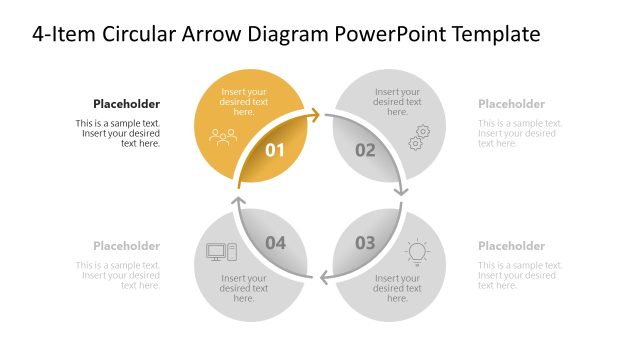
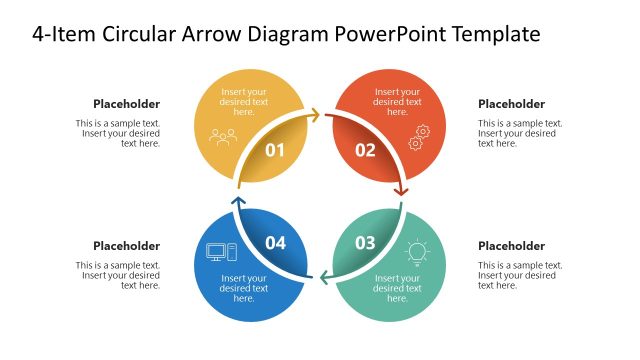
The 4-Item Circular Arrow Diagram slide from the 4-Item Circular Arrow Diagram PowerPoint Template offers a clear visual for illustrating cyclical processes and workflows. This editable slide features vector icons and shapes arranged in a clockwise flow, ideal for business presentations and strategic planning. It integrates seamlessly into slide decks focused on project stages or process explanations, supporting effective communication through professional slide templates.
What’s on This Slide
The layout features a circular diagram with four nodes arranged in a clockwise direction. Each node is represented by a circular shape containing a number and a placeholder for text. The nodes are connected by arrows indicating flow direction. The third node is highlighted in green, while the others are in gray. Text placeholders are centered within each node and are aligned to provide a clear visual hierarchy. The background is light, enhancing the visibility of the circular shapes and arrows, creating a cohesive structure.
How to Use It
This layout serves as a process diagram, illustrating a cyclical flow of four interconnected items. It is suitable for presentations that require a visual representation of processes, workflows, or stages. This slide fits well after a problem-framing slide, helping to outline solutions or steps. It can be used in business contexts such as project management, product development, or strategic planning, where a clear depiction of sequential actions is necessary.
Text Placeholders & Capacity
Keep your copy within these limits so it fits without resizing. Node body slots can hold about 15-20 words each.
| Placeholder | Count | Max characters (approx.) |
|---|---|---|
| Item heading | 4 | 30 |
| Item body | 4 | 100 |
Slide Keywords
Download unlimited PowerPoint templates, charts and graphics for your presentations with our annual plan.
DOWNLOADReturn to 4-Item Circular Arrow Diagram PowerPoint Template.