4 Input 1 Output Right Arrows Slide PowerPoint Template
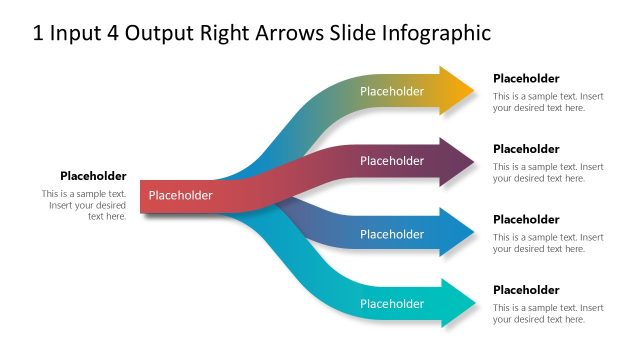
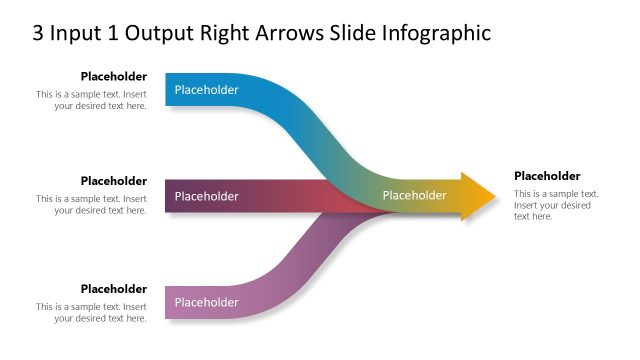
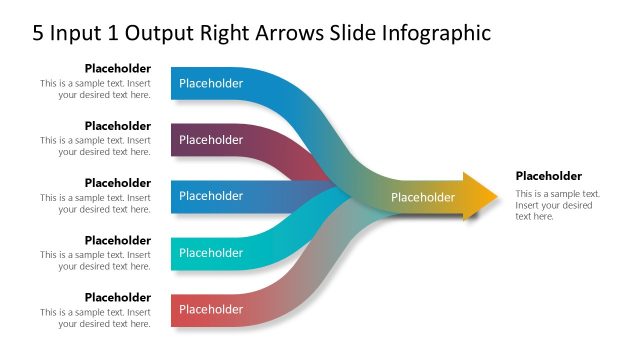
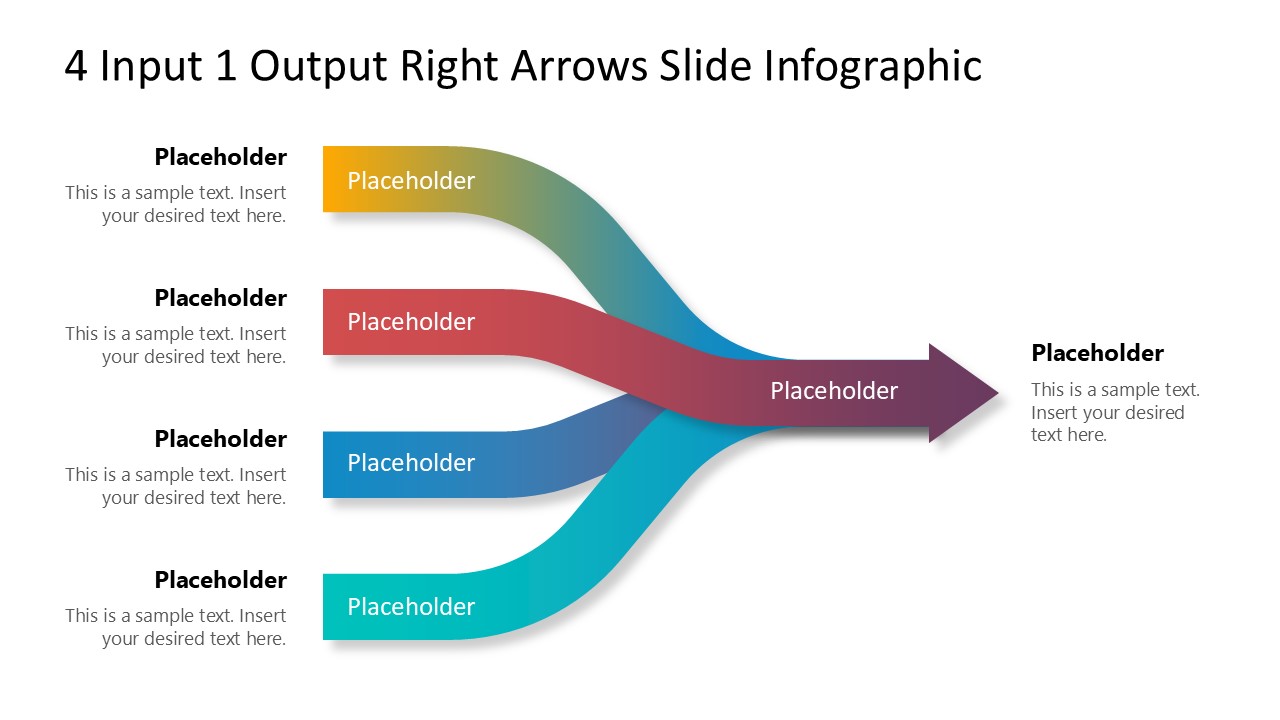
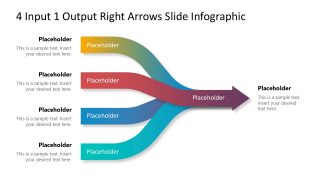
Present the business process in which four components play a part in producing a unified outcome using our 4 Input 1 Output Right Arrows Slide PowerPoint Template. Multiple input arrows converging into a single arrow is an illustration that demonstrates how various data sources contribute to a combined report. In political sessions, users can visualize how different factors contribute to building a specific narrative. Professionals can use this diagram to illustrate how different workflows combine and work together to keep the company’s system organized. We have designed this template using editable PowerPoint features, allowing professionals from multiple domains to utilize it. It is also helpful in root cause analysis presentations, as it effectively depicts the elements of the problem. Project managers can use this diagram to visualize activities/milestones that help develop project deliverables.
The 4 Input 1 Output Right Arrows Slide PowerPoint Template has a converging arrows diagram where four long arrows unite and converge into one arrow. The diagram illustrates four inputs that contribute to generating a unified result or outcome. The arrows consist of bright gradient colors with a single overall arrowhead. The first slide features a colorful layout, while the subsequent slides incorporate a spotlight effect to display individual input details in separate slides. This helps the presenters effectively communicate the significance of each input. Moreover, users have the option to change the icons, colors, or shapes to fit their theme needs. Additionally, presenters can repurpose the design to communicate their ideas effectively. Download the 4-input 1-output PPT template and edit its placeholder text segments to convey your message accurately in the executive meetings. Try it now!






You must be logged in to download this file.
DOWNLOAD- Category
- Diagrams
- Rating

 Loading...
- Size
- 16x9
- Item ID
- 23317-01
- Colors
Subscribe today and get immediate
access to download our PowerPoint templates.