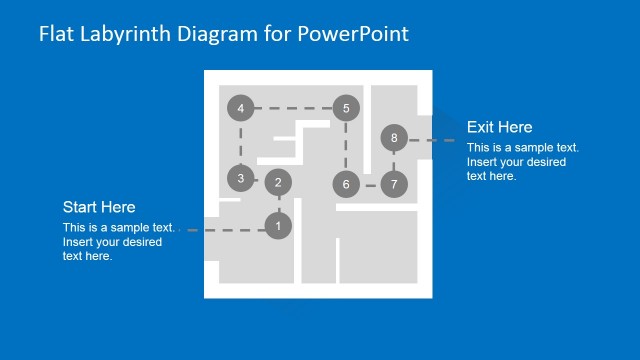
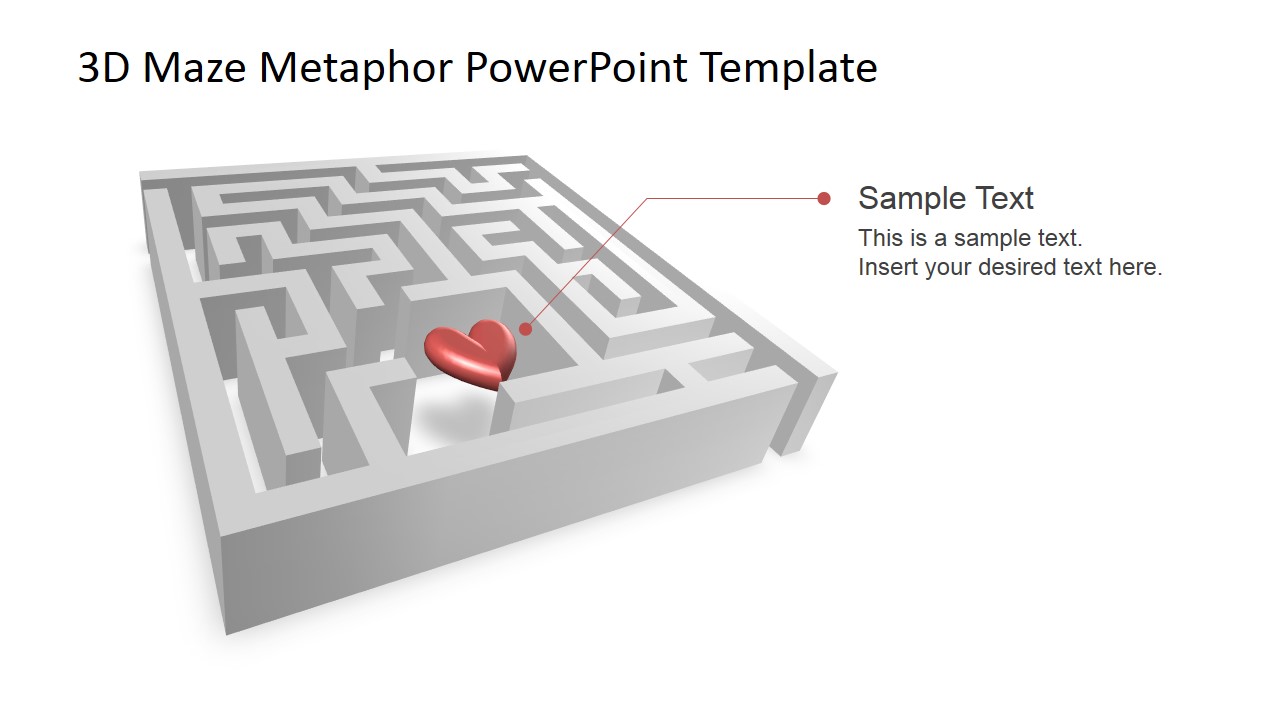
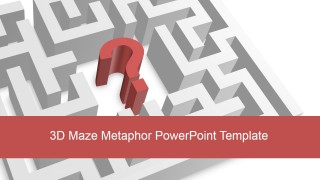
3D Maze Metaphor PowerPoint Template is a professional presentation that contains several 3D Labyrinth diagrams in birth view perspective, with different business metaphors as the main emphasized topic. The user can edit the Maze shapes as they are created as PowerPoint objects. Each maze scene can be reused in existing presentations or applied to different business scenarios.
The user can model different concepts as:
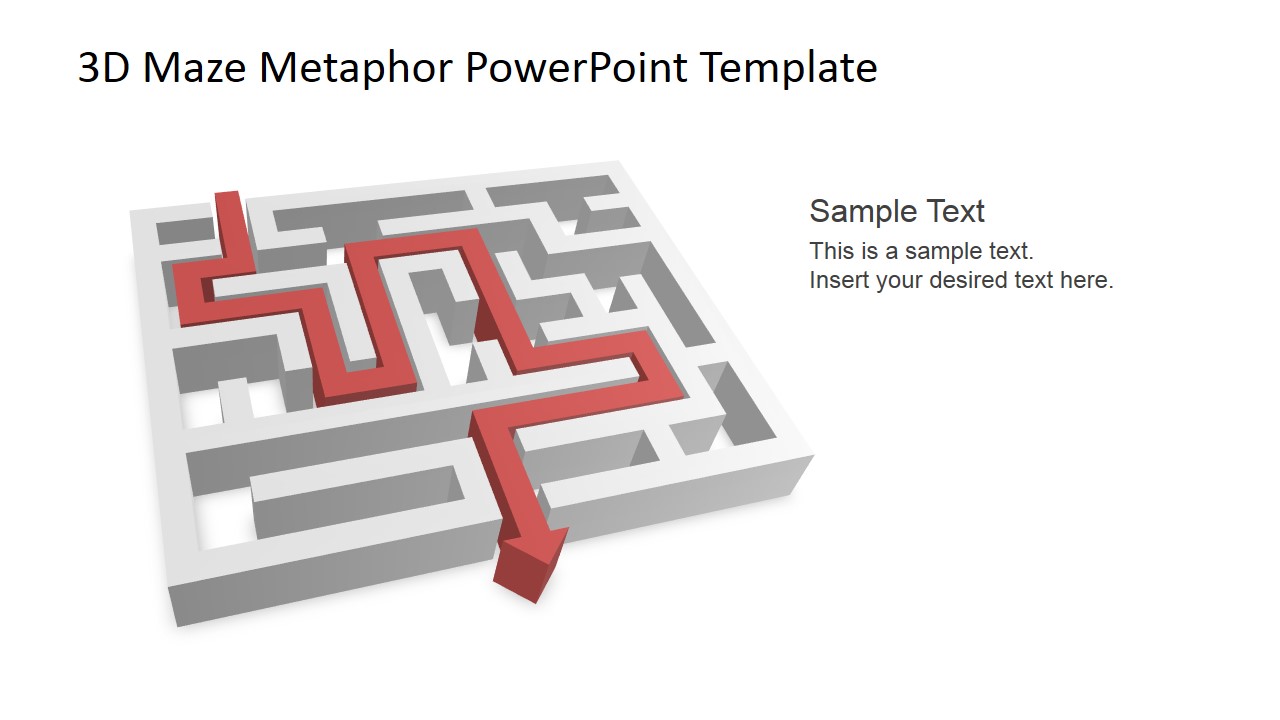
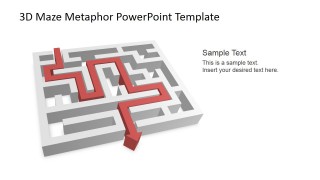
- Coming out of the maze successfully to describe a risky plan with several paths where a team or organization successfully completed.
- Navigating Through the path, to describe a decision analysis exercises every executives need to traverse. Making decision on every corner, and going back to take another path if a death end was blocking the road.
- Getting Lost in the Maze, a simple metaphor to describe how a business can miss the path several times until it identifies it has a problem.
- Prioritizing and selecting the most promising path to reach the final goal.
- False Leads, when the business is following a path that culminated in a dead end.
- Dead Ends, when a path end abruptly, or when a business or project need to end to take a new path of success.
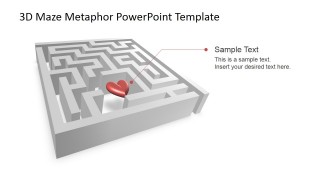
Each scene is created with a Maze PowerPoint Shape, that contains several 3D clipart to model the concept and metaphor. The user can change the additional clipart and replace it with any of our PowerPoint Clipart Shapes.
Create impressive presentations with our 3D Maze Metaphor PowerPoint Template that appeal to professional audiences.
What’s inside this template
Example presentation scenarios
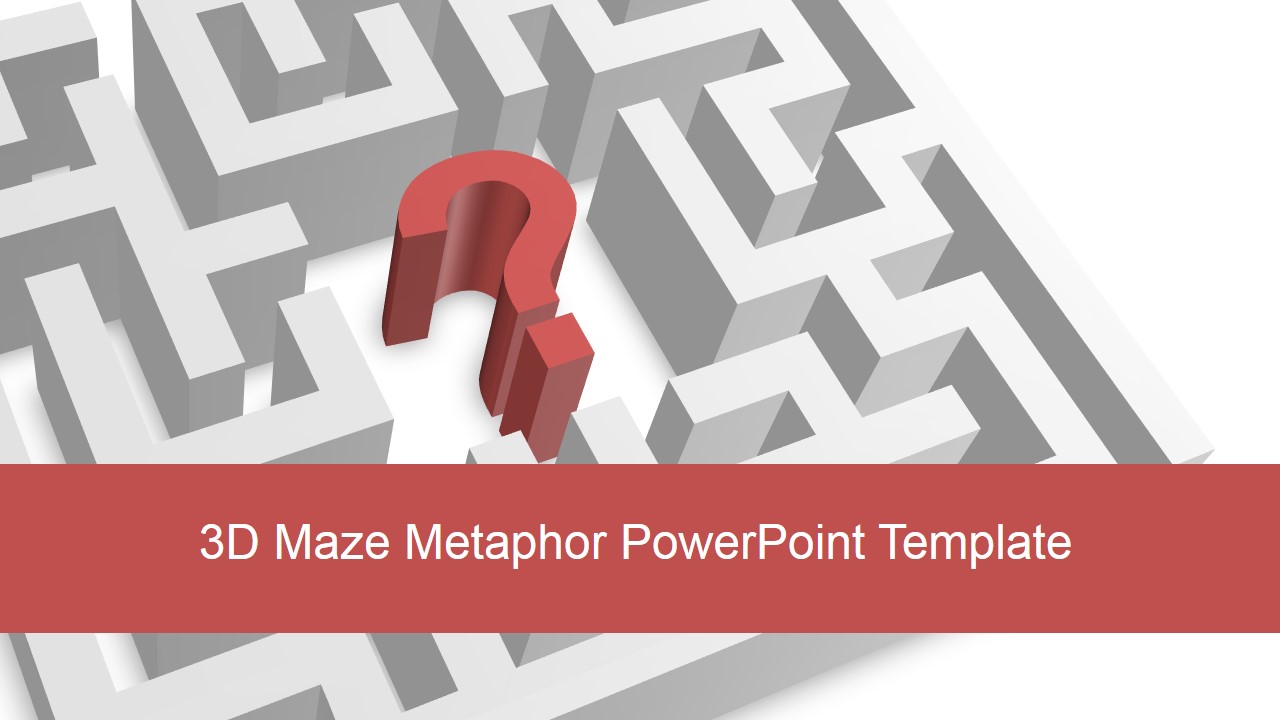
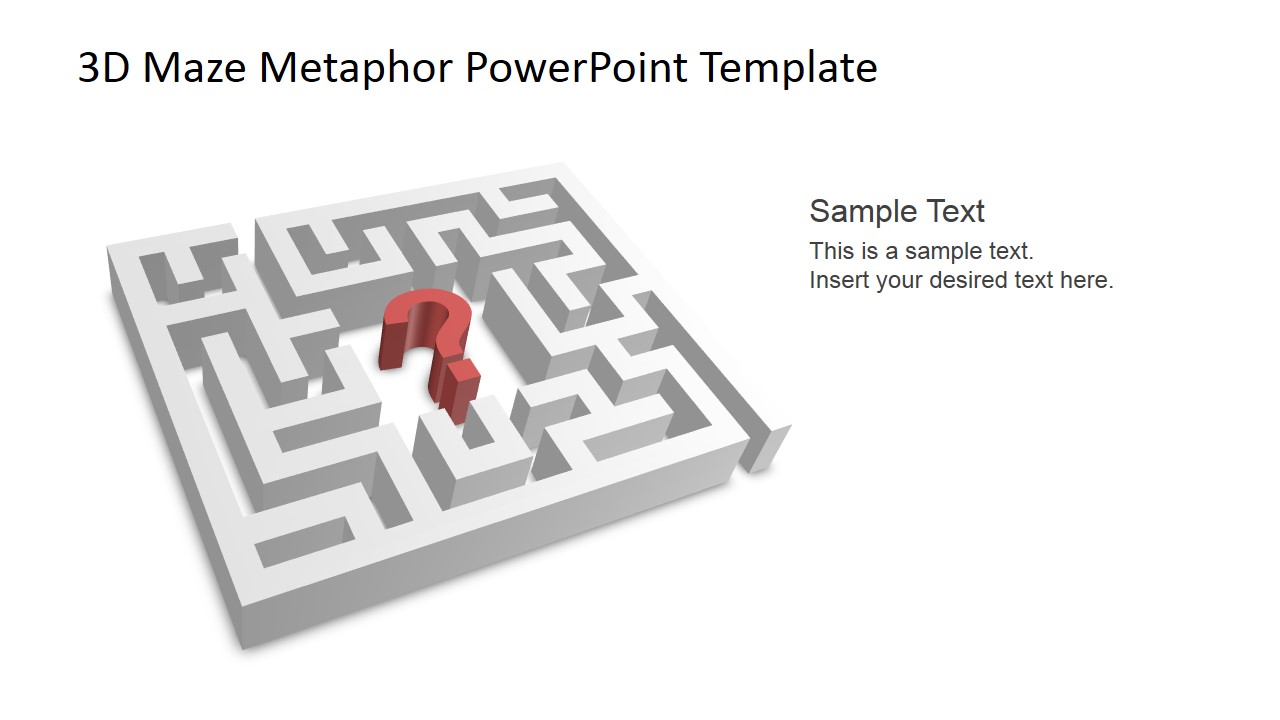
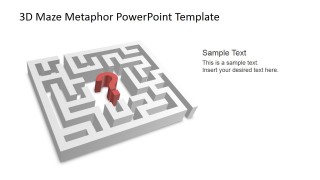
- A strategy consultant can use the question mark maze to introduce an unresolved market challenge and guide executives toward possible decision paths.
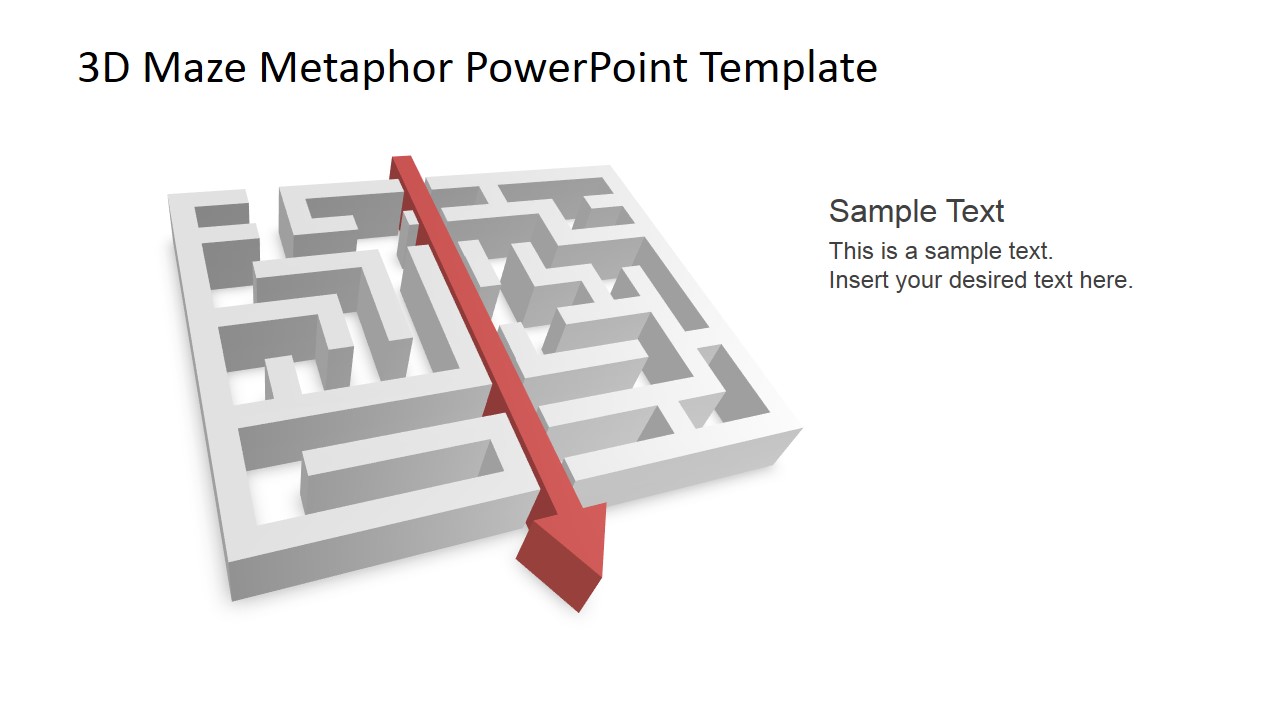
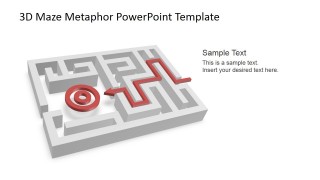
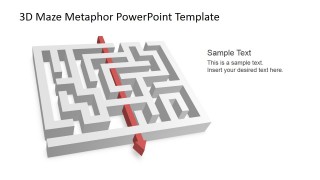
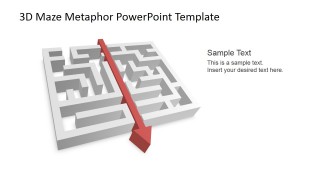
- A project manager can use the red route and arrow maze layouts to explain where a project is progressing, where it is blocked, and which path is being recommended.
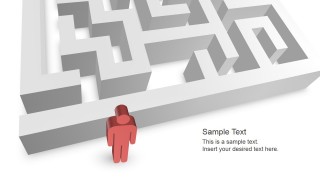
- A training facilitator can use the person-at-the-entrance scene to teach decision analysis by asking participants how they would enter and navigate a complex problem.
- A leadership team can use the target and path diagram to align stakeholders around a goal, the chosen route, and the tradeoffs behind that choice.
Features
- 100% editable presentation template
- Compatible with Microsoft PowerPoint
- 16:9 aspect ratio slides
- Scalable vector shapes, icons and illustrations
- AI-Ready for Microsoft Copilot and Claude
- Instant access and download
Frequently asked questions
Q: How should a presenter use the maze metaphor without making the message feel abstract?
A: Anchor each maze scene to one business question. For example, use the question mark maze for the unresolved problem, the target path for the desired outcome, and the dead-end or route slide for the choices under review. Keep the text short, then explain the specific decision, obstacle, or next step verbally.
Q: What type of presentation is this template best suited for?
A: This template fits executive discussions, consulting workshops, project reviews, and training sessions where the audience must understand complexity before choosing action. It is especially useful when the topic involves risk, unclear options, competing priorities, or a journey from confusion to direction rather than a metric-heavy performance report.
Q: Why do the 3D maze, arrows, targets, and person icons work as communication devices?
A: The maze turns a complex business situation into a familiar spatial metaphor: entry, wrong turns, route selection, target, and exit. Red and blue paths create visual contrast against the gray maze, so the audience can quickly see the recommended route or obstacle before reading the supporting text.









3D Maze Metaphor PowerPoint Template
11-slide PowerPoint presentation template with 3D maze diagrams for decisions, goals, and dead ends
The 3D Maze Metaphor PowerPoint Template is an 11-slide PowerPoint deck for explaining navigation, uncertainty, and decision paths. It includes title maze artwork, question mark scenes, target path diagrams, dead-end routes, a person at the entrance, and directional arrows. Business teams can use it to frame strategy, risk, priorities, or problem solving.
- Category
- Shapes
- Rating


 Loading...
- Aspect ratio
- 16:9, 4:3
- Item ID
- 6832-01
- Colors
 Microsoft PowerPoint
  Microsoft Copilot
  Claude for PowerPoint
 Other formats supported
Subscribe today and get immediate
access to download our PowerPoint templates.