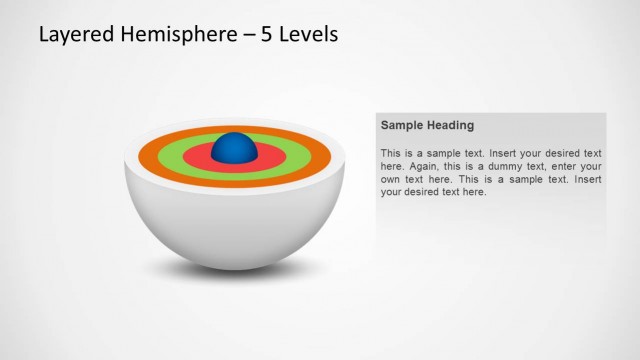
Slide 1 of 3 from 3D Hemisphere Onion Diagram PowerPoint Template
3D Hemisphere 4 Layer Onion Diagram PPT
3D Hemisphere Onion Diagram Overview
- Diagram
- Layered Stack
- Concept Explanation Slide
- 16:9
- 100% Editable
What’s on This Slide
The slide features a 3D hemisphere onion diagram with four layers. The upper section displays the title, while the central hemisphere contains four circular layers in varying shades of blue. Each layer has a corresponding placeholder for text, positioned around the hemisphere. Icons are placed above each text placeholder, indicating the content type. The placeholders are aligned symmetrically, with two on the left and two on the right. The overall layout emphasizes the circular structure, creating a clear visual hierarchy and organization.
How to Use It
This layout serves as a multi-layered diagram to illustrate complex concepts or processes. It is suitable for presentations that require a visual breakdown of topics into distinct layers. This slide can be effectively used in business contexts, such as product features, project phases, or strategic planning. It fits well in the introduction or explanation sections of a presentation, providing clarity and structure to the content being discussed.
Text Placeholders & Capacity
Keep your copy within these limits so it fits without resizing. Node body slots can hold roughly 10 words each.
| Placeholder | Count | Max characters (approx.) |
|---|---|---|
| Slide title | 1 | 40 |
| Item body | 4 | 50 |
Slide Keywords
Download unlimited PowerPoint templates, charts and graphics for your presentations with our annual plan.
DOWNLOAD