Slide 3 of 4 from Blue Core Diagrams for PowerPoint
6166-01-core-diagrams-3
Core Diagram for PowerPoint - 3 Levels
- Diagram
- Other
- Concept Explanation Slide
- 16:9
- 100% Editable
The Core Diagram with Three Levels slide from the Blue Core Diagrams for PowerPoint template offers a clear way to present hierarchical concepts in business presentations. This slide layout uses editable shapes and vector icons to visually organize three interconnected levels around a central core, making it suitable for strategic planning and project management slide decks. Its design supports effective communication of layered processes or priorities within corporate presentations.
What’s on This Slide
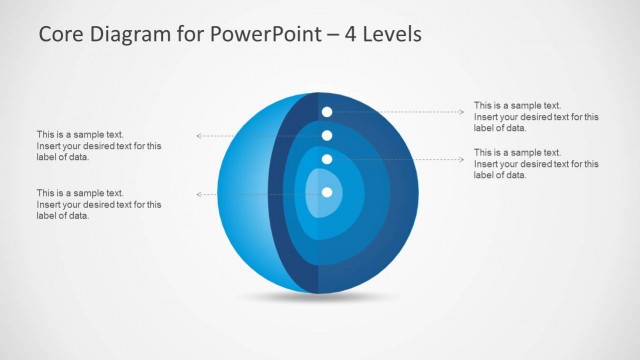
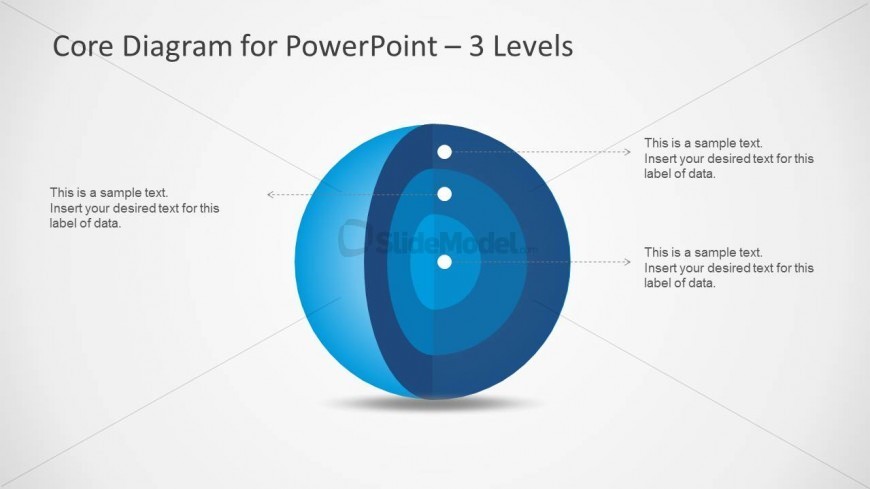
The slide features a three-level core diagram centered on a blue sphere. The outer layer is a gradient blue, with two inner layers in lighter shades. Three circular nodes are positioned vertically within the sphere, each with connecting arrows pointing outward to text placeholders. The text placeholders are aligned to the left and right of the diagram, providing space for labels. The title is at the top center, and the overall composition emphasizes the central sphere with a clean background, enhancing visual clarity.
How to Use It
This layout serves as a layered diagram to illustrate hierarchical concepts or processes. It fits well in presentations discussing structures, priorities, or systems. It can be used to compare three distinct elements or levels within a topic. This slide is particularly useful in business contexts, such as strategic planning or project management, where visualizing core components is essential for understanding complex relationships.
Text Placeholders & Capacity
Keep your copy within these limits so it fits without resizing. Node body slots can hold roughly 15-20 words each.
| Placeholder | Count | Max characters (approx.) |
|---|---|---|
| Slide title | 1 | 40 |
| Item heading | 3 | 40 |
| Item body | 3 | 100 |
Slide Keywords
Download unlimited PowerPoint templates, charts and graphics for your presentations with our annual plan.
DOWNLOADReturn to Blue Core Diagrams for PowerPoint.