Slide 5 of 6 from 3D Growth Bar Chart for PowerPoint
6048-01-3d-growth-bar-5
3D Growth Bar Chart for PowerPoint
- Chart
- Bar Horizontal
- Evaluation Slide
- 16:9
- 100% Editable
What’s on This Slide
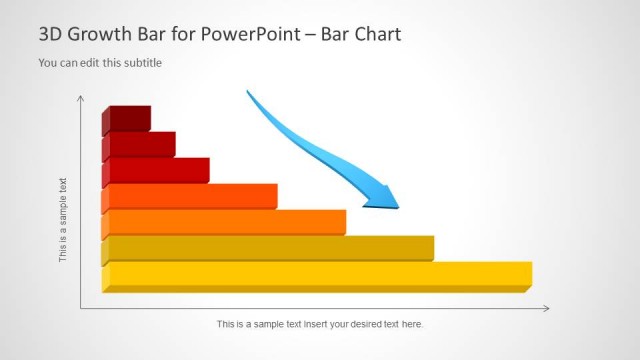
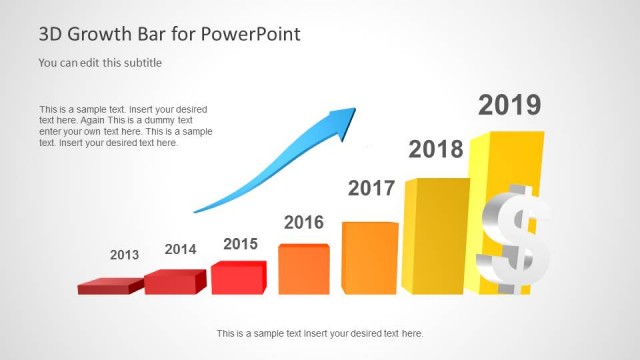
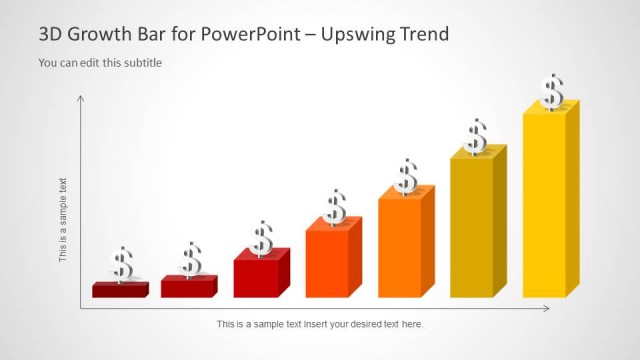
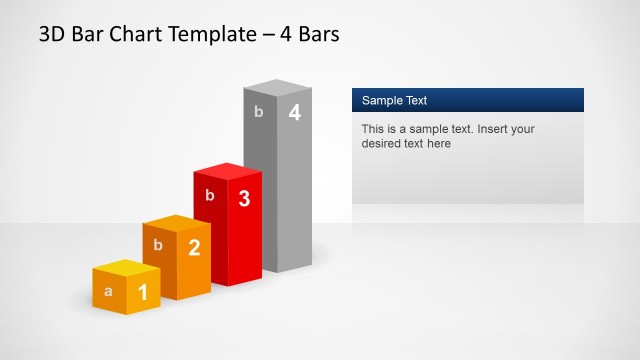
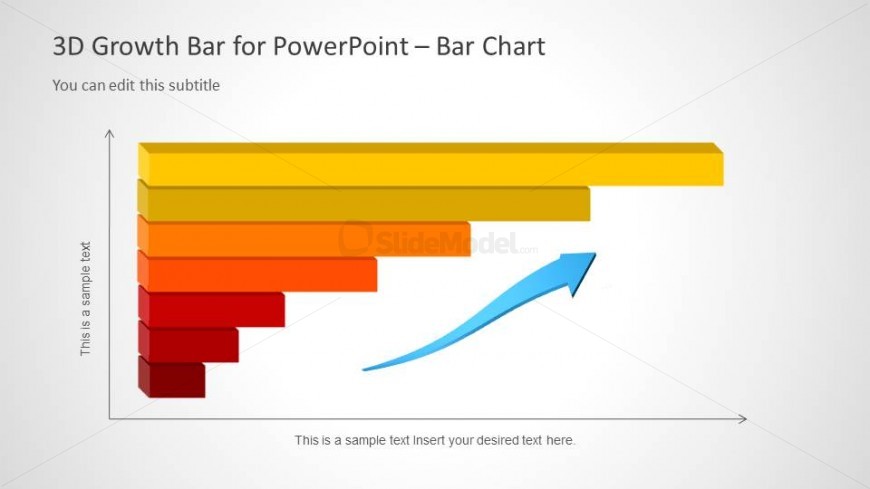
The slide features a 3D bar chart positioned horizontally, with bars in a gradient color scheme from red to yellow. The longest bar is at the top, indicating the highest value, while the shortest is at the bottom. Each bar has a text placeholder aligned to the left, indicating values or categories. An upward arrow in blue is placed at the right end of the chart, suggesting growth or progress. Additional text placeholders are located at the top and bottom for titles and subtitles, respectively, maintaining a clear visual hierarchy.
How to Use It
This layout serves as a horizontal bar chart to display comparative data, ideal for illustrating growth metrics or performance indicators. It fits well in a presentation sequence following problem identification and before strategic recommendations. Suitable for finance presentations, business growth analysis, and performance reviews, it effectively communicates data-driven insights. The layout can be used to highlight trends over time or compare different categories, making it versatile for various business contexts.
Text Placeholders & Capacity
Keep your copy within these limits so it fits without resizing. Node labels can accommodate about 20 characters each.
| Placeholder | Count | Max characters (approx.) |
|---|---|---|
| Slide title | 1 | 30 |
| Subtitle | 1 | 30 |
| Item heading | 5 | 20 |
| Item body | 5 | 40 |
Slide Keywords
Download unlimited PowerPoint templates, charts and graphics for your presentations with our annual plan.
DOWNLOADReturn to 3D Growth Bar Chart for PowerPoint.