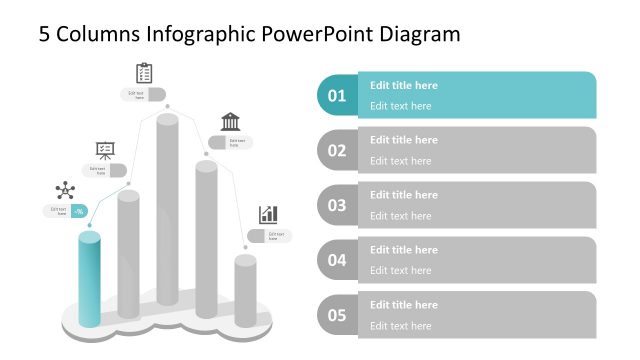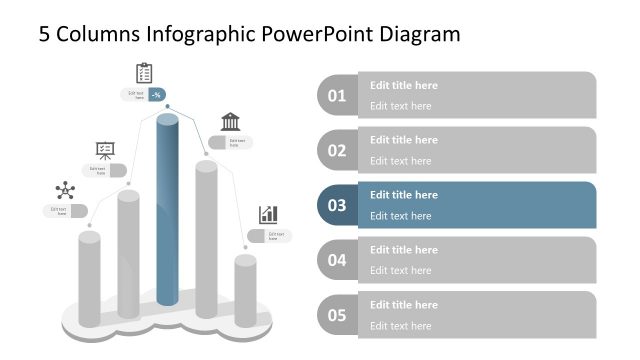
Slide 1 of 3 from 3D Cylindrical Columns PowerPoint Infographics
3D Cylindrical Columns PPT Infographics Layout
Cylindrical Column Diagram for Presentations
- Diagram
- Comparison Split
- Comparison Slide
- 16:9
- 100% Editable
What’s on This Slide
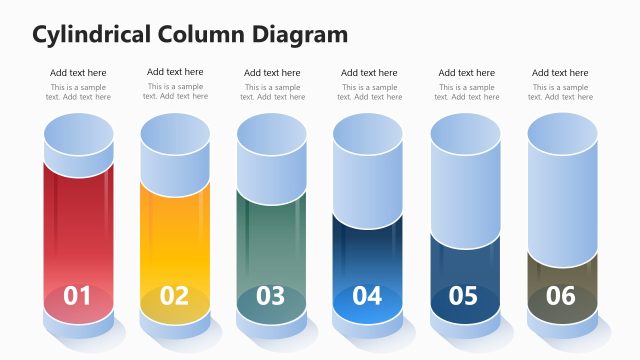
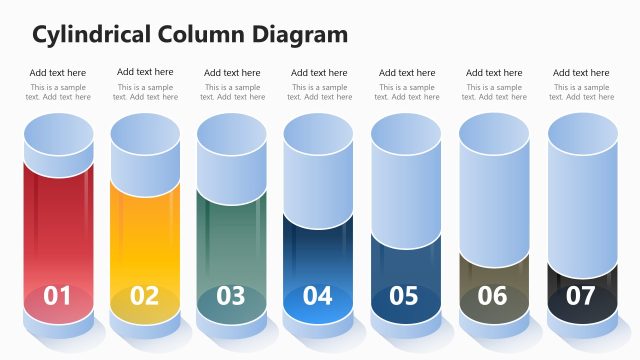
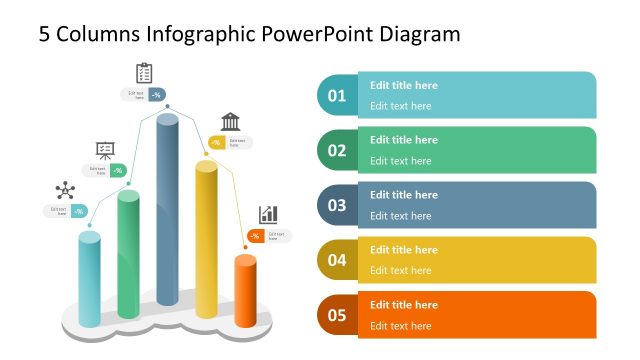
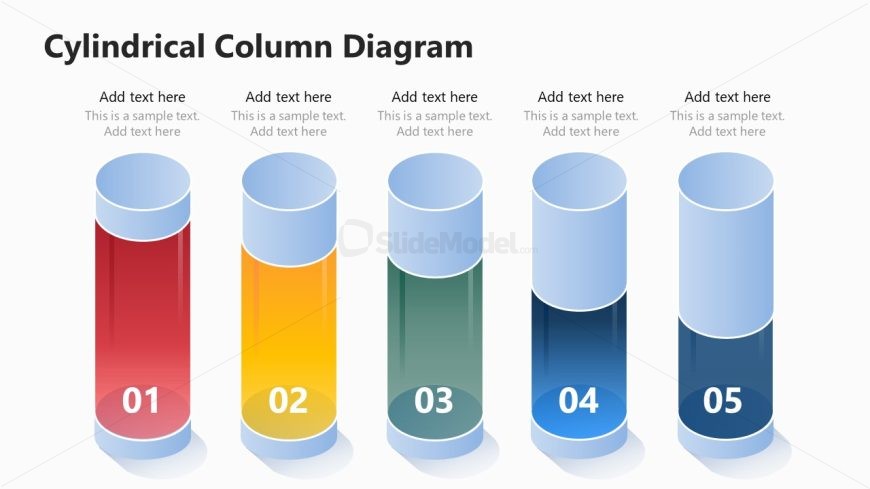
The layout features five cylindrical columns arranged horizontally across the center. Each column has a distinct color: red, yellow, green, blue, and dark blue, with a rounded top and a flat base. Numbered labels from 01 to 05 are positioned at the bottom of each column, centered within their respective shapes. Text placeholders are located above each column, aligned centrally, allowing for additional information. The background is light, enhancing the visibility of the columns and text. Overall, the design emphasizes clarity and organization.
How to Use It
This layout serves as a visual representation for comparing five distinct items or categories. It is suitable for business presentations, product comparisons, or any scenario requiring a clear visual distinction between multiple elements. It fits well in a sequence following an introduction or overview slide, allowing for detailed exploration of each item. The structure is effective for illustrating progress, stages, or levels in a process, making it versatile for various contexts.
Text Placeholders & Capacity
Keep your copy within these limits so it fits without resizing. Node body slots can hold about 10 words each.
| Placeholder | Count | Max characters (approx.) |
|---|---|---|
| Item heading | 5 | 2 |
| Item body | 5 | 50 |
Slide Keywords
Download unlimited PowerPoint templates, charts and graphics for your presentations with our annual plan.
DOWNLOAD