Slide 3 of 3 from 3D Cylindrical Columns PowerPoint Infographics
3D Cylindrical Columns Infographics PowerPoint Slide
Cylindrical Column Diagram for Presentations
- Diagram
- Other
- Comparison Slide
- 16:9
- 100% Editable
What’s on This Slide
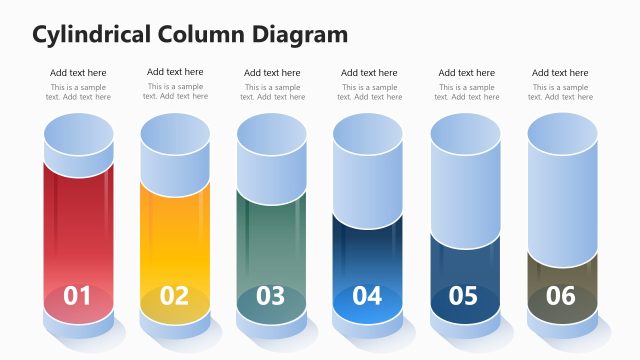
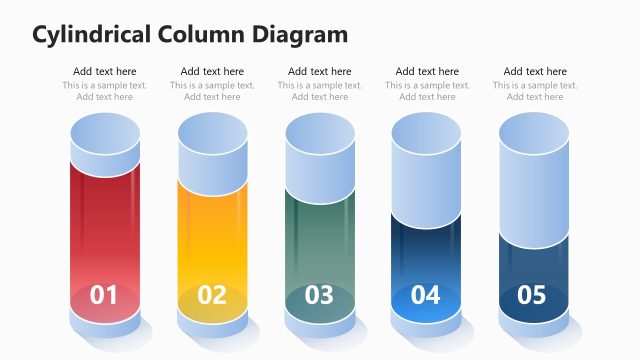
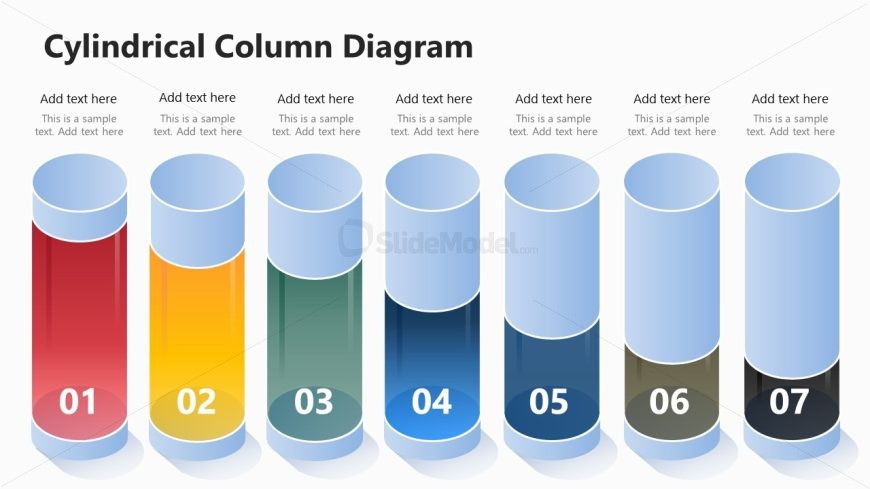
The layout features seven cylindrical columns arranged horizontally. Each column has a distinct color gradient, with the first column in red and the last in black. The columns are topped with rounded caps, and each contains a number label positioned centrally at the bottom. Below each column, there are text placeholders aligned centrally, allowing for descriptions or data points. The background is light, enhancing the visibility of the columns. The overall composition is balanced, with equal spacing between the columns, creating a cohesive visual flow.
How to Use It
This layout serves as a comparison tool, ideal for showcasing multiple categories or metrics side by side. It fits well in presentations that require visual representation of data, such as performance metrics, product features, or project stages. This structure is effective in business contexts where clear differentiation between elements is necessary. It can be used in reports, marketing presentations, or strategic planning sessions to illustrate varying levels of performance or characteristics across categories.
Text Placeholders & Capacity
Keep your copy within these limits so it fits without resizing. Node body slots can hold about 40 characters each.
| Placeholder | Count | Max characters (approx.) |
|---|---|---|
| Item heading | 7 | 2 |
| Item body | 7 | 40 |
Slide Keywords
Download unlimited PowerPoint templates, charts and graphics for your presentations with our annual plan.
DOWNLOAD