Slide 3 of 6 from 3D Circular Process Diagram 4 Steps for PowerPoint
6015-04-circular-diagram-wide-3
3D Circular Process Diagram for PowerPoint
- Diagram
- Circular Cycle
- Process Slide
- 16:9
- 100% Editable
The 3D Circular Process Diagram slide from the 3D Circular Process Diagram 4 Steps for PowerPoint template visually represents cyclical workflows using editable shapes and vector icons. Ideal for business presentations and strategic planning discussions, this slide layout supports clear communication of four-step processes within project management or training session outlines.
What’s on This Slide
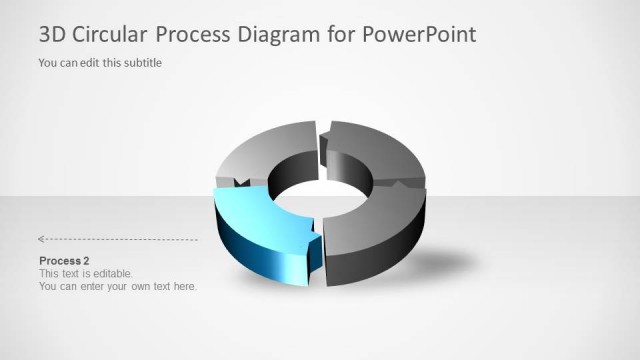
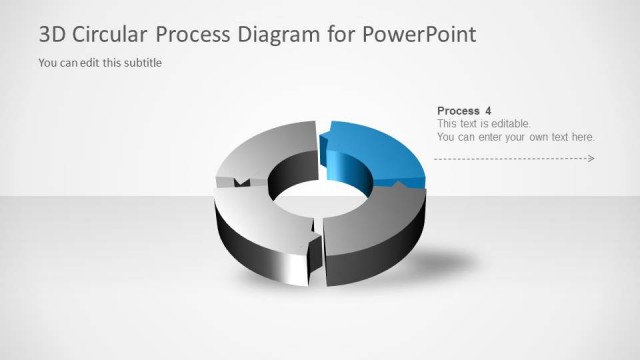
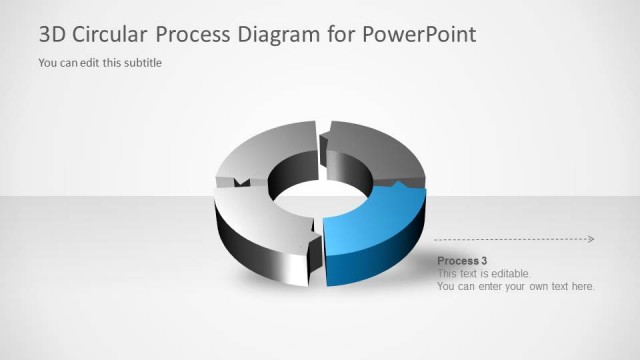
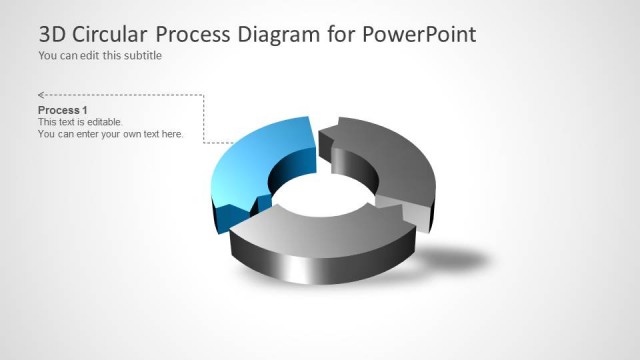
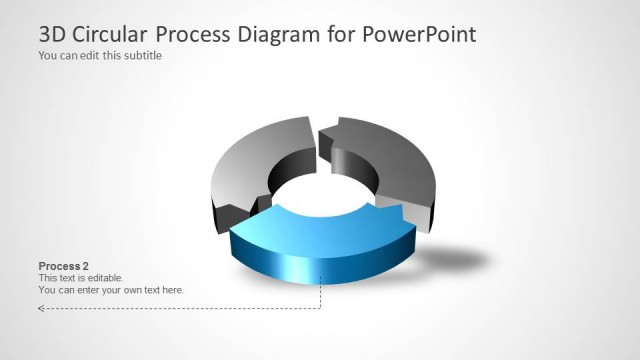
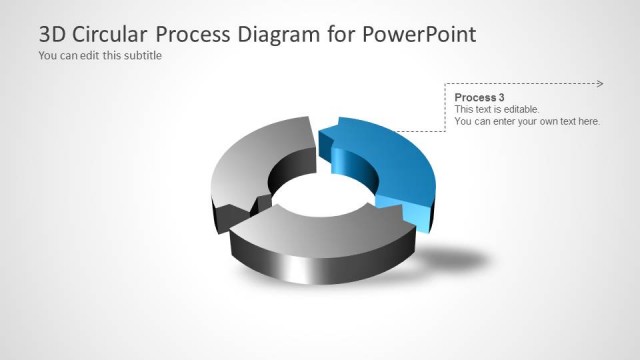
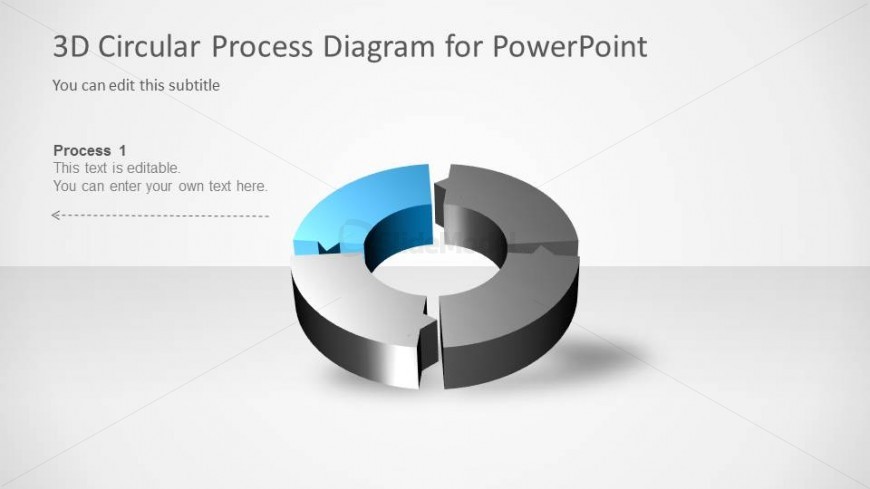
The slide features a 3D circular diagram divided into four segments, with one segment highlighted in blue. The diagram is centrally positioned, allowing for a clear view of its circular structure. The top section contains a title placeholder aligned to the left, while a subtitle placeholder is positioned beneath it. The highlighted segment is labeled 'Process 1,' accompanied by an editable text box below for additional information. The overall background is light gray, enhancing the visibility of the diagram and text. Arrows indicate flow direction, emphasizing the cyclical nature of the process.
How to Use It
This layout serves to illustrate a four-step process in a circular format, making it suitable for presentations that explain cyclical operations or workflows. It fits well in a sequence following a problem statement or overview, providing clarity on each step involved. This structure is useful in business contexts, such as project management, training sessions, or strategic planning, where visualizing a process can enhance understanding and engagement. It can be used individually or as part of a series to detail each step in a process.
Text Placeholders & Capacity
Keep your copy within these limits so it fits without resizing. Node body slots can hold approximately 20-25 words each.
| Placeholder | Count | Max characters (approx.) |
|---|---|---|
| Slide title | 1 | 30 |
| Subtitle | 1 | 50 |
| Item heading | 1 | 20 |
| Item body | 1 | 100 |
Slide Keywords
Download unlimited PowerPoint templates, charts and graphics for your presentations with our annual plan.
DOWNLOADReturn to 3D Circular Process Diagram 4 Steps for PowerPoint.