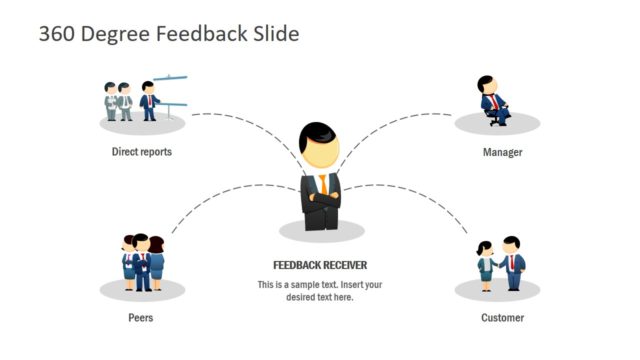
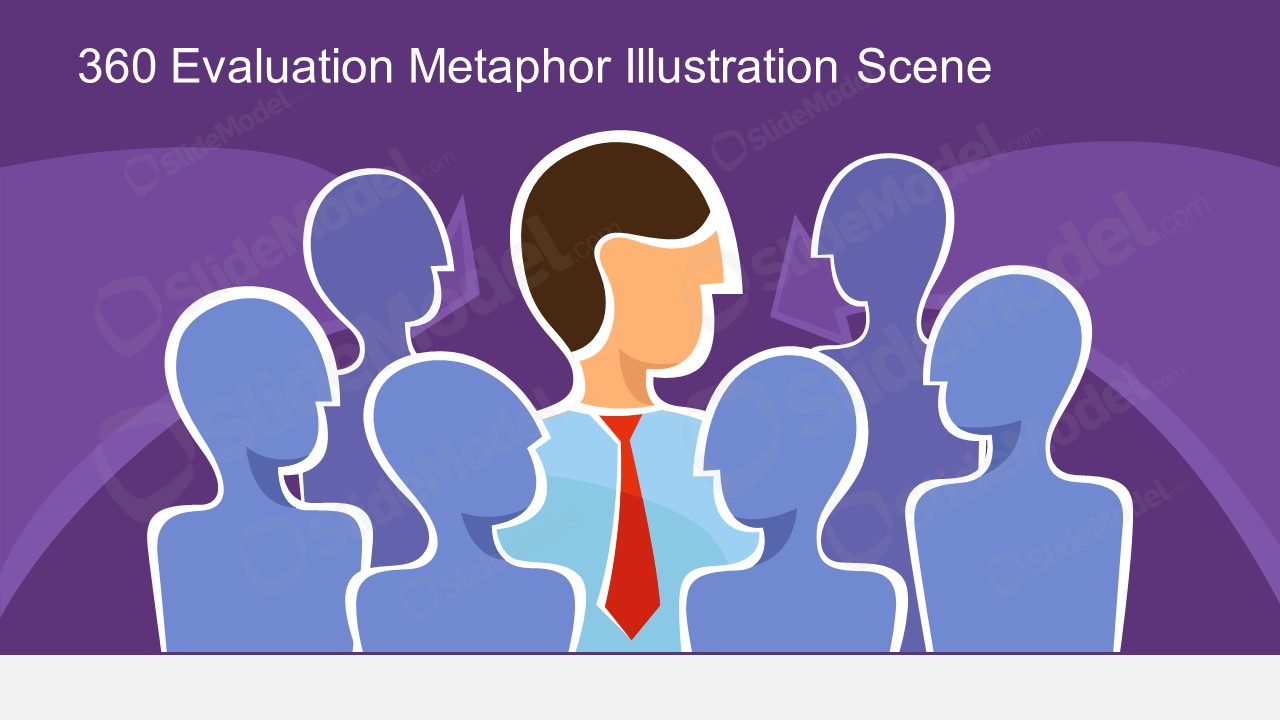
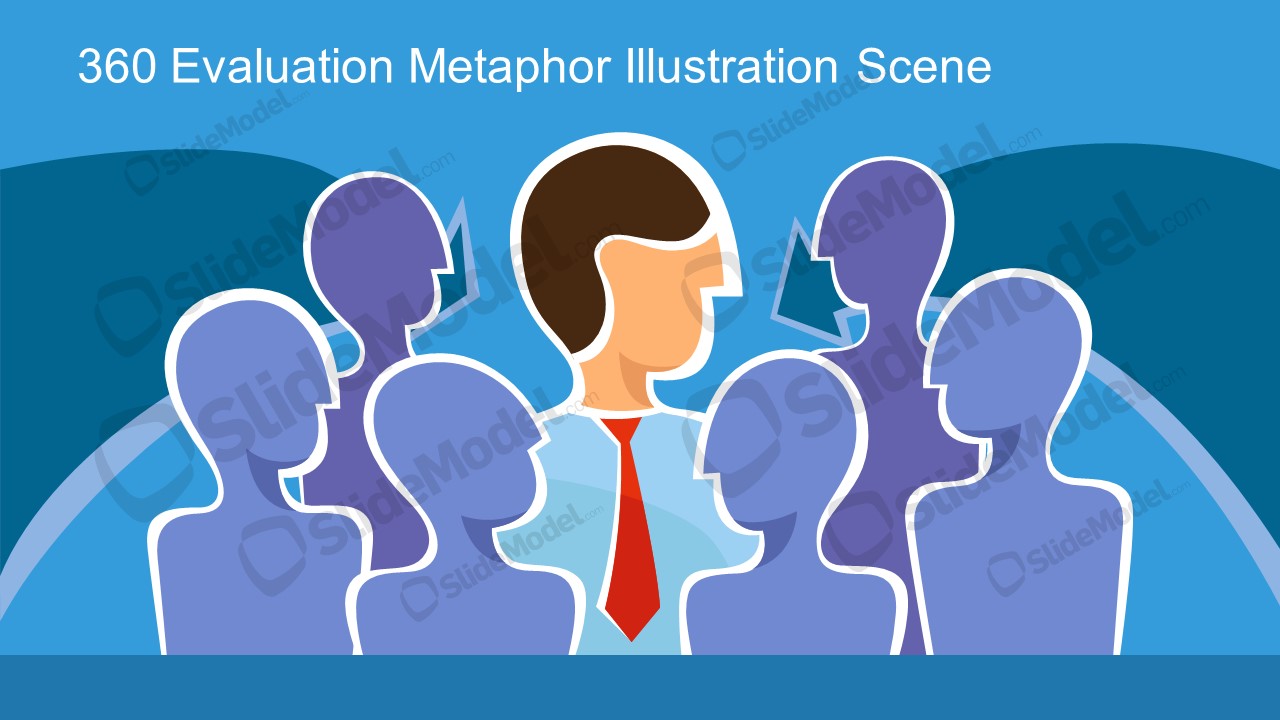
The 360 Evaluation Metaphor Illustration Scene presents visuals for feedback concepts. 360 evaluation is a performance review from all directions i.e. management, coworkers, and direct reports. The template shows vector images of cartoon silhouettes around an individual. This illustration scene is a good metaphor for describing feedback from everyone.
What’s inside this template
Example presentation scenarios
- An HR manager can use the centered employee illustration to introduce how feedback from managers, peers, and direct reports contributes to a 360 evaluation.
- A training facilitator can open a workshop with the surrounding silhouette layout to explain why performance feedback should come from more than one reporting line.
- A people operations consultant can use the blue or purple title scene to frame a discussion about review process design before showing policy details.
- A team leader can use the cartoon feedback metaphor to prepare employees for an upcoming review cycle and reduce confusion about who provides input.
Features
- 100% editable presentation template
- Compatible with Microsoft PowerPoint and Google Slides
- 16:9 aspect ratio slides
- Scalable vector shapes, icons and illustrations
- AI-Ready for Microsoft Copilot and Claude
- Instant access and download
Frequently asked questions
Q: How should a presenter use this illustration to explain 360-degree feedback clearly?
A: Start by naming the person in the center as the employee being reviewed, then point to the surrounding silhouettes as the groups contributing feedback. Keep the first message simple: the evaluation is not one opinion, but a combined view from multiple work relationships. Add process details only after the audience understands that core idea.
Q: Who is this template best suited for in a business presentation?
A: This template fits HR leaders, people operations teams, managers, and training facilitators who need to introduce a feedback model before discussing forms, rating scales, or review policies. The full-slide metaphor works well at the start of a session because it gives the audience a shared mental picture before procedural details appear.
Q: Why does the surrounding-silhouette metaphor work for a 360 evaluation topic?
A: The design places the employee in the center and arranges other people around that figure, which visually matches the idea of input from all directions. Because the reviewers are silhouettes, the audience focuses on roles and relationships rather than individual identities. This helps explain a sensitive HR topic without making the scene feel personal.

360 Evaluation Metaphor Illustration Scene
2-slide presentation template for 360 feedback, evaluation silhouettes, and performance review metaphor visuals
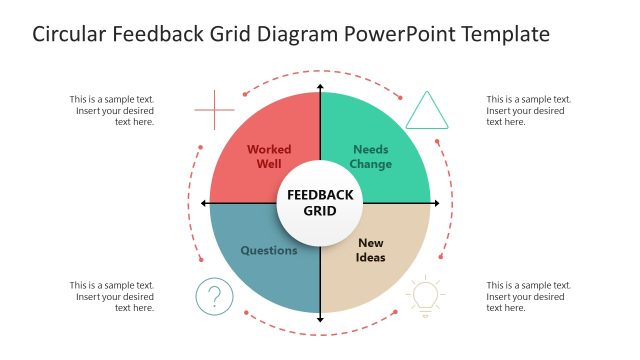
This is a 2-slide 16:9 presentation template for explaining 360 evaluation and feedback concepts. It shows a centered employee illustration surrounded by reviewer silhouettes, a circular feedback metaphor, and title text areas in two color themes. The vector scene is editable in Microsoft PowerPoint and Google Slides.
- Category
- People & Silhouettes
- Rating

 Loading...
- Aspect ratio
- 16:9
- Item ID
- 970042-01
- Colors
 Microsoft PowerPoint
  Microsoft Copilot
  Claude for PowerPoint
 Other formats supported
Subscribe today and get immediate
access to download our PowerPoint templates.