Slide 1 of 4 from 3-Step Ribbon Decoration PowerPoint Template
Editable 3-Step Ribbon Decoration PPT Template
3-Step Process Diagram for Presentations
- Diagram
- Comparison Split
- Process Slide
- 16:9
- 100% Editable
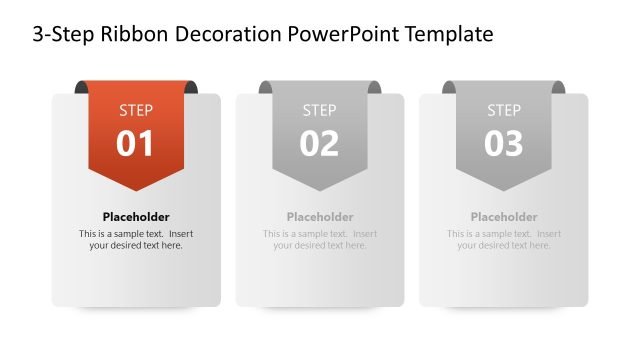
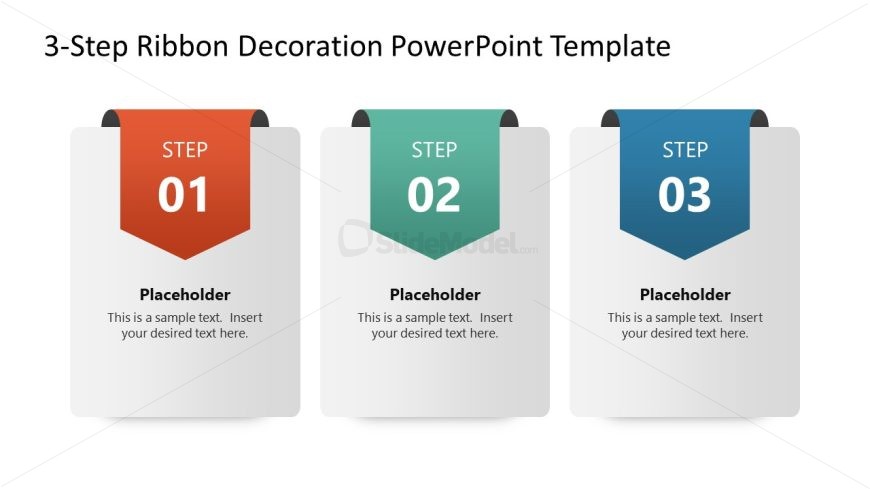
The 3-Step Process Diagram slide from the 3-Step Ribbon Decoration PowerPoint Template offers a structured layout ideal for project management and product development presentations. This slide template features three vertically aligned sections with colorful ribbon headers, designed to clearly communicate sequential stages. It integrates well into business presentations and pitch decks, providing editable slides that enhance clarity and audience engagement through a balanced, visually distinct process flow.
What’s on This Slide
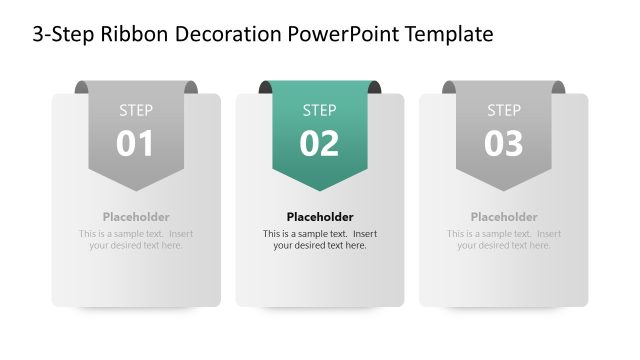
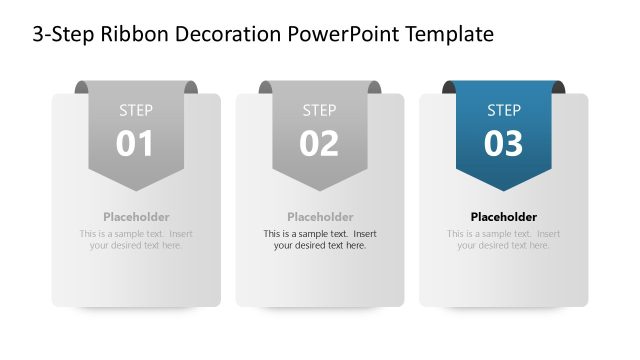
The layout features three vertical sections arranged horizontally. Each section includes a ribbon-like header labeled 'STEP 01', 'STEP 02', and 'STEP 03', respectively. The headers are colored in red, green, and blue, creating a visual hierarchy. Below each header is a text placeholder aligned centrally, allowing for descriptive content. The sections have rounded corners and are separated by slight spacing. The background is a light gradient, enhancing the overall clarity of the elements. Each section is of equal size, contributing to a balanced composition.
How to Use It
This layout serves as a clear representation of a three-step process, ideal for outlining sequential actions or stages in a project. It fits well in presentations that require a structured approach to explaining processes, such as project management, product development, or event planning. This format is particularly useful for business scenarios where clarity and simplicity are essential for audience understanding, allowing for easy communication of key steps.
Text Placeholders & Capacity
Keep your copy within these limits so it fits without resizing. Body slots can hold roughly 10-12 words each.
| Placeholder | Count | Max characters (approx.) |
|---|---|---|
| Item heading | 3 | 20 |
| Item body | 3 | 60 |
Slide Keywords
Download unlimited PowerPoint templates, charts and graphics for your presentations with our annual plan.
DOWNLOADReturn to 3-Step Ribbon Decoration PowerPoint Template.