Slide 3 of 4 from 3-Step Ribbon Decoration PowerPoint Template
3-Step Ribbon Decoration Presentation Template
3-Step Ribbon Diagram for Presentations
- Diagram
- Arrow Sequence
- Process Slide
- 16:9
- 100% Editable
The 3-Step Ribbon Diagram from the 3-Step Ribbon Decoration PowerPoint Template offers a clear visual sequence ideal for business presentations involving project timelines or workflow explanations. This slide layout uses editable shapes and vector icons to highlight each step distinctly, making it suitable for corporate presentations or pitch deck templates that require a structured process overview.
What’s on This Slide
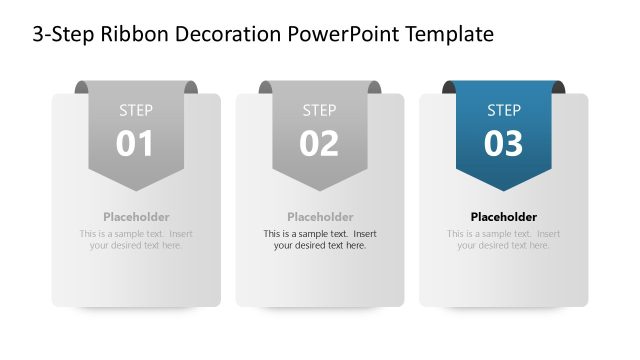
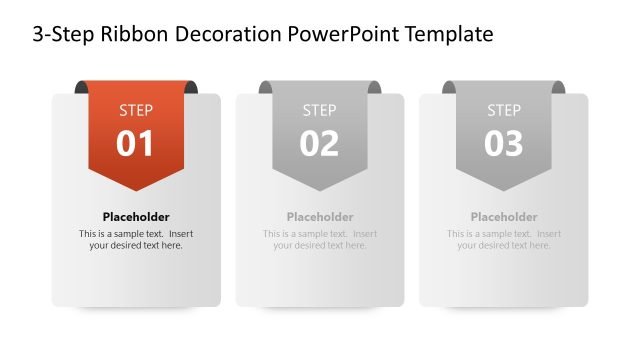
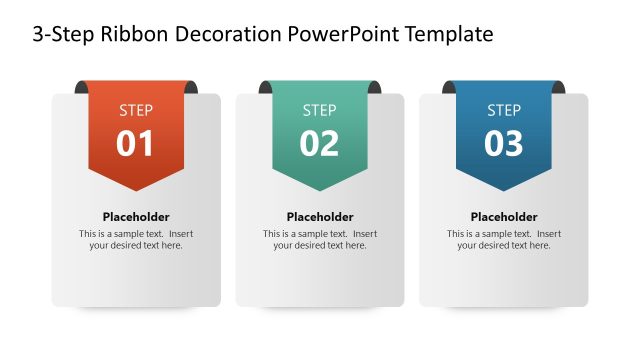
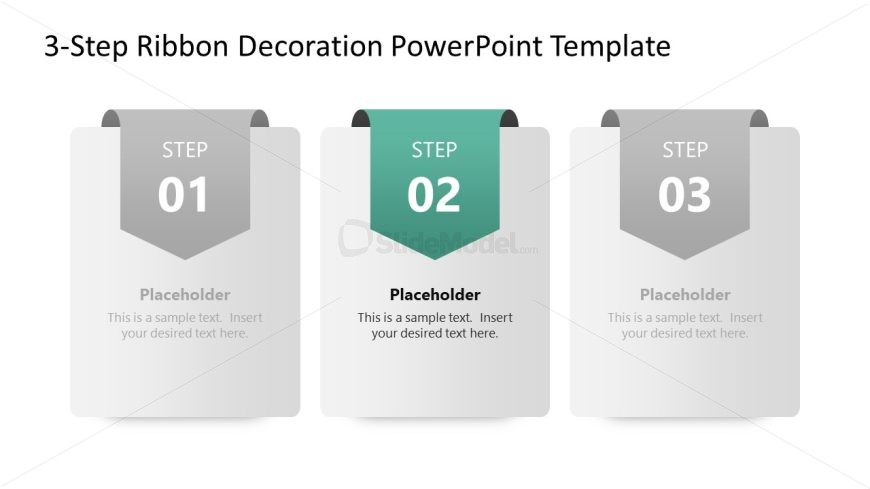
The layout features three vertically aligned ribbon shapes, each representing a step. The first ribbon on the left is labeled 'STEP 01' and is colored in a light gray tone. The central ribbon, labeled 'STEP 02', is highlighted in a teal color, making it visually distinct. The rightmost ribbon, labeled 'STEP 03', returns to the light gray tone. Each ribbon contains a text placeholder at the bottom for additional information. The overall background is a light gradient, enhancing the visual separation of the steps.
How to Use It
This layout functions as a sequential step diagram, ideal for outlining processes or stages in a presentation. It fits well in a series of slides that explain a workflow or project timeline, particularly after an introductory or problem-framing slide. This structure is useful for business scenarios such as project planning, event management, or product launches, where clarity in progression is essential.
Text Placeholders & Capacity
Keep your copy within these limits so it fits without resizing. Body slots can hold roughly 15-20 words each.
| Placeholder | Count | Max characters (approx.) |
|---|---|---|
| Item heading | 3 | 20 |
| Item body | 3 | 100 |
Slide Keywords
Download unlimited PowerPoint templates, charts and graphics for your presentations with our annual plan.
DOWNLOADReturn to 3-Step Ribbon Decoration PowerPoint Template.