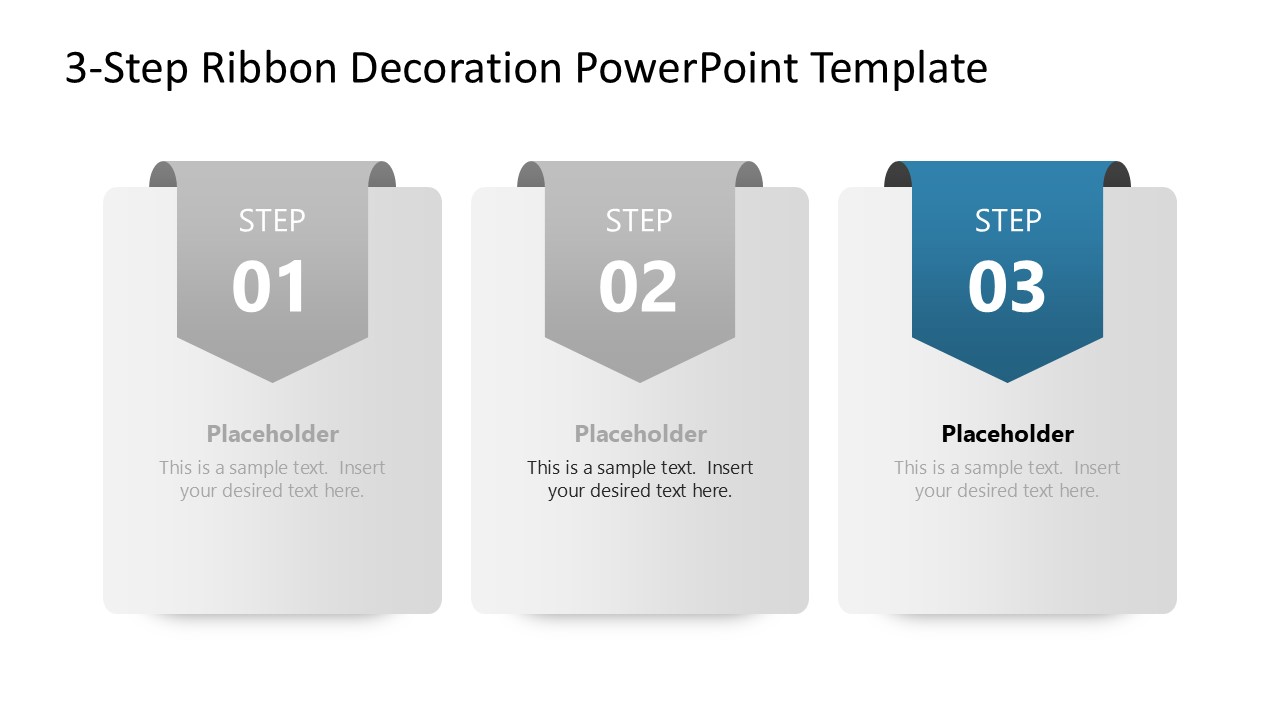
Slide 4 of 4 from 3-Step Ribbon Decoration PowerPoint Template
3-Step Ribbon Decoration PowerPoint Slide
3-Step Ribbon Diagram for Presentations
- Diagram
- Arrow Sequence
- Process Slide
- 16:9
- 100% Editable
The 3-Step Ribbon Diagram from the 3-Step Ribbon Decoration PowerPoint Template illustrates a clear, sequential process ideal for project workflows or marketing phases. This slide layout uses editable shapes with numbered ribbons to emphasize progression, making it suitable for corporate presentations and training sessions. Its clean design and ample white space enhance readability, supporting effective communication in business presentation slide decks.
What’s on This Slide
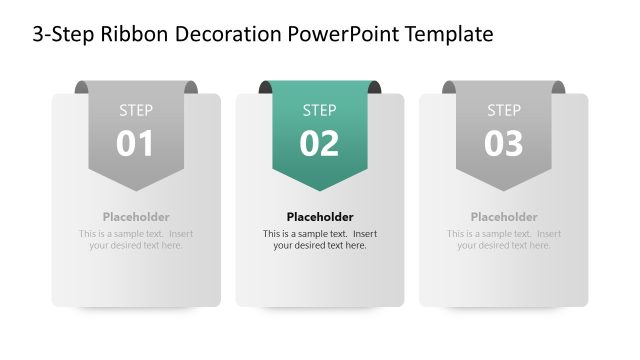
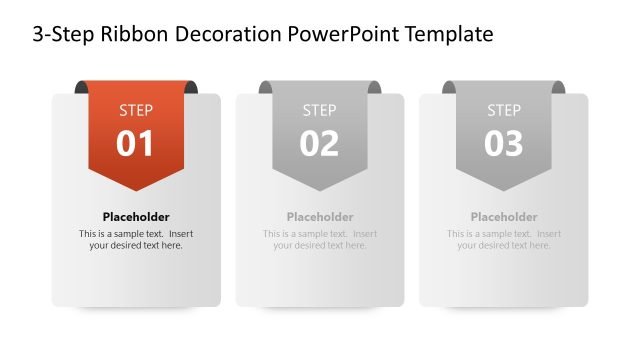
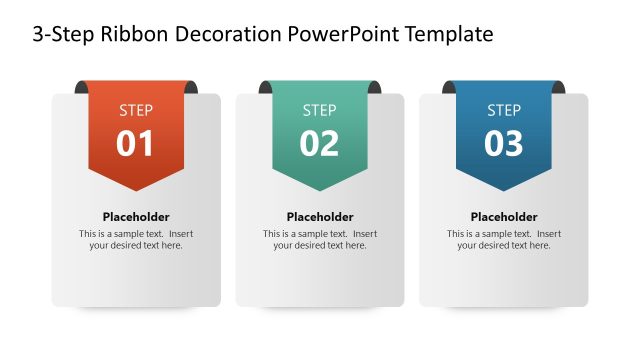
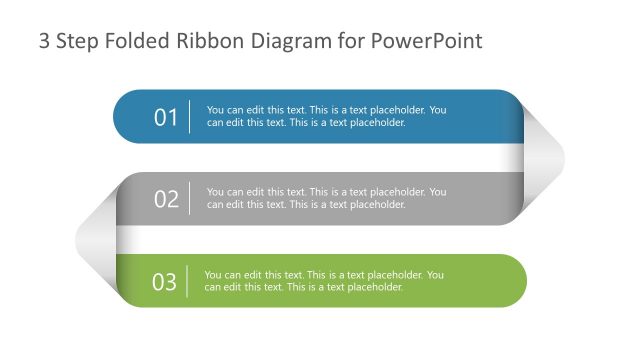
The layout features three vertically aligned ribbon shapes, each representing a step. The first two ribbons are gray, while the third is blue, creating a visual hierarchy. Each ribbon contains a number and a text placeholder for descriptions. The text placeholders are centrally aligned within each ribbon and are positioned below the step labels. The overall composition is clean, with ample white space surrounding the ribbons, enhancing clarity. The background is white, contributing to a professional appearance. The design emphasizes the sequential nature of the steps.
How to Use It
This layout serves as a clear representation of a three-step process, ideal for outlining stages in a project or workflow. It fits well in presentations that require a straightforward explanation of sequential actions or phases. Common scenarios include project management updates, training sessions, and marketing strategies. This slide can effectively communicate progression in a concise manner, making it suitable for both internal and external stakeholder presentations.
Text Placeholders & Capacity
Keep your copy within these limits so it fits without resizing. Node body slots can hold about 10-12 words each.
| Placeholder | Count | Max characters (approx.) |
|---|---|---|
| Item heading | 3 | 15 |
| Item body | 3 | 50 |
Slide Keywords
Download unlimited PowerPoint templates, charts and graphics for your presentations with our annual plan.
DOWNLOADReturn to 3-Step Ribbon Decoration PowerPoint Template.