Slide 3 of 4 from 3-Step Initiatives & Goals PowerPoint Template
Initiatives and Goals 3 Steps PowerPoint
3-Step Initiatives Diagram for Goals Presentation
- Diagram
- Circular Cycle
- Strategy Slide
- 16:9
- 100% Editable
What’s on This Slide
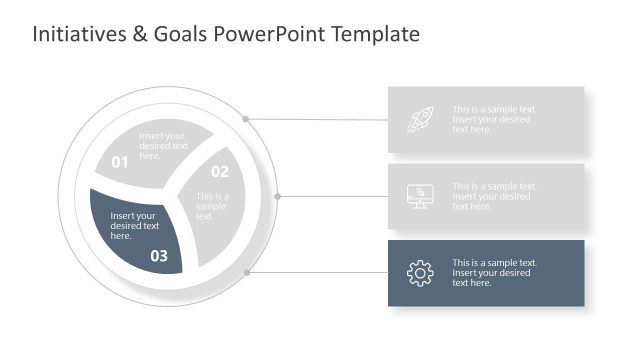
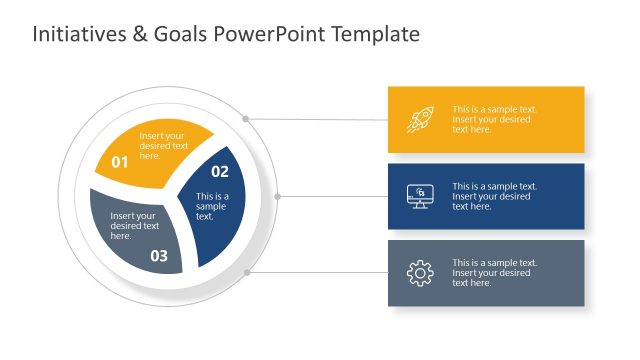
The layout features a circular diagram divided into three segments, with the second segment highlighted in dark blue. The segments are labeled 01, 02, and 03, with placeholder text positioned inside each segment. To the right, there are three rectangular boxes aligned vertically, each containing placeholder text. The top box has an icon of a rocket, the middle box has a computer icon, and the bottom box has a gear icon. The background is light, enhancing the visibility of the elements. The overall composition is balanced, with clear visual hierarchy.
How to Use It
This layout serves as a structured representation of three key initiatives or goals, making it suitable for business presentations. It can effectively illustrate a process or strategy in a sequential manner. Positioned as the third slide in a series, it can follow a problem statement or overview, leading into detailed action items. This format is useful for project planning, strategic initiatives, or goal-setting discussions, allowing for clear communication of objectives and associated actions.
Text Placeholders & Capacity
Keep your copy within these limits so it fits without resizing. Node body slots can accommodate about 10-12 words each.
| Placeholder | Count | Max characters (approx.) |
|---|---|---|
| Item heading | 3 | 20 |
| Item body | 3 | 50 |
| Body paragraph | 3 | 60 |
Slide Keywords
Download unlimited PowerPoint templates, charts and graphics for your presentations with our annual plan.
DOWNLOAD