Slide 1 of 4 from 3-Step Initiatives & Goals PowerPoint Template
3 Steps Goals PowerPoint
3-Step Initiatives Diagram for Goals Presentation
- Diagram
- Circular Cycle
- Strategy Slide
- 16:9
- 100% Editable
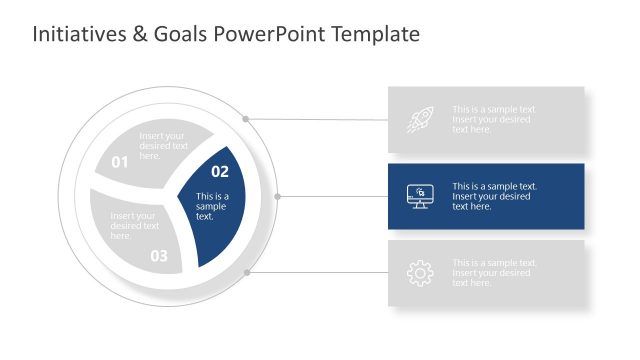
The 3-Step Initiatives Diagram from the 3-Step Initiatives & Goals PowerPoint Template provides a clear circular cycle layout ideal for project planning and strategic initiatives. This slide combines editable shapes and vector icons to visually organize three key goals, making it suitable for business presentations and corporate slide decks that require structured communication of performance objectives.
What’s on This Slide
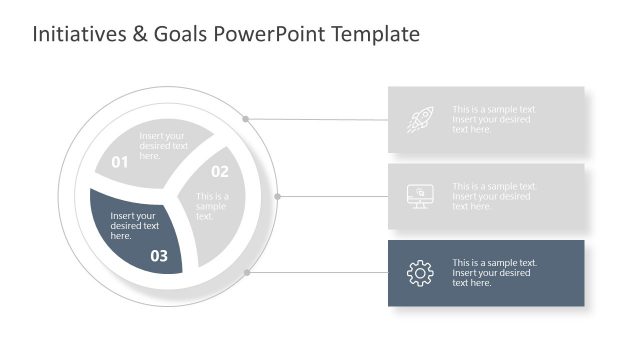
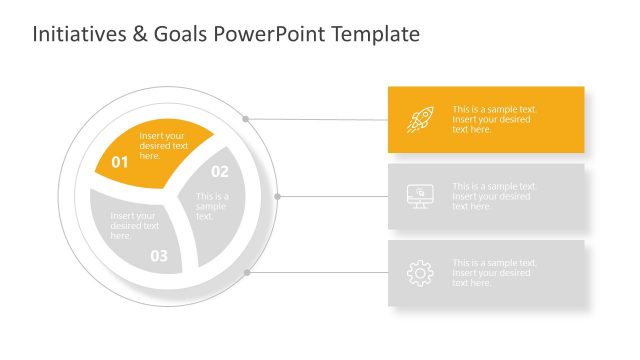
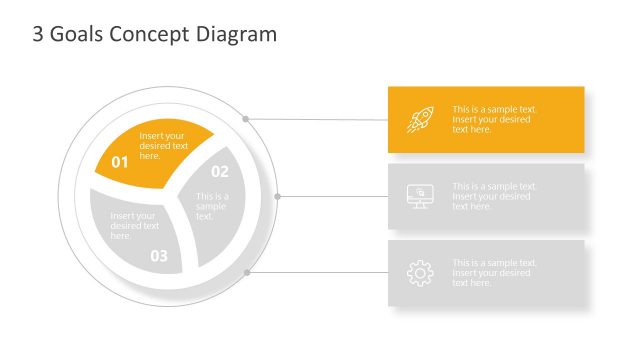
The layout features a circular diagram on the left containing three segments, each labeled with numbers 01, 02, and 03. The segments are colored differently, with the second segment prominently highlighted. Connecting lines extend from the diagram to three rectangular text boxes on the right, arranged vertically. Each box contains placeholders for text, with the first box having a yellow background, the second a blue background, and the third a gray background. The slide title is positioned at the top, creating a clear visual hierarchy.
How to Use It
This layout serves as a structured representation of three key initiatives or goals, ideal for business presentations. It fits well in a sequence following a problem statement, providing a clear transition to proposed solutions. This format is suitable for scenarios such as project planning, strategic initiatives, or performance goals, where clarity and organization are essential for audience understanding.
Text Placeholders & Capacity
Keep your copy within these limits so it fits without resizing. Node body slots can accommodate roughly 10-12 words each.
| Placeholder | Count | Max characters (approx.) |
|---|---|---|
| Slide title | 1 | 40 |
| Item heading | 3 | 20 |
| Item body | 3 | 50 |
Slide Keywords
Download unlimited PowerPoint templates, charts and graphics for your presentations with our annual plan.
DOWNLOAD