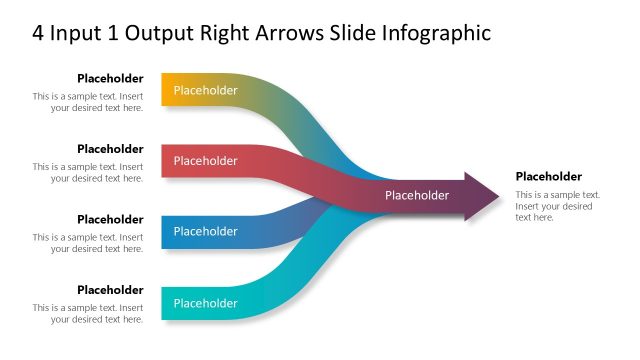
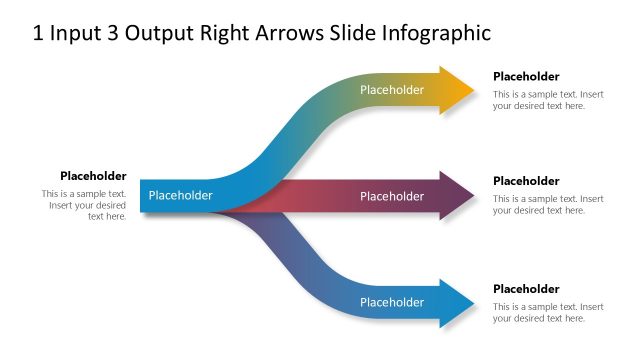
3 Merging Arrows Down PowerPoint Template
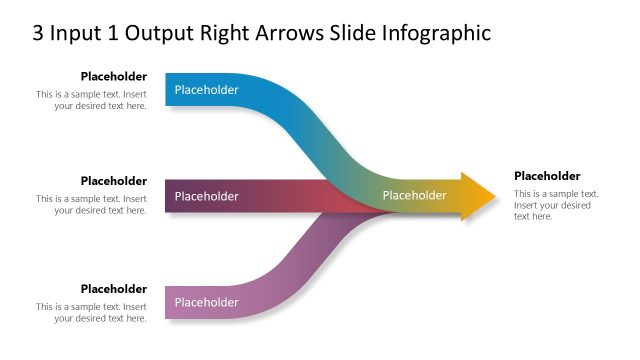
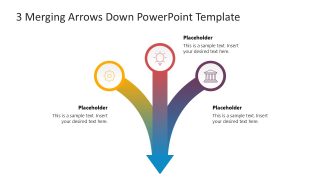
Download our editable 3 Merging Arrows Down PowerPoint Template to showcase the union of three key factors to produce a bigger outcome. Multiple arrows merge into one another to form a single arrow diagram. This arrow diagram is helpful for operational managers to illustrate how different company workflows interconnect to create an organized company system. Marketers, project managers, HR managers, mentors, students, and academic experts can use this creative and straightforward template diagram in their corresponding presentations.
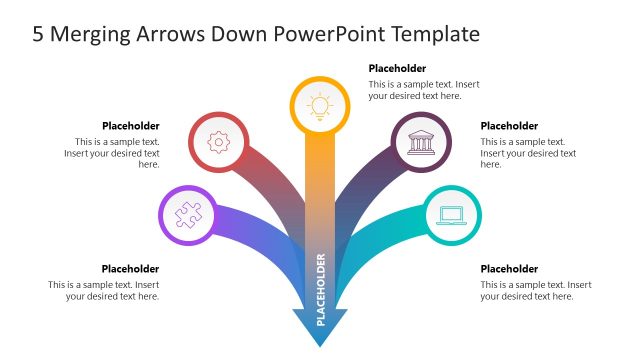
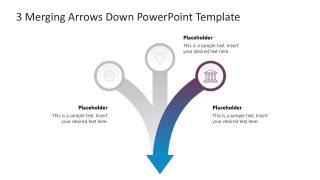
The 3 Merging Arrows Down PowerPoint Template lists three curved arrows that start from the top and merge at the base of the diagram into one arrow. At the start of each arrow, a circular shape with an infographic icon is used to demonstrate the concept visually. The central arrow is straight, while the arrows on the sides are inclined. Each arrow diagram features a unique, bright color scheme that makes the presentation visually appealing and captures the audience’s attention. We have each provided an editable placeholder text segment for the title and description display. In this way, professionals can easily communicate their ideas, thoughts, and plans in the executive meetings.
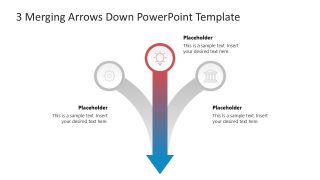
The first slide has a colorful layout, while the remaining three slides feature a spotlight effect, where only one arrow is highlighted with color, while all other segments of the diagram are grey. You can clearly highlight the details of individual points effectively using our diagram. Moreover, users can customize this PPT design according to their needs. You have the option to repurpose the template to communicate the points of your choice. Download the 3 merging arrows down diagram for your executive presentations. Grab it now!



You must be logged in to download this file.
DOWNLOAD- Category
- Diagrams
- Rating

 Loading...
- Size
- 16x9
- Item ID
- 23286-01
- Colors
Subscribe today and get immediate
access to download our PowerPoint templates.