Slide 1 of 4 from 3-Item Diagram PowerPoint Template
Editable 3-Item Diagram PPT Template
3-Item Diagram Slide for Presentations
- Diagram
- Comparison Split
- Process Slide
- 16:9
- 100% Editable
What’s on This Slide
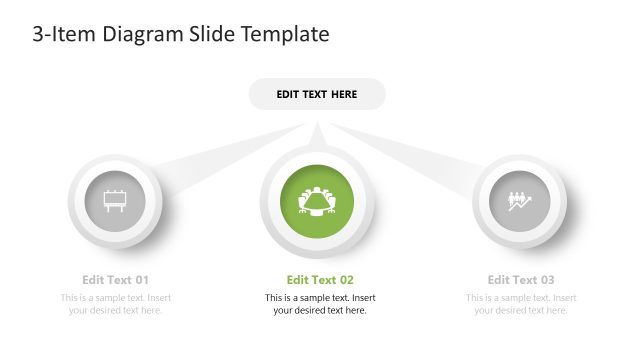
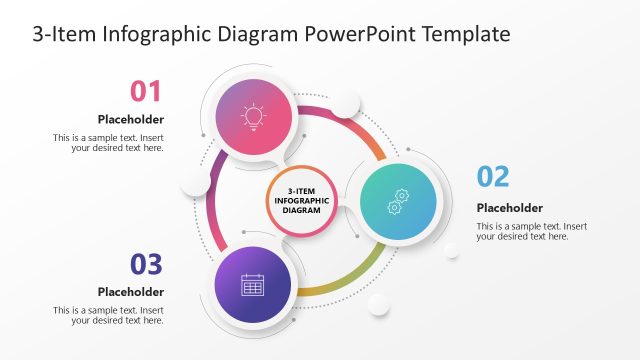
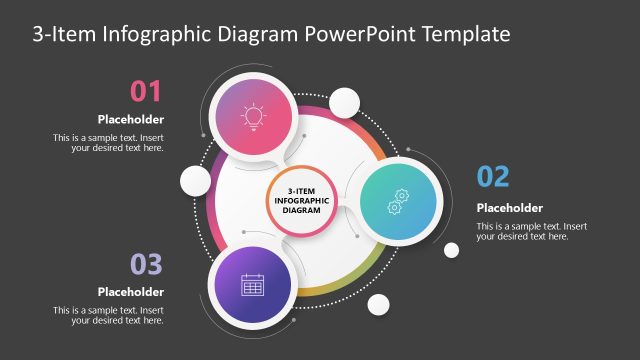
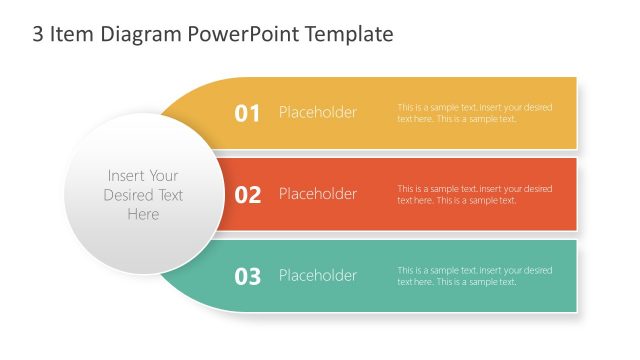
The slide features a central title at the top, with three circular nodes arranged horizontally below. Each node contains an icon and a text placeholder, with the first node on the left, the second in the center, and the third on the right. The nodes are connected by lines that point towards them from a central point above. Each node has a distinct color: red, green, and blue. Text placeholders are aligned below each node, providing space for additional information. The background is white, enhancing the visual clarity of the elements.
How to Use It
This layout serves as a multi-step diagram, ideal for illustrating processes or strategies in a business context. It fits well after an introductory slide, helping to break down complex ideas into manageable parts. Use this structure to present three key points, steps, or components of a strategy. It is suitable for business presentations, project updates, or educational content where clarity and organization are essential.
Text Placeholders & Capacity
Keep your copy within these limits so it fits without resizing. Node body slots can hold roughly 15-20 words each.
| Placeholder | Count | Max characters (approx.) |
|---|---|---|
| Slide title | 1 | 30 |
| Item heading | 3 | 20 |
| Item body | 3 | 100 |
Slide Keywords
Download unlimited PowerPoint templates, charts and graphics for your presentations with our annual plan.
DOWNLOADReturn to 3-Item Diagram PowerPoint Template.