Slide 2 of 4 from 3-Item Diagram PowerPoint Template
3-Item Diagram Template for PowerPoint
3-Item Diagram Slide for Presentations
- Diagram
- Comparison Split
- Process Slide
- 16:9
- 100% Editable
The 3-Item Diagram Slide from the 3-Item Diagram PowerPoint Template offers a clear, editable slide layout for illustrating three-step processes or comparisons. Designed for business presentations and training sessions, this slide uses vector icons and connected nodes to visually communicate project phases or strategic components within professional slide decks.
What’s on This Slide
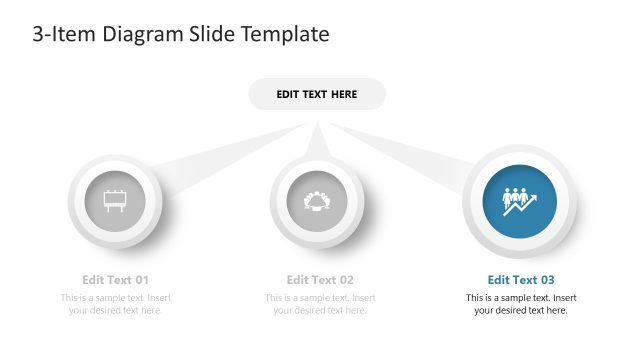
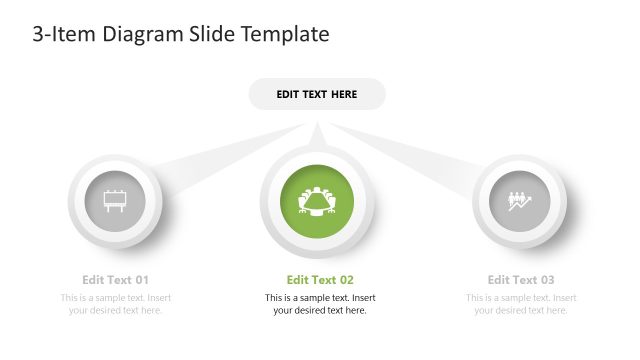
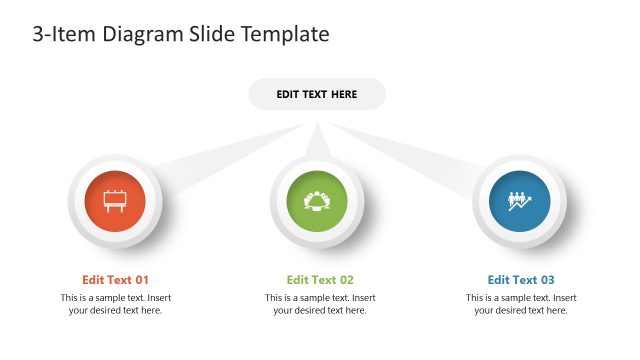
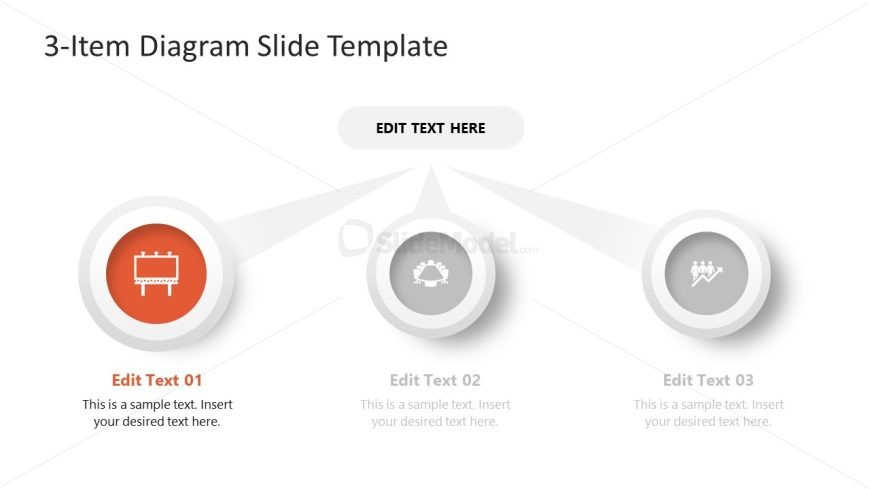
The layout features three circular nodes arranged horizontally. The left node contains an icon of a presentation board, while the center node has an icon of a turtle, and the right node displays an icon of a group of people. Each node has a corresponding text placeholder below it, aligned centrally. The nodes are connected by arrows pointing from the center node to each side node, indicating a flow. The background is white, providing contrast to the colored nodes, which have a shadow effect for depth.
How to Use It
This layout serves as a three-step process diagram, ideal for illustrating sequential actions or concepts. It fits well after a problem slide, leading into solutions or strategies. Use this structure in business presentations to outline phases of a project, steps in a strategy, or key components of a plan. It can also be effective for training sessions to summarize learning objectives or processes.
Text Placeholders & Capacity
Keep your copy within these limits so it fits without resizing. Node labels can hold about 30 characters each, while body text can accommodate around 100 characters.
| Placeholder | Count | Max characters (approx.) |
|---|---|---|
| Item heading | 3 | 30 |
| Item body | 3 | 100 |
Slide Keywords
Download unlimited PowerPoint templates, charts and graphics for your presentations with our annual plan.
DOWNLOADReturn to 3-Item Diagram PowerPoint Template.