Slide 1 of 1 from 3 Inner Concepts PowerPoint Template
3 Inner Circle Concept PowerPoint
Three Inner Concepts Diagram for Presentations
- Diagram
- Concentric Rings
- Concept Explanation Slide
- 16:9
- 100% Editable
What’s on This Slide
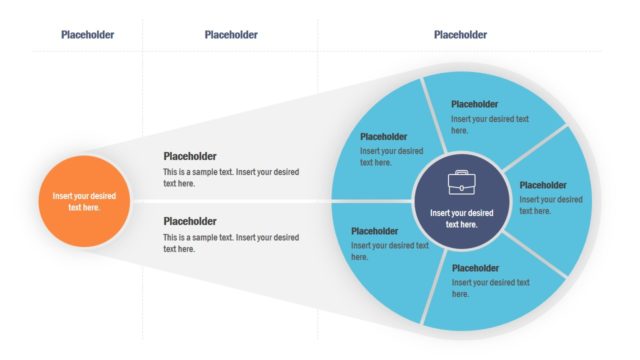
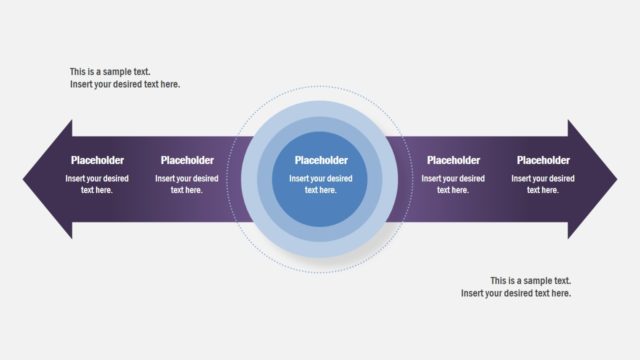
The layout features a left section with stacked rectangular placeholders and a right section with concentric circles. The left side contains three horizontal rectangles aligned vertically, each with a placeholder for text. Below these, a circular icon with a plus sign indicates an option to add more content. The right side displays three overlapping circles in varying shades of blue, with placeholders for text inside each circle. The overall composition is balanced, with clear visual separation between the two sections.
How to Use It
This layout serves to illustrate three interconnected concepts or categories, making it suitable for presentations that require visual representation of relationships. It fits well after introducing a problem and before outlining solutions. Ideal scenarios include explaining product features, presenting strategic initiatives, or comparing different aspects of a project. The design allows for easy customization to fit specific content needs while maintaining a clear structure.
Text Placeholders & Capacity
Keep your copy within these limits so it fits without resizing. Body slots are tight, roughly 10-15 words each.
| Placeholder | Count | Max characters (approx.) |
|---|---|---|
| Item body | 3 | 50 |
| Body paragraph | 4 | 100 |
Slide Keywords
Download unlimited PowerPoint templates, charts and graphics for your presentations with our annual plan.
DOWNLOADReturn to 3 Inner Concepts PowerPoint Template.